AI tool
Draft
Draft is a privacy-first local workspace that captures AI chats via a browser extension, saves MHTML blobs to local browser storage, and converts them into editable, searchable notes for organizing and reusing AI answers.
About Draft
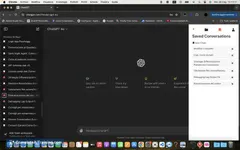
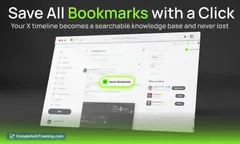
Draft is a browser extension and local workspace that captures AI chat conversations and converts them into editable, searchable notes. It preserves formatting, supports audio playback, and keeps saved content available offline so you can edit and share when needed.
Review
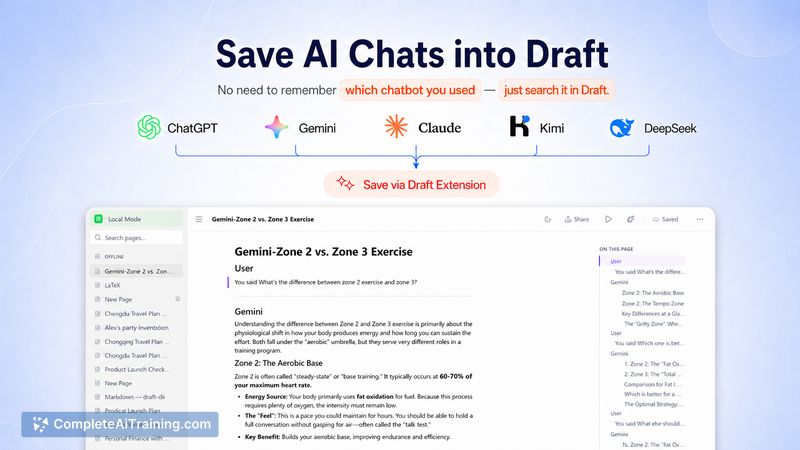
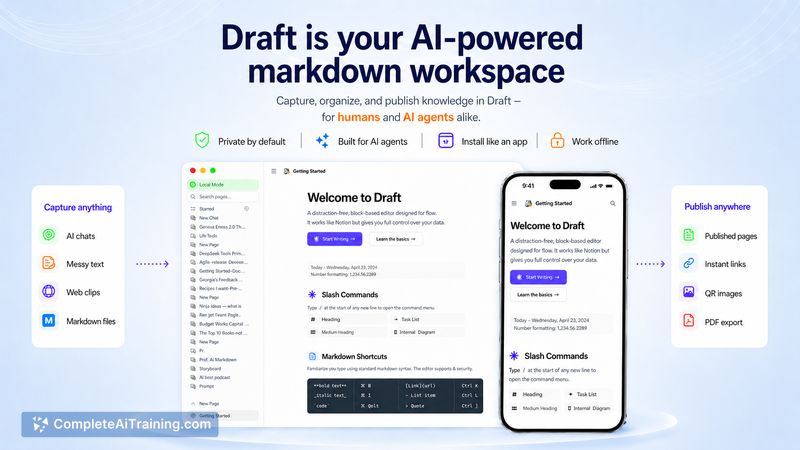
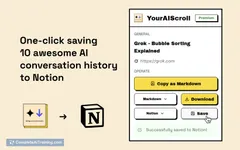
Draft addresses the common problem of losing useful answers from AI chats by letting you save conversations with a single action. The app follows a privacy-first, local-first approach and is free to use during its beta period, making it easy to test without creating an account.
Key Features
- One-click capture of AI chat windows into a local workspace
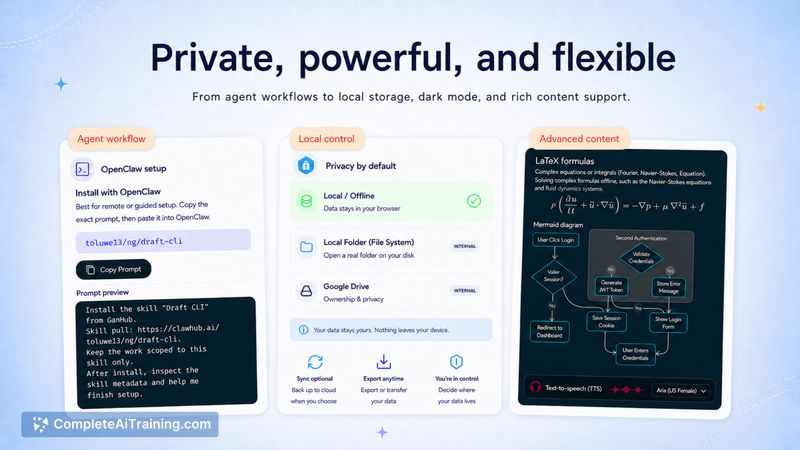
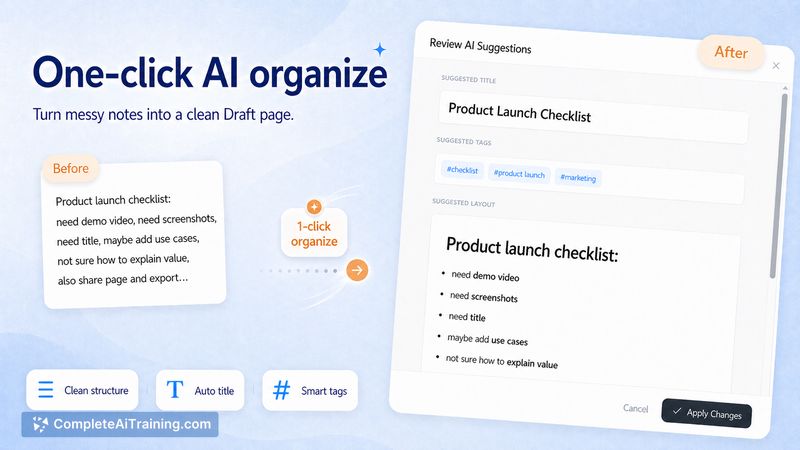
- Editable WYSIWYG notes that preserve formatting, including formulas and toggled sections
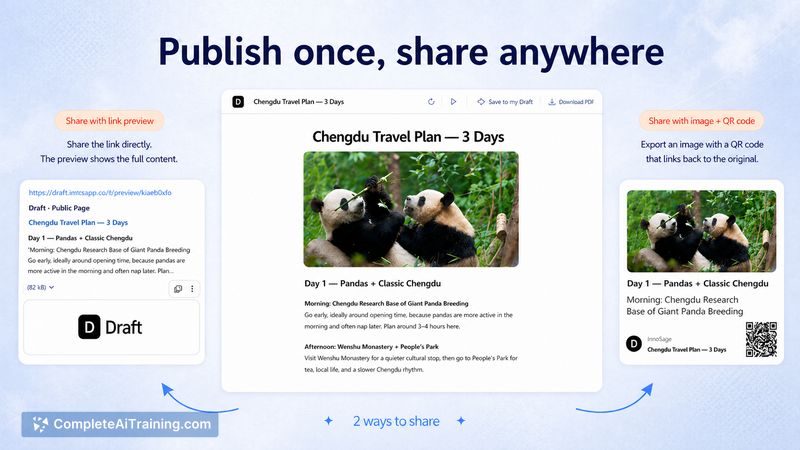
- Searchable knowledge base with export and sharing options
- Text-to-speech playback and offline access to saved conversations
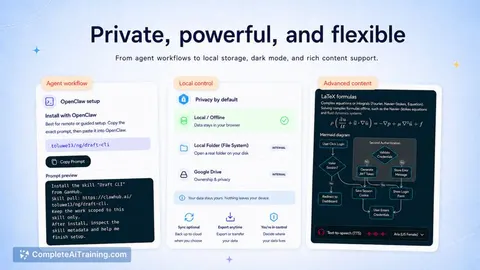
- Local storage with backup/restore options and plans for user-controlled storage choices
Pricing and Value
Draft is free to use while in beta, which makes it low-risk to try. Its value proposition centers on saving time and reducing fragmented workflows by turning transient chat exchanges into reusable notes stored on your device. For users who rely on multiple AI services and want a private way to collect useful outputs, Draft can cut down on manual copy-paste work. Paid plans or additional sync features may appear after beta to support cross-device backup and advanced integrations.
Pros
- Saves valuable AI chat content quickly and keeps formatting intact
- Local-first storage model that prioritizes user privacy and control
- Supports audio playback and offline access for on-the-go review
- Searchable, editable notes make it easy to reuse and refine captured answers
- Simple extension-based workflow with no mandatory account required in beta
Cons
- Local storage can be lost if backups are not configured; users should enable available backup options
- Auto-capture depends on the chat interface structure and may need updates when those interfaces change
- Advanced sync and cloud backup features are limited or not yet available in beta
Overall, Draft is best suited for people who interact with multiple AI chat services and want an easy, private way to collect and reuse helpful responses - for example researchers, students, writers, and developers. If you need immediate cross-device sync or enterprise-grade backups, expect to wait for future updates, but for local-first capture and tidy storage of AI outputs, Draft is a practical starting point.
Jobs Draft suits
Useful in almost any job. We checked Draft against 500+ jobs; these get the most out of it.
Alternatives to Draft
Other tools that do the same main job. Our AI compared Draft with similar tools and kept the ones you could use instead.