AI tool
Personal AI Memory
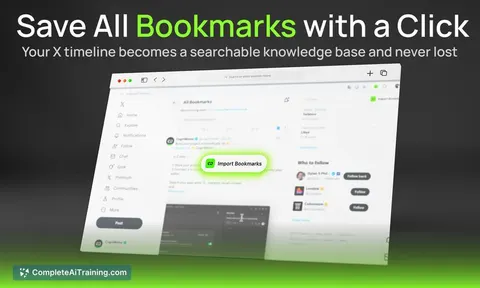
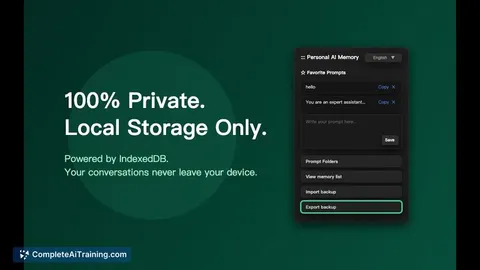
Personal AI Memory silently captures and indexes your chats locally - no servers or API keys - so you never lose context across LLMs or browsers. Import or export ChatGPT and Google Takeout data with one click.
About Personal AI Memory
Personal AI Memory is a browser extension that captures and organizes conversations from multiple AI chat platforms and stores them locally. It aims to give users a unified, searchable snapshot of their chat history without sending data to external servers.
Review
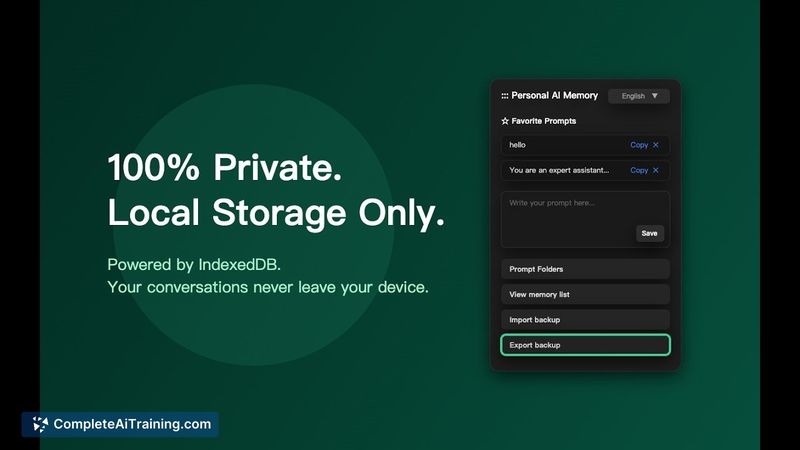
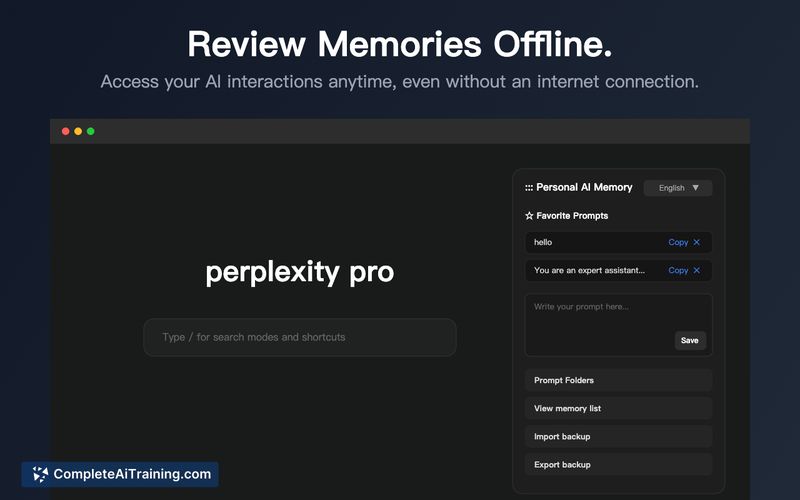
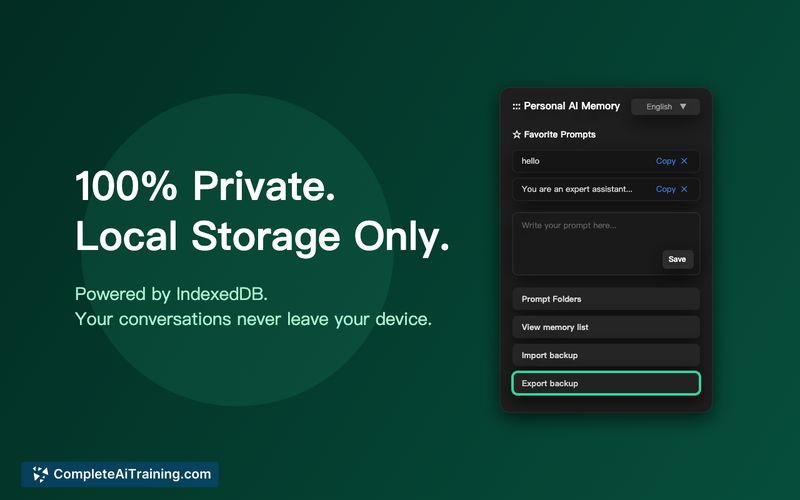
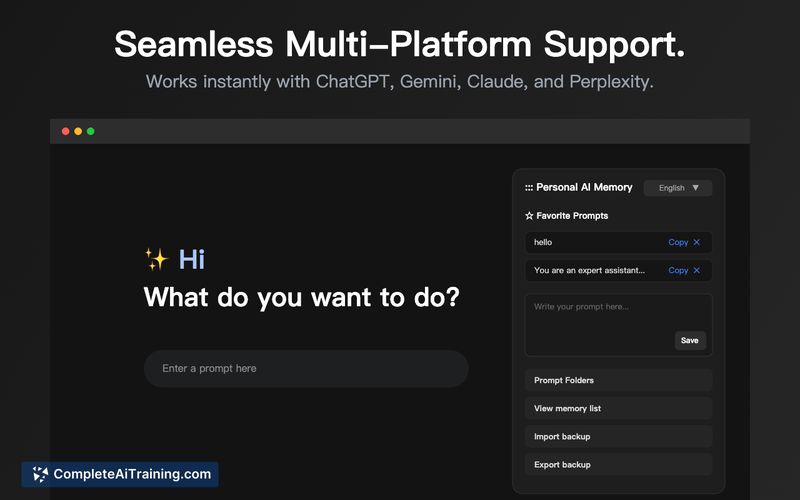

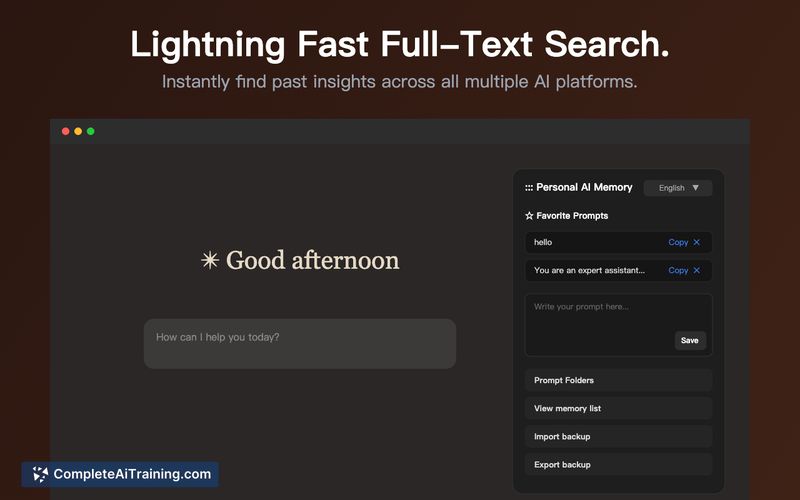
Personal AI Memory addresses a common friction: keeping context across different AI chat services without manual copy-paste. The extension focuses on local storage, passive capture, and easy import/export, making it a practical tool for users who want persistent conversational context while minimizing external data exposure.
Key Features
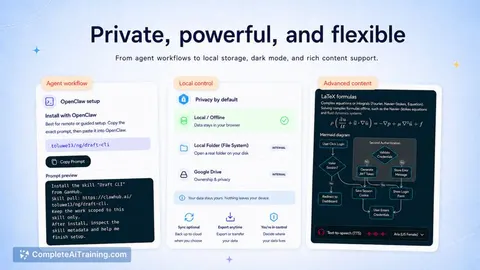
- Zero-server, privacy-first local storage using the browser's sandboxed IndexedDB so data stays on your device.
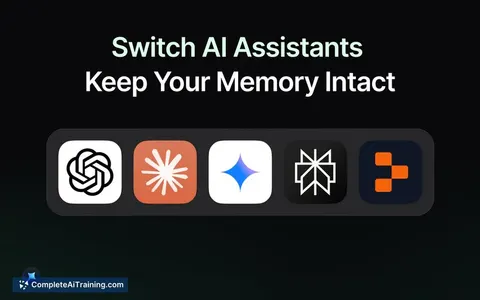
- Passive background capture that records conversations from supported platforms (ChatGPT, Gemini, Claude, Perplexity, and more) without changing your workflow.
- In-browser embeddings and indexing (via client-side libraries) to enable local search and recall without cloud APIs.
- Seamless import/export of conversation data, including support for common exports like Google Takeout and ChatGPT logs.
- Open source Chrome extension that does not require API keys or external backend services.
Pricing and Value
The tool launches as a free, open source extension. Its value proposition is strongest for users who prioritize privacy and local control over their conversational history and want to maintain cross-platform context without a paid cloud service. For those who need cross-device synchronization or enterprise-grade backups, additional tooling or manual export/import will be required.
Pros
- Stores conversations locally, reducing the risk of external data exposure.
- Passive capture preserves context across multiple AI chat services, saving time and effort.
- Open source and free, which helps with transparency and community inspection.
- Supports direct import/export to move or back up your memory graph.
- Runs embeddings and indexing in-browser, avoiding server costs and API dependencies.
Cons
- Local-only storage means data can be lost if the browser profile is cleared, the device is lost, or backups are not maintained.
- No built-in cloud sync across devices, which may be limiting for users who expect seamless multi-device access.
- As a browser extension, it requires permissions that some users may be uncomfortable granting, and large memory graphs can strain browser resources.
Personal AI Memory is best suited for privacy-conscious users who frequently switch between AI chat platforms and want a single, local store of their conversations. It also appeals to technically minded users who prefer open source tools and local-first workflows; organizations or individuals needing automatic multi-device sync or managed backups should plan for supplemental solutions.
Jobs Personal AI Memory suits
Useful in almost any job. We checked Personal AI Memory against 500+ jobs; these get the most out of it.
Alternatives to Personal AI Memory
Other tools that do the same main job. Our AI compared Personal AI Memory with similar tools and kept the ones you could use instead.