AI tool
ExcelBot
ExcelBot lets you create, edit, and copy Excel formulas or VBA code using simple natural language commands, making spreadsheet automation and coding accessible for users of all skill levels.
About ExcelBot
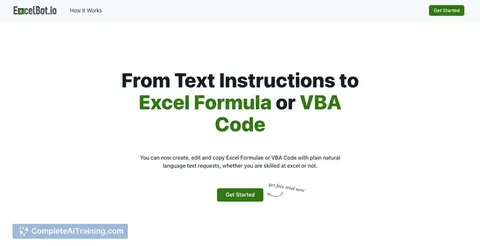
ExcelBot is an AI-powered tool that helps users create, edit, and copy Excel formulas or VBA code using simple natural language instructions. It caters to both beginners and experienced Excel users by simplifying formula and code generation without requiring deep technical knowledge.
Review
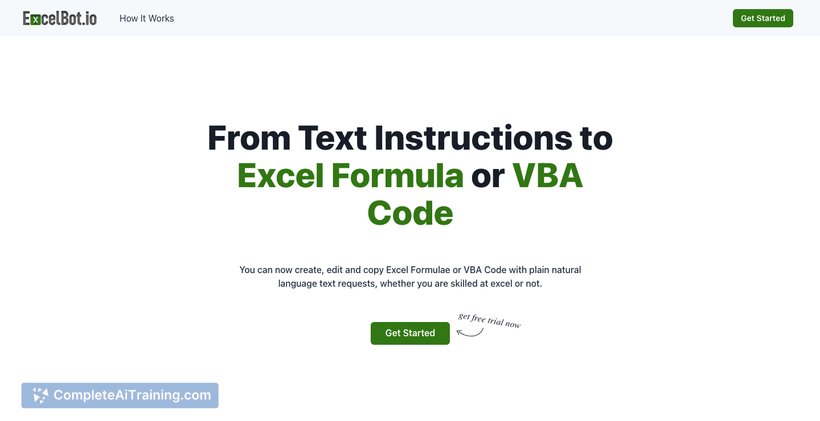
ExcelBot offers a practical solution for anyone who frequently works with Excel but struggles with complex formulas or VBA scripting. By translating plain text requests into functional Excel code, it saves time and reduces frustration, making spreadsheet tasks more accessible. The tool's web-based interface ensures easy access without the need for installation.
Key Features
- Convert natural language instructions into Excel formulas or VBA code effortlessly.
- Supports formula creation, editing, and copying for various spreadsheet tasks.
- User-friendly web platform accessible from any device with internet access.
- Free usage options available to try out core functionalities.
- Updated AI backend for improved speed and accuracy in generating results.
Pricing and Value
ExcelBot offers a free tier that allows users to test basic features, making it accessible for casual or occasional users. For more advanced needs or higher usage, there are paid plans with enhanced capabilities and faster processing times. The pricing structure is straightforward and competitive, providing good value especially for professionals who regularly handle complex Excel tasks.
Pros
- Easy to use for both novices and advanced Excel users.
- Significantly reduces time spent on writing formulas or VBA code manually.
- Accessible via web without requiring any downloads or installations.
- Supports a wide range of Excel functions and scripting needs.
- Offers free access for users to explore basic features.
Cons
- Dependent on internet connection as it is web-based.
- May occasionally require clarification or adjustment for very complex formulas.
- Limited offline support or integration with desktop Excel applications.
ExcelBot is ideal for individuals or small teams who frequently work with Excel but want to reduce time spent on formula writing or VBA coding. It suits users from beginners looking to learn formulas to professionals seeking to automate routine spreadsheet tasks quickly. Its web accessibility and free tier make it a convenient tool to keep handy for improving spreadsheet productivity.
Jobs ExcelBot suits
We checked ExcelBot against 500+ jobs; these get the most out of it.
Alternatives to ExcelBot
Other tools that do the same main job. Our AI compared ExcelBot with similar tools and kept the ones you could use instead.