AI tool
Fudge MCP
Fudge MCP extracts visual taste and dominant design patterns from websites instead of just scraping colors and fonts. It helps designers capture consistent brand aesthetics even when source pages contain mixed styles.
About Fudge MCP
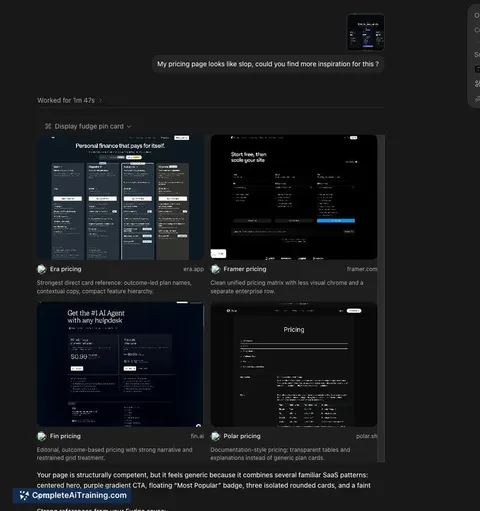
Fudge MCP is a design reference engine that lets AI agents pull concrete design details from nearly 10,000 real websites. Instead of prompting for abstract aesthetic qualities, an agent can search by fonts, colors, components, layouts, page types, or visual similarity. The tool runs locally through the Model Context Protocol and includes a Chrome extension for saving references during browsing.
Review
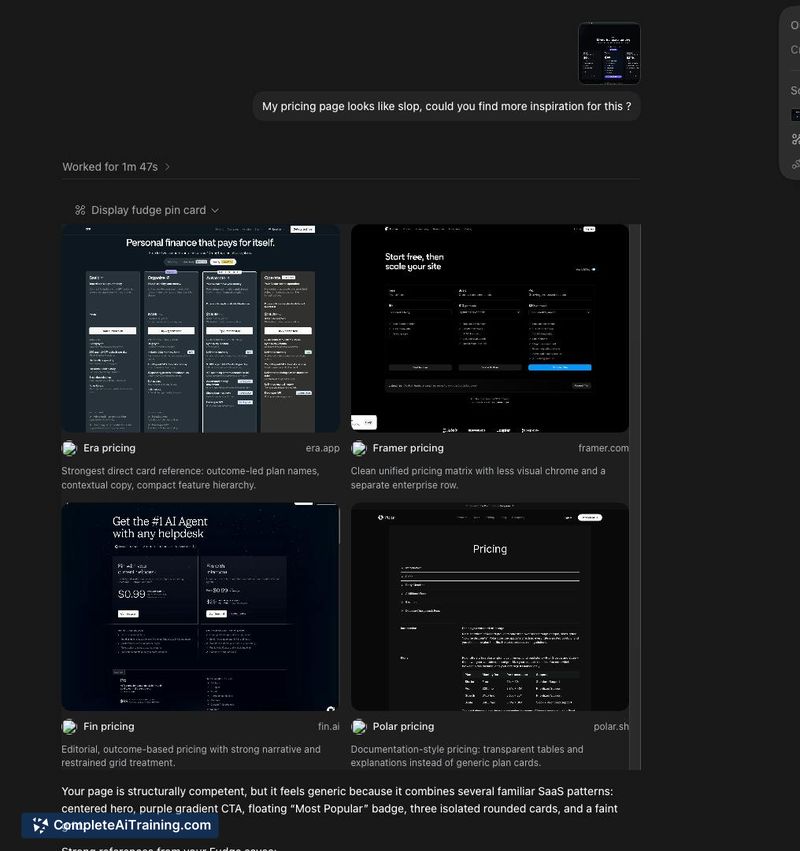
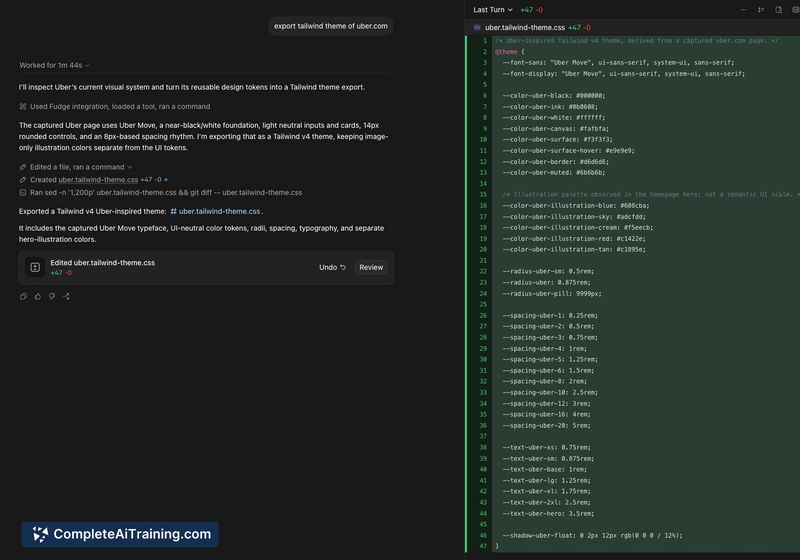
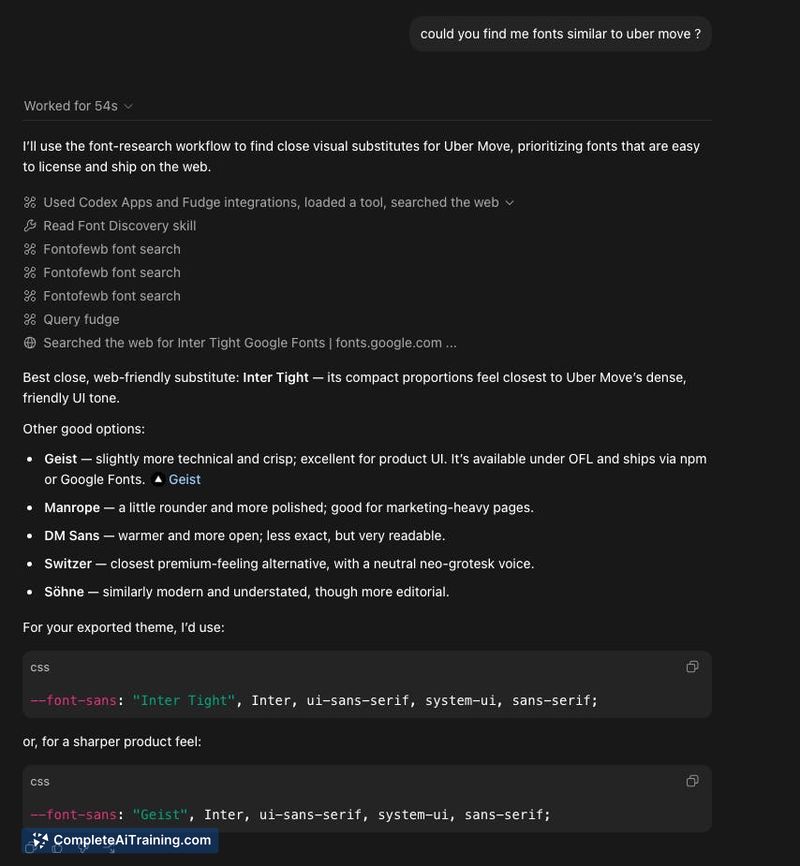
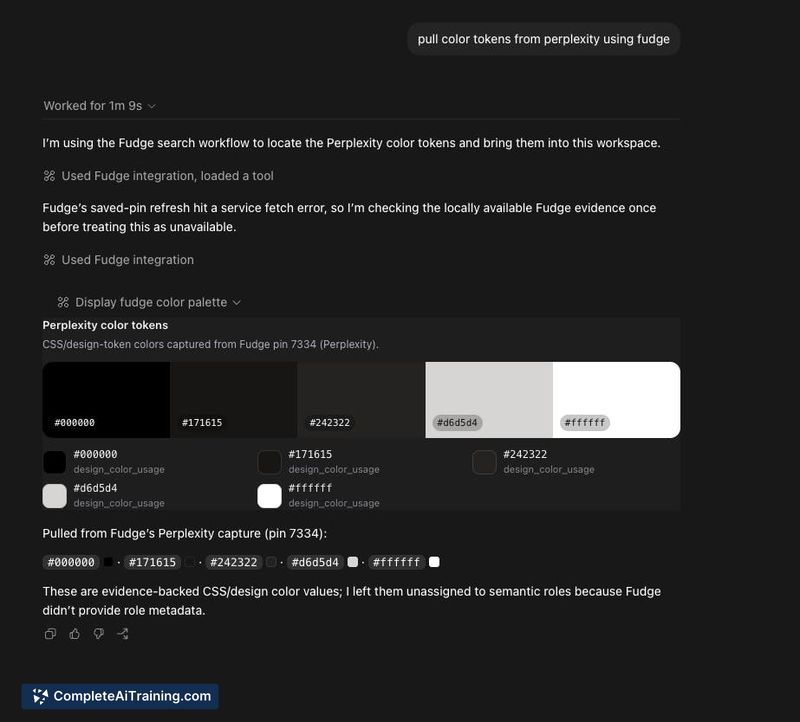
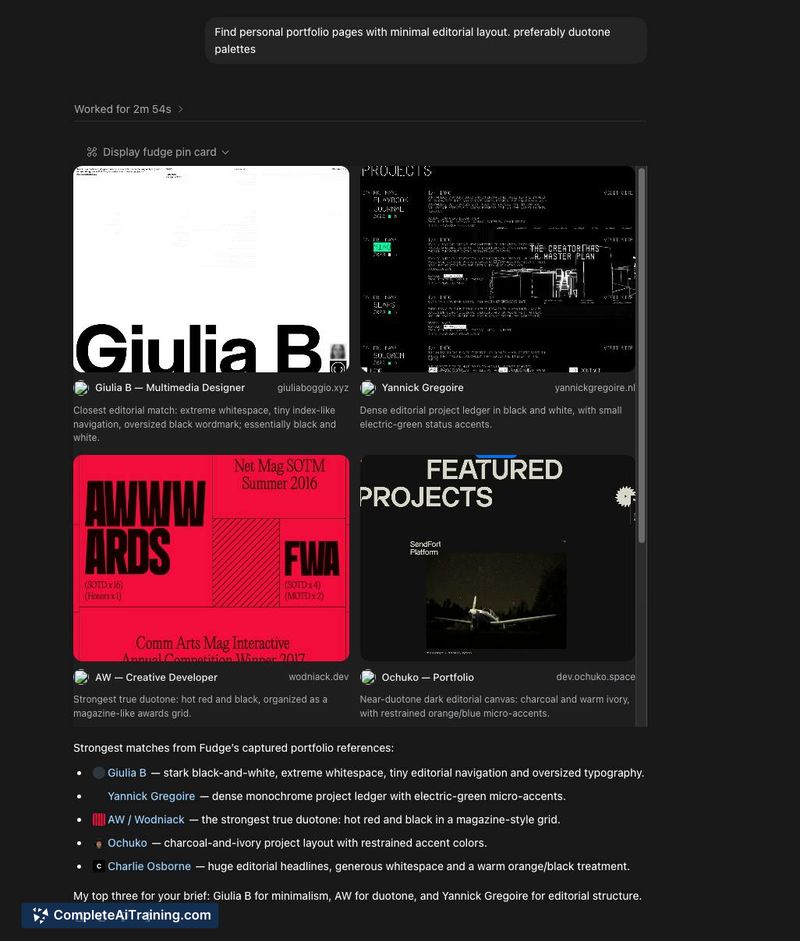
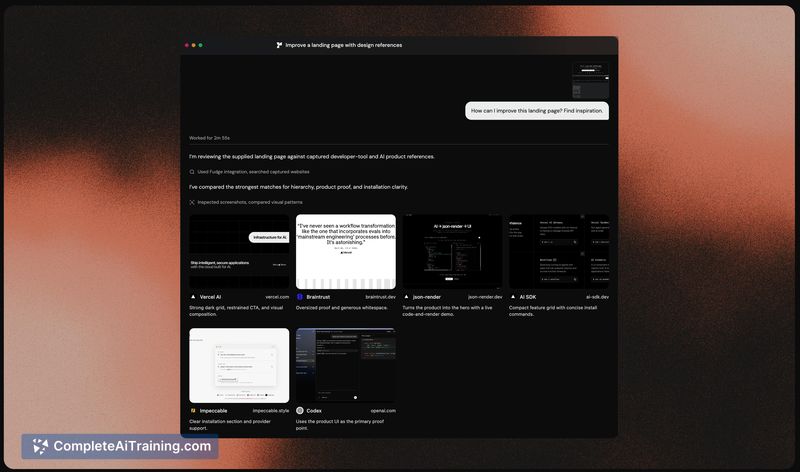
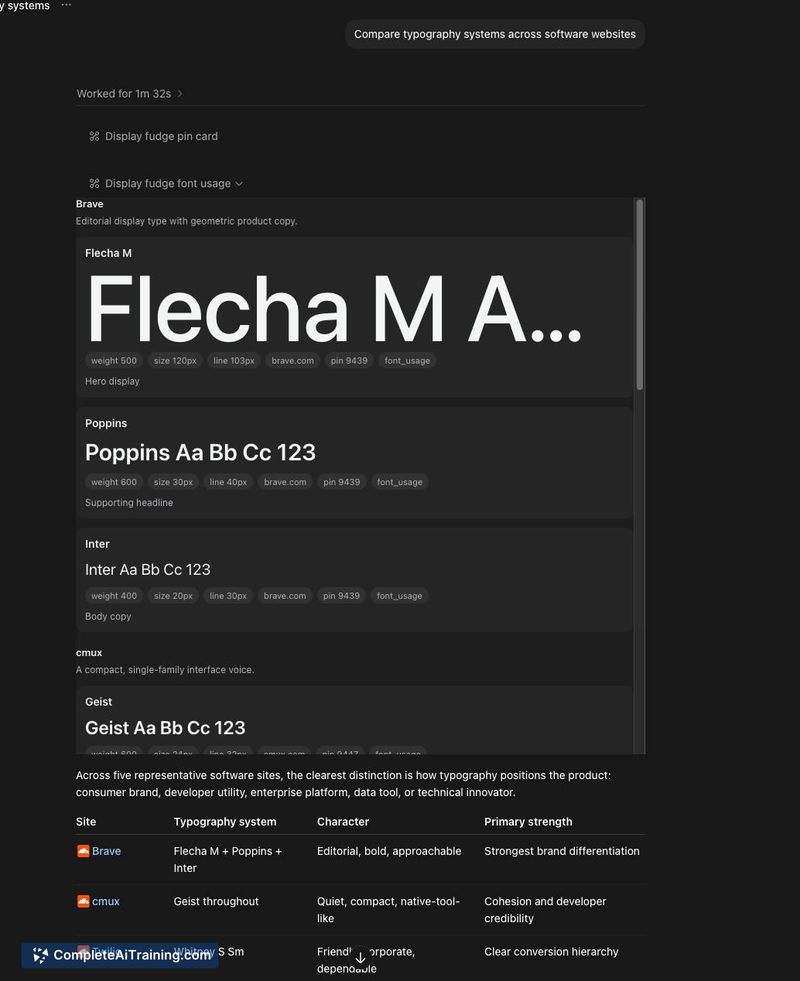
Fudge MCP addresses a specific friction point in AI-assisted design: translating subjective taste into actionable data. It functions as a searchable database of measured design evidence, not a generator itself. The agent's output quality depends heavily on how you instruct it to use the references, which leaves room for both flexibility and inconsistency.
Key Features
- Search across roughly 10,000 websites using filters for fonts, colors, components, layouts, page types, and visual similarity.
- Chrome extension that saves design references locally as you browse.
- Runs locally via MCP, giving agents direct access to the reference data without a cloud dependency for queries.
- Delivers actual design attributes (font names, hex codes, spacing values) rather than screenshots alone.
Pricing and Value
The product page lists free options, but no specific pricing tiers or plans are detailed. As a newly launched tool, its long-term pricing model is not yet defined.
Pros
- Replaces vague design adjectives with measurable data points like exact colors and font stacks.
- Visual similarity search can surface layouts that would otherwise take manual browsing to find.
- Local MCP setup keeps reference retrieval fast and avoids sending browsing data to external servers.
- Chrome extension integrates reference saving into an existing workflow without switching tools.
- Database of nearly 10,000 sites provides a broad starting pool for inspiration.
Cons
- The tool itself does not enforce taste or blend references; that responsibility falls entirely on the AI agent's prompt engineering, which can lead to outputs that over-index on a single close match and resemble a specific brand too closely.
- No built-in filtering by industry or site category (e.g., e-commerce, SaaS) - the search relies on the available attribute filters, so targeting a particular vertical requires manual curation.
- It is not well suited for teams that need to extract and replicate a coherent design system from a site mid-rebrand, as the tool treats all scraped properties equally and may mix conflicting patterns.
Fudge MCP fits best in workflows where a developer or designer already uses an AI coding agent and wants to ground its output in real-world examples rather than generic trends. It serves as a reference layer, not a design copilot, and works well for those comfortable writing precise agent instructions. Users looking for a one-click style transfer or automated brand extraction will likely find it too hands-on.
Jobs Fudge MCP suits
We checked Fudge MCP against 500+ jobs; these get the most out of it.