
AI tool
agor
Agor: real-time collaboration with instant cursor sync, mobile agent prompting, built-in scheduler, MCP-backed self-aware agents, session trees on canvas, and shared dev environment management.
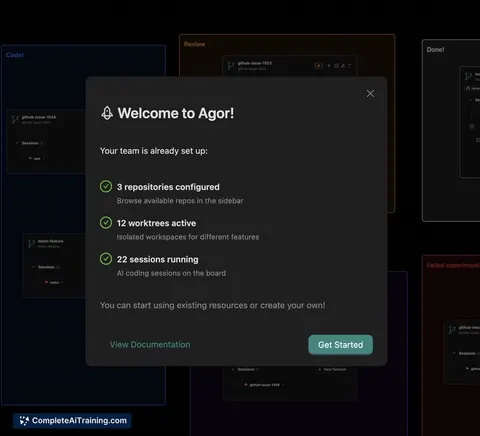
About agor
agor is an orchestration platform for running multiple AI coding agents in a shared, multiplayer workspace. It combines real-time collaboration tools, session trees, and integrated git worktree management to help teams coordinate agent-driven development.
Review
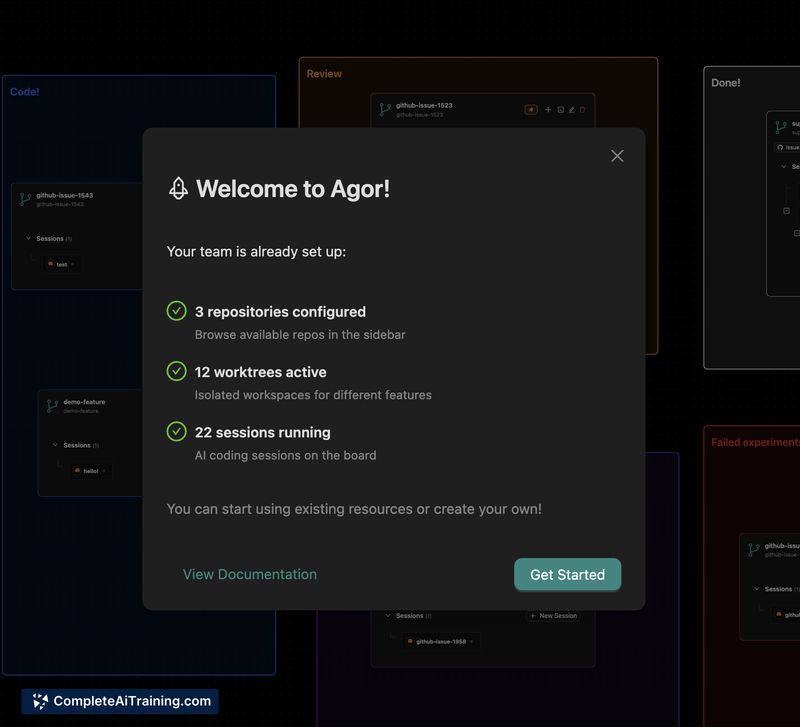
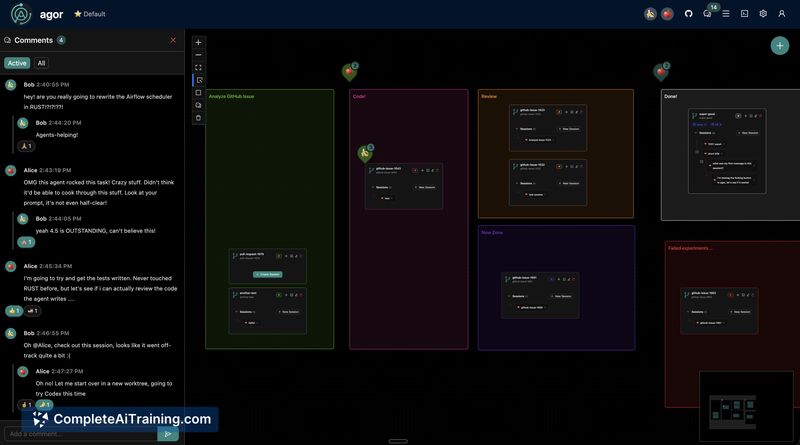
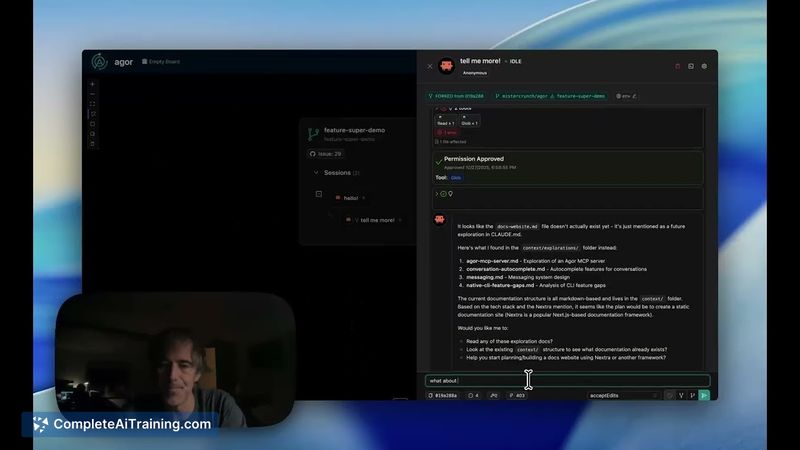
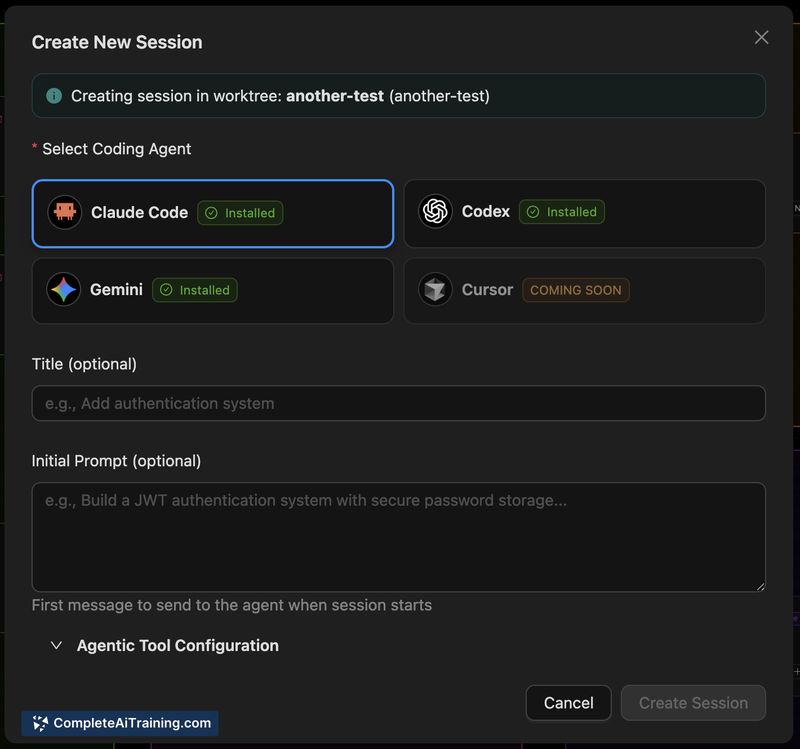
This tool concentrates on coordinating multiple agents and human contributors around code features by mapping each feature to an isolated worktree card on a board. The interface emphasizes instant cursor sync, session forking, and task scheduling so teams can manage agent activity and track which git snapshot each message relates to.
Key Features
- Real-time collaboration with instant cursor sync for multi-user editing.
- Agent orchestration across multiple model types (examples include common coding models) inside a single multiplayer workspace.
- Automatic git worktree integration per board card, with git SHA tags attached to messages for traceability.
- Session forking and subsession spawning displayed as session trees on the canvas for branching agent workflows.
- Built-in scheduler and mobile web support for prompting agents and managing tasks on the go.
Pricing and Value
The launch notes indicate a free offering and open source orientation. For engineering teams exploring multi-agent workflows, agor provides value by reducing the overhead of manual branch handling and by making agent activity visible and auditable via git SHAs. The integrated scheduler, session visualization, and mobile access further lower friction for coordinating agents and teammates across features.
Pros
- Clear mapping of features to isolated worktrees helps prevent accidental overwrites and simplifies parallel work.
- Instant cursor sync and multiplayer board make collaborative editing feel immediate and intuitive.
- Session trees and subsessions provide a visible history of agent interactions and forks.
- Supports multiple agent models and an internal MCP server so agents can be workspace-aware.
- Mobile site and built-in scheduling enable on-the-go prompts and task coordination.
Cons
- As a newly launched product, documentation and third-party integrations may be limited at first.
- Teams unfamiliar with git worktree workflows will face a learning curve to use the branching model effectively.
- Allowing many concurrent agents can require governance and clear prompts to avoid conflicting outputs.
Overall, agor is best suited for software engineering teams and AI-focused development groups that want a visual, git-aware environment for coordinating multiple coding agents. Smaller teams or users without an established git workflow may want to evaluate the learning overhead before adopting it for production work.
Jobs agor suits
We checked agor against 500+ jobs; these get the most out of it.



