AI tool
AI Designer MCP
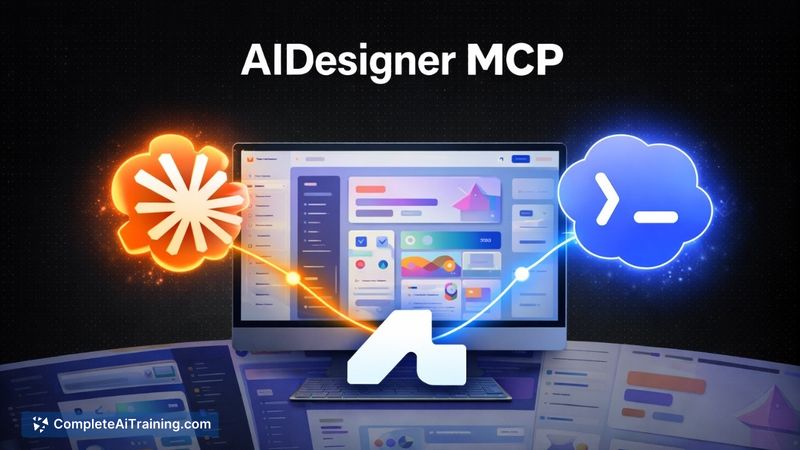
AI Designer MCP gives agents the tools to create codebase-aware, polished frontend UI inside your existing client-replacing generic gradients and icons with clean, product-fit layouts that integrate with your codebase.
About AI Designer MCP
AI Designer MCP is a toolkit that gives coding agents the ability to generate polished, code-aware user interfaces from a single prompt. It can produce landing pages, dashboards, mobile screens, and components quickly, then let you refine them on an infinite canvas with direct editing of text, buttons, links, and images.
Review
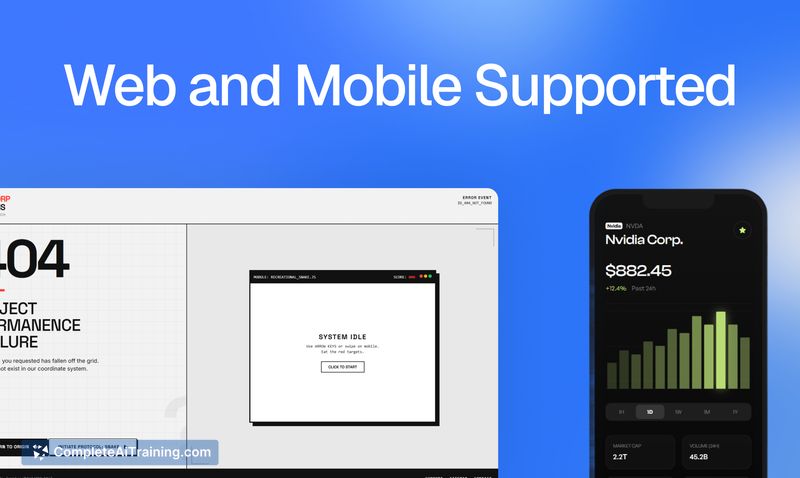
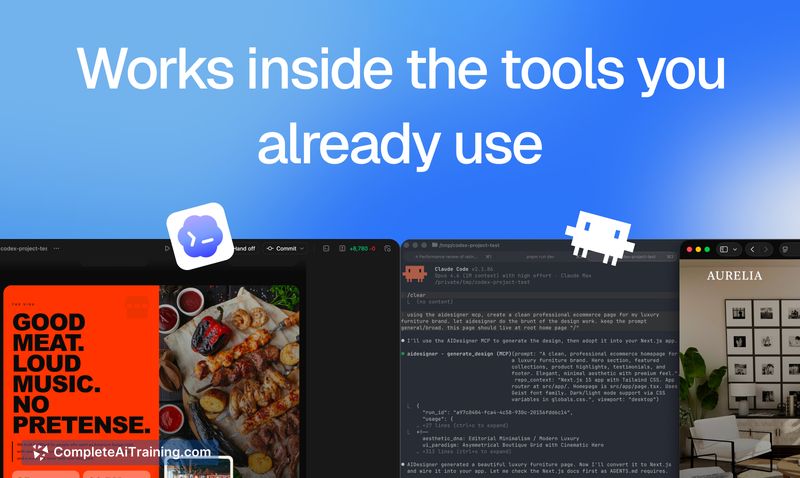
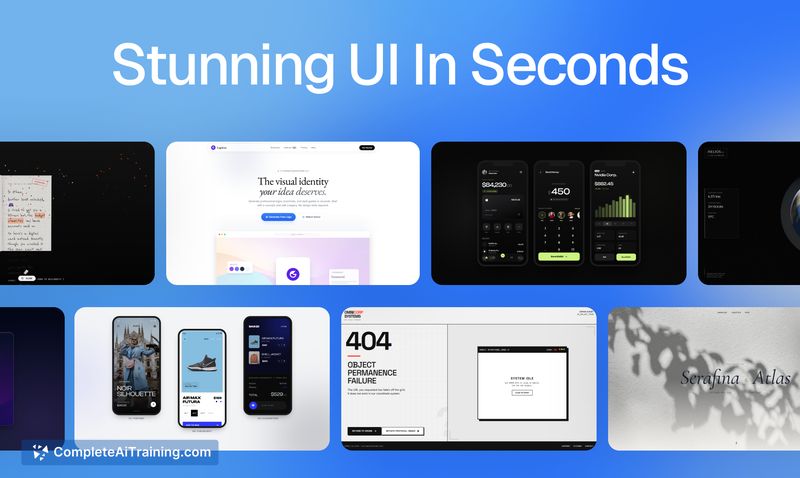
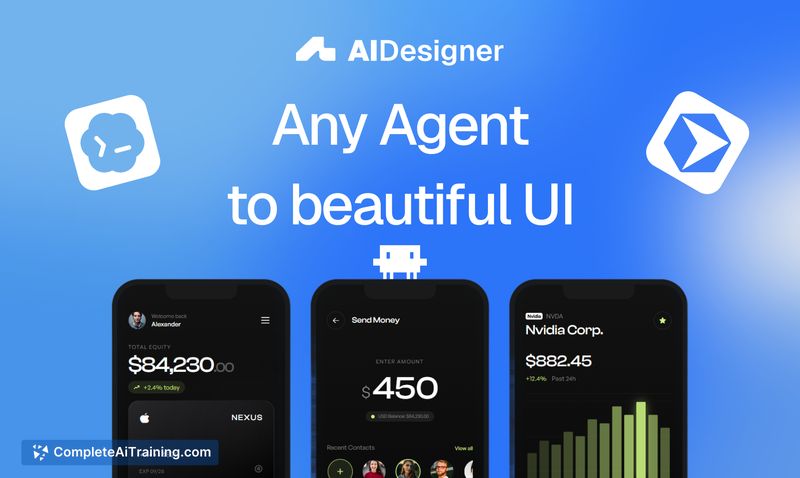
This tool focuses on closing the gap between frontend coding agents and practical UI design by providing contextual access to a project's codebase and design system. Instead of exporting designs out of a separate app, AI Designer MCP lets an agent produce UI that fits an existing project and present both preview images and raw code for review before any changes are committed.
Key Features
- Codebase-aware UI generation: agents reference your project context so output matches existing components and styles.
- Single-prompt design creation: create pages and components from a short prompt in seconds.
- Infinite canvas with direct editing: edit text, buttons, images and other elements inline for quick iteration.
- Design system support: agents can generate or reference a design.md file so future designs remain consistent.
- Artifact workflow: each design is saved as both raw code and a preview image to simplify human review before commits.
Pricing and Value
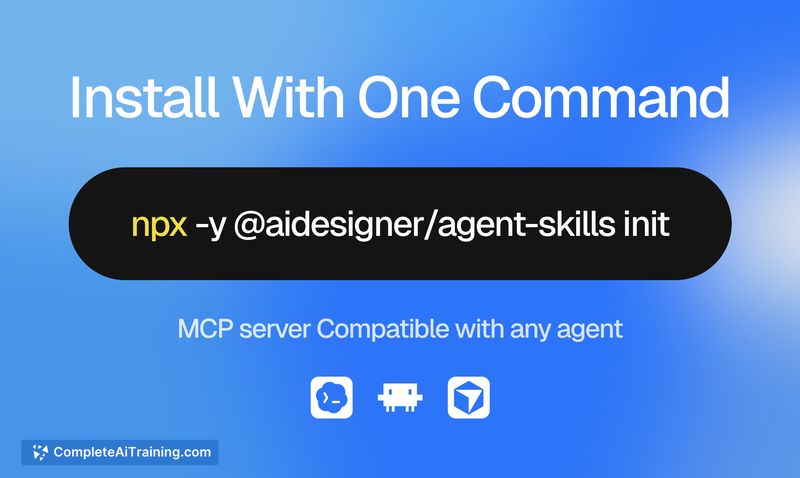
AI Designer MCP is free to try, with setup described in the documentation and a simple installation command to give your agent the MCP and skill files. While specific paid tiers are not detailed on the launch page, the tool's value comes from reducing context switching between design and development and from providing a tighter review loop by storing both previews and code artifacts. For teams that spend time moving designs between tools, this can save both time and friction.
Pros
- Produces UI that aligns with an existing codebase and design choices.
- Saves time by enabling agents to generate usable screens from brief prompts.
- Easy review process with raw code plus preview images before committing changes.
- Simple setup-install the MCP and skill files with a command to get started.
- Avoids generic "vibe-coded" outputs and overused visuals, aiming for more relevant layouts.
Cons
- Full consistency depends on how well the agent is fed project context and how strict your review process is.
- Launch documentation and long-term pricing details are limited at the time of release.
- Some edge cases can still require manual adjustment to meet tight design contracts.
Overall, AI Designer MCP is best suited for developers and small teams who want their agents to create UI that integrates directly with their codebase and design system. It works well as a time-saver for prototyping new screens and for revamping existing pages, provided a clear review step is maintained before changes are committed. For anyone curious about trying it, the docs and a free trial are available: AI Designer MCP documentation.
Jobs AI Designer MCP suits
We checked AI Designer MCP against 500+ jobs; these get the most out of it.
Alternatives to AI Designer MCP
Other tools that do the same main job. Our AI compared AI Designer MCP with similar tools and kept the ones you could use instead.