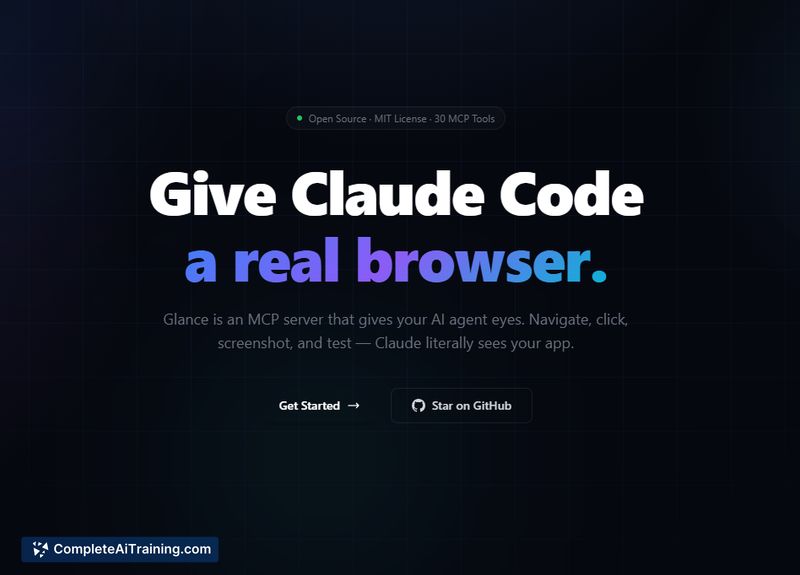
About Glance
Glance is an open-source MCP server that gives code-focused AI assistants access to a real browser environment. It exposes roughly 30 automation tools so an assistant can capture screenshots, interact with pages, fill forms, record sessions, and run multi-step end-to-end tests directly from a terminal.
Review
Glance aims to bridge the gap between text-based assistants and visual browser feedback by making pixels and interactions available to the assistant. The project includes a test scenario runner that produces screenshots at each step and incorporates security controls such as rate limiting and URL filtering. In reported usage, it has shown strong reliability for multi-step testing workflows.
Key Features
- Real browser access with a suite of approximately 30 automation tools for navigation, clicking, form filling, screenshots, and recording.
- Inline screenshots that let an assistant inspect actual pixels and provide context-aware responses or test validations.
- Multi-step end-to-end test runner that converts plain-language scenarios into executable steps and captures screenshots at each stage.
- Visual regression and session recording capabilities to support UI testing and audit trails.
- Security-oriented controls including profiles, rate limiting, and URL filtering to reduce risk during automated runs.
Pricing and Value
Glance is offered as an open-source, free-to-use project, making it accessible for individual developers and teams without licensing costs. Its value lies in reducing manual checks and context switching by enabling assistants to see and interact with pages, which can speed up debugging, QA, and automated testing tasks. Organizations should account for hosting, maintenance, and integration effort when estimating total cost of ownership.
Pros
- Open-source and free to run, enabling customization and self-hosting.
- Provides actual browser screenshots so assistants can reason about visual state rather than guess.
- Built-in test runner and visual regression support streamline end-to-end testing from plain-language scenarios.
- Includes security features like rate limiting and URL filtering to help control automated activity.
- Reported strong reliability in production multi-step test suites.
Cons
- Primarily a command-line/developer-focused tool, so non-technical users may face a learning curve.
- Integration requires assistants that accept external browser tooling, which may limit plug-and-play use with some setups.
- Complex visual assertions or pixel-diff workflows may need additional tooling or configuration for edge cases.
Glance is best suited for developers, QA engineers, and teams that need an assistant-aware browser for automated testing, visual checks, and debugging. It is less ideal for users who prefer GUI-first tools or who lack developer resources to integrate and maintain a self-hosted service.
Open 'Glance' Website
Your membership also unlocks: