AI tool
Google Chrome Skills
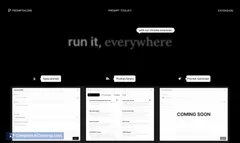
Google Chrome Skills turns your best prompts into reusable one-click workflows in Chrome - save from chat, run across pages or tabs, edit and reuse from a built-in library, with confirmation and privacy safeguards.
About Google Chrome Skills
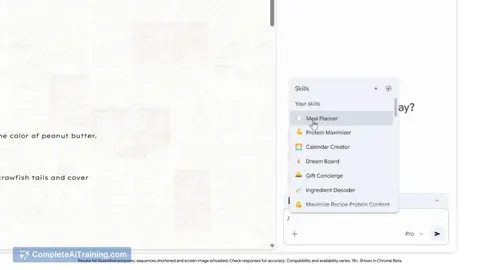
Google Chrome Skills is a browser feature that converts frequently used AI prompts into reusable, one-click workflows within Chrome. It lets users save prompts from chat history, customize them, and run those actions across a page or multiple tabs for quicker results.
Review
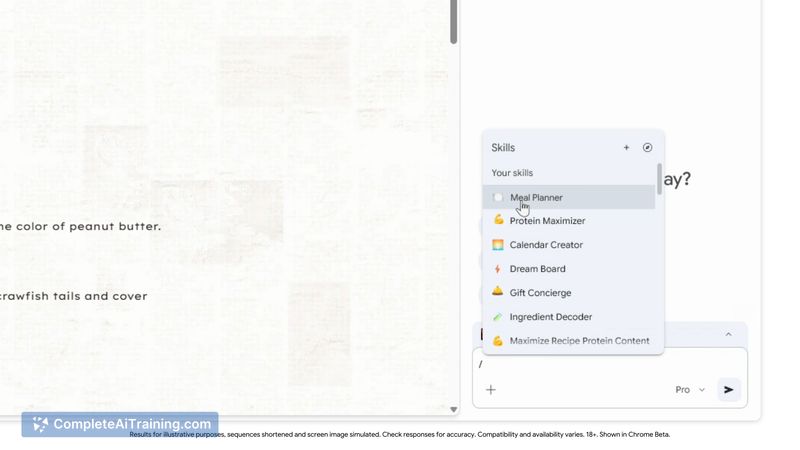
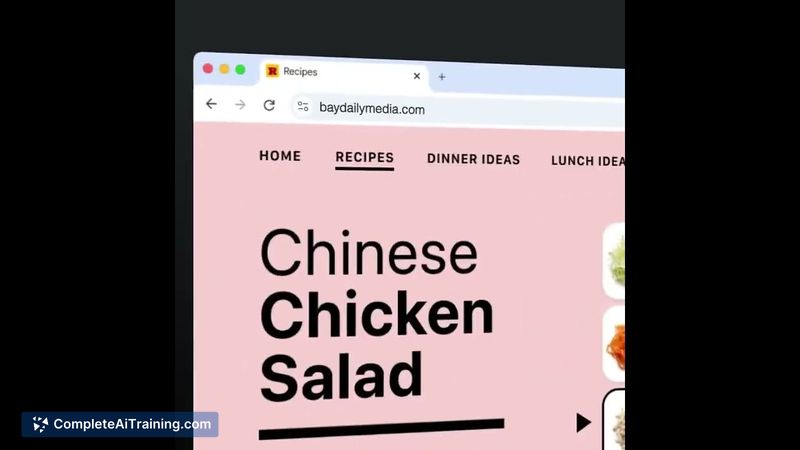
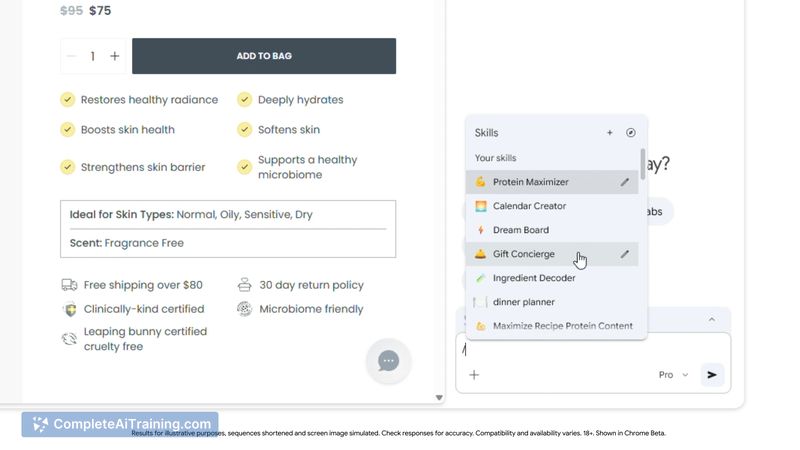
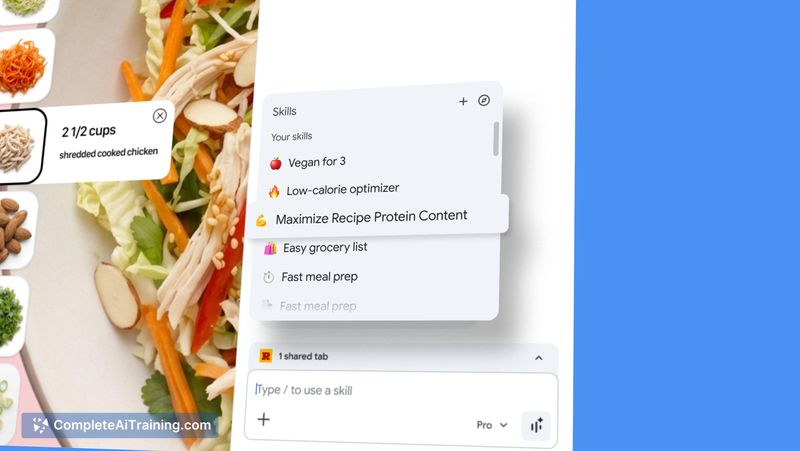
Google Chrome Skills aims to reduce repetitive prompt entry by turning successful prompts into sharable, editable "Skills" that execute on live webpages. At launch it includes a ready-to-use library, simple triggers, and safeguards that make it practical for many everyday browsing tasks.
Key Features
- Save prompts as reusable Skills directly from chat history for instant reuse.
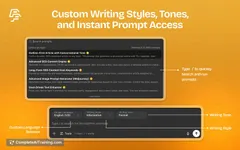
- Trigger Skills with simple shortcuts (such as / or +) and run them on the current page or across multiple tabs.
- Built-in Skills library with ready-to-use workflows that can be customized and remixed.
- Edit Skills at any time and apply them contextually to live webpages rather than only in a chat interface.
- Privacy and confirmation safeguards to limit unexpected actions before Skills run.
Pricing and Value
At launch there are free options available, making it accessible for casual users and those curious to try AI-assisted workflows in the browser. Pricing for advanced, professional, or enterprise-level features is not clearly published at the time of this review. The core value is time saved from repetitive prompt entry and quicker, repeatable browsing tasks for people who already rely on AI prompts.
Pros
- Makes frequent prompts reusable, cutting down repetitive typing and setup.
- Runs across tabs, which helps with multi-page tasks like comparisons or research.
- Customizable library lets users remix and refine successful prompts into workflows.
- Includes safeguards to confirm actions and help protect user data and context.
- Easy to trigger and integrate into regular browsing with simple shortcuts.
Cons
- Available only inside Chrome, so users of other browsers cannot use it directly.
- As a newly launched feature, the library and ecosystem are still small and may require growth for broader utility.
- Effectiveness depends on prompt quality and any backend AI services it connects to, which may vary by use case.
Google Chrome Skills is best suited for researchers, shoppers, and productivity-focused users who repeat similar AI prompts and want to streamline browser tasks. It works well for anyone who uses Chrome regularly and wants faster, repeatable actions across pages and tabs while keeping control through editable Skills and confirmation prompts.
Jobs Google Chrome Skills suits
We checked Google Chrome Skills against 500+ jobs; these get the most out of it.
Alternatives to Google Chrome Skills
Other tools that do the same main job. Our AI compared Google Chrome Skills with similar tools and kept the ones you could use instead.