About Halo by Scam AI
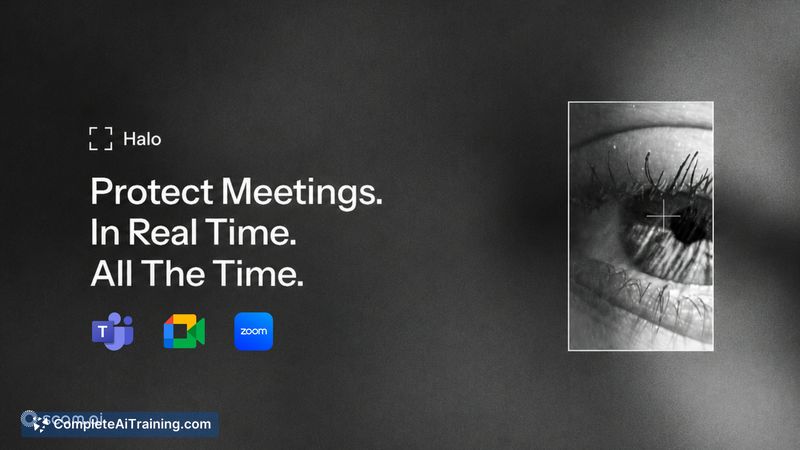
Halo is a real-time, on-device deepfake detection tool for video calls. It monitors Zoom, Microsoft Teams, and Google Meet sessions and flags synthetic faces the moment they appear, without sending any data to the cloud. The software runs locally and uses Windows Graphics Capture to analyze the meeting window directly.
Review
Halo addresses a narrow but high-stakes problem: confirming whether the person on your video call is actually who they appear to be. The tool works during live calls, not after the fact, which means it can alert you before a decision gets made. It's built for scenarios like verifying a candidate in a hiring interview or double-checking a wire transfer request.
Key Features
- Real-time synthetic face detection on Zoom, Teams, and Google Meet calls
- All processing happens on-device - no recordings are created and no cloud inference is used
- Quality check filters out bad lighting, shaky video, heavy compression, or faces too far from the camera before making a decision
- Uses Windows Graphics Capture to read the meeting window directly, so it works across desktop apps and browser-based calls
- Model is fine-tuned against new deepfake methods via an automated data collection pipeline
Pricing and Value
The launch page indicates that payment is required, but specific pricing tiers or subscription models have not been published yet. Without confirmed numbers, it's not possible to assess cost against comparable tools.
Pros
- Detects deepfakes during a live call, which is when the information is most actionable
- No cloud dependency keeps call content private and avoids latency from network round-trips
- Works with the three most common business video conferencing platforms
- Quality checks reduce the chance of false positives caused by poor video conditions
- Direct window capture means no virtual camera setup or browser extension is required
Cons
- Windows-only - the capture method relies on WGC, so macOS and Linux users are not supported
- Detects synthetic faces only; voice deepfakes or other manipulated audio are not covered
- Not well suited for users who need post-call forensic reports or detailed analysis of recorded meetings
Halo fits teams and individuals who regularly make high-trust decisions over video - finance departments, executive assistants, HR recruiters, and anyone who might be targeted by impersonation scams. It's less relevant for casual video chats or situations where the identity of participants is already verified through other channels. The on-device design and real-time alerts make it a practical addition for Windows users who want an immediate check without altering their existing meeting workflow.
Open 'Halo by Scam AI' Website
Your membership also unlocks: