AI tool
AI Meeting Notes by Notion
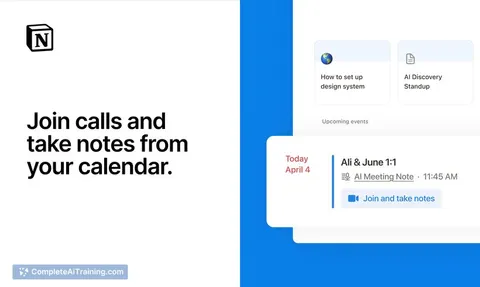
AI Meeting Notes by Notion captures every word during meetings so you can focus on conversation. Notes sync with your calendar and are accessible on any device, helping you skip recaps and get to work faster.
About AI Meeting Notes by Notion
AI Meeting Notes by Notion is an integrated tool that automatically captures meeting conversations and generates notes within the Notion workspace. It allows users to focus on discussions without worrying about manual note-taking, while keeping all records organized and accessible alongside related documents and projects.
Review
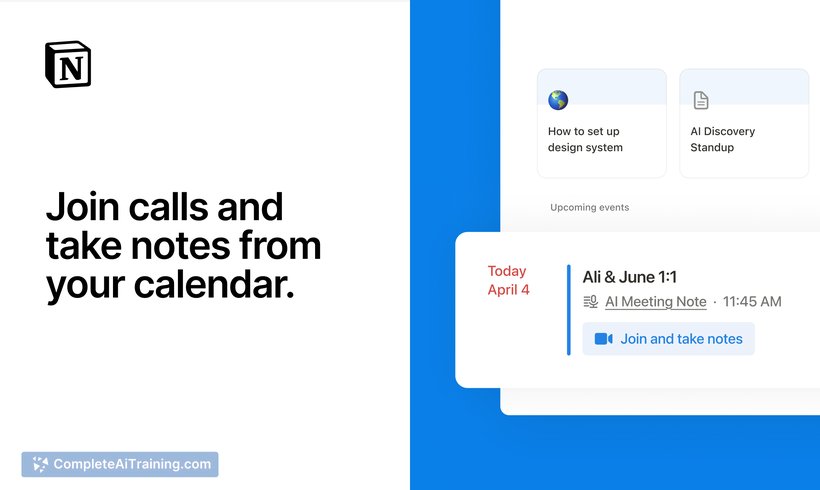
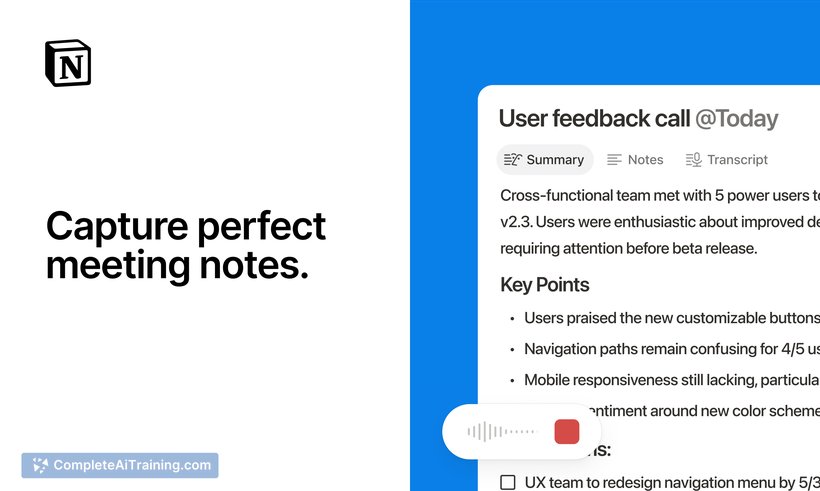
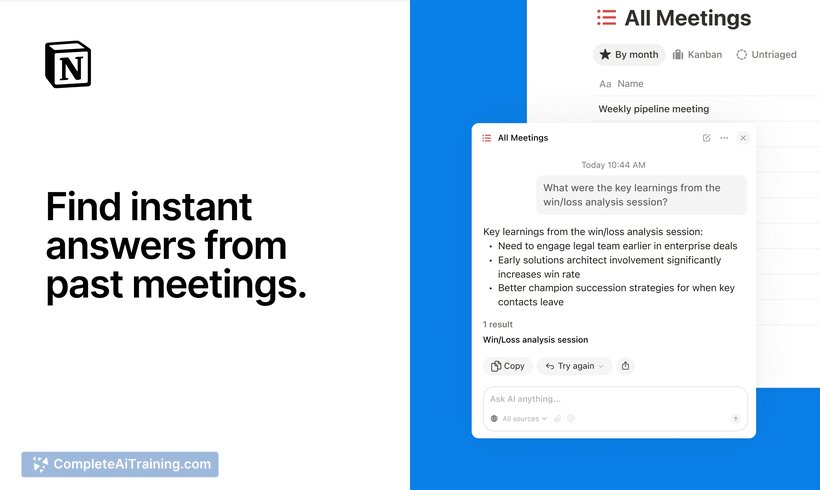
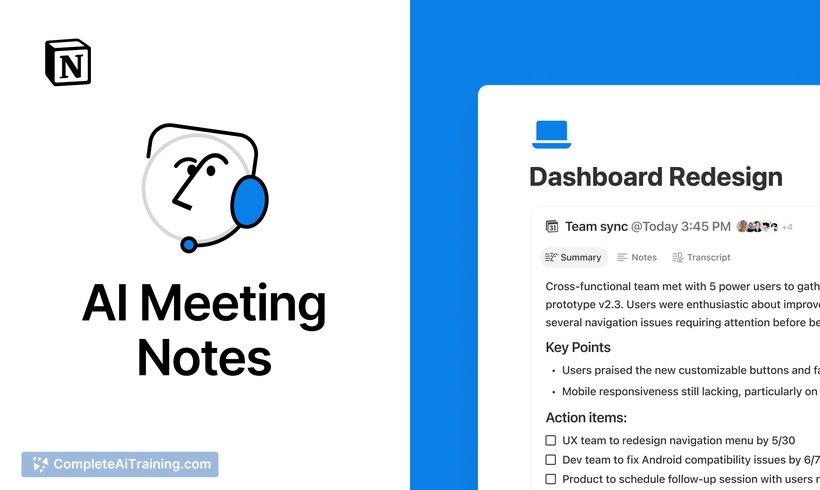
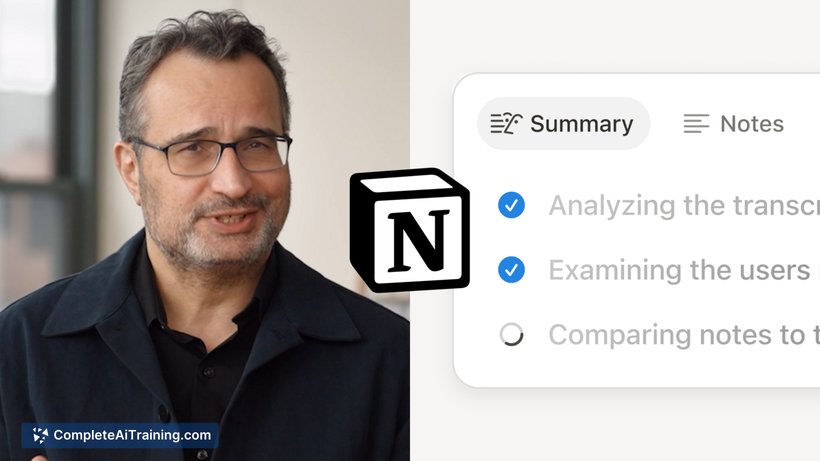
AI Meeting Notes by Notion offers a seamless way to document meetings directly in Notion, eliminating the need for switching apps or copying information. With calendar integration and support for various meeting platforms, it aims to simplify the process of recording and revisiting meeting content.
Key Features
- Automatic transcription of meeting conversations with AI, capturing every word accurately.
- Integration with Notion Calendar to start note-taking with a single click or via the /meet command on any page.
- Compatibility with any device and meeting platform, including external tools like Google Meet and Slack.
- Meeting notes are stored directly within Notion, connected to your existing documents, projects, and workflows.
- Searchable meeting history that allows easy access to past discussions without manual organization.
Pricing and Value
The tool is available as part of the Notion workspace, which offers various subscription plans including free and paid tiers. AI Meeting Notes adds value by reducing the time spent on note-taking and organizing meeting content, making it a useful addition for teams and individuals already invested in the Notion ecosystem. Its integration within Notion means users don’t need to pay for separate transcription services or apps, enhancing overall productivity without extra cost.
Pros
- Effortless note-taking that frees users to engage fully in meetings.
- Strong integration with Notion keeps notes connected to the broader workspace.
- Works with any meeting platform, providing flexibility across different communication tools.
- Easy to initiate via simple commands or calendar events.
- Searchable and organized meeting records improve information retrieval.
Cons
- Still in early stages, so some features may be limited or under development.
- Dependent on the Notion environment, which may not suit users who prefer other platforms.
- Accuracy of transcription can vary depending on audio quality and meeting dynamics.
AI Meeting Notes by Notion is ideal for professionals and teams who already use Notion as their primary workspace and want to streamline meeting documentation. It suits those looking to reduce administrative overhead and keep all work-related information in one place. It can also benefit individuals who participate in frequent meetings and want to maintain clear, searchable records without extra effort.
Jobs AI Meeting Notes by Notion suits
Useful in almost any job. We checked AI Meeting Notes by Notion against 500+ jobs; these get the most out of it.
Alternatives to AI Meeting Notes by Notion
Other tools that do the same main job. Our AI compared AI Meeting Notes by Notion with similar tools and kept the ones you could use instead.