
AI tool
Inductor Custom Playgrounds
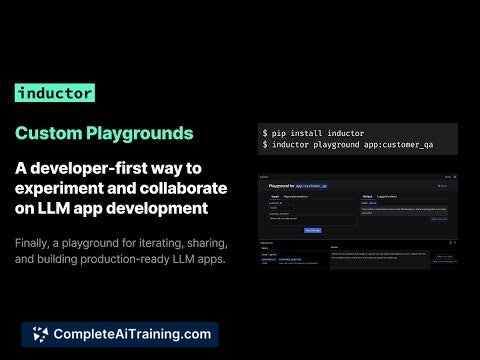
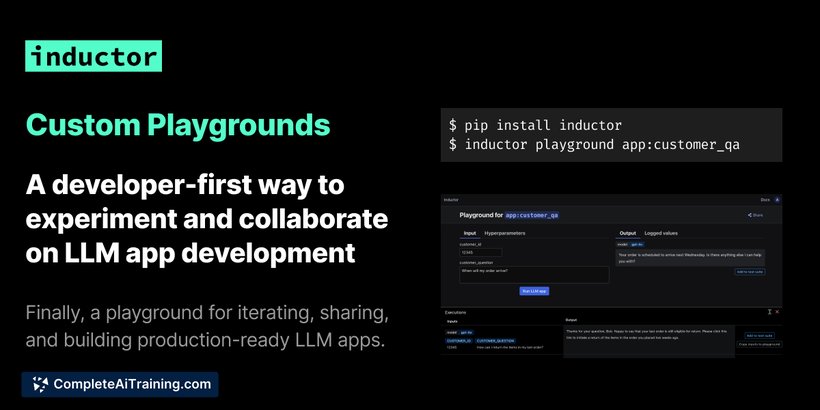
Inductor Custom Playgrounds lets you quickly create and share an interactive playground for your LLM app with a single CLI command, enabling seamless testing and collaboration directly within your environment.
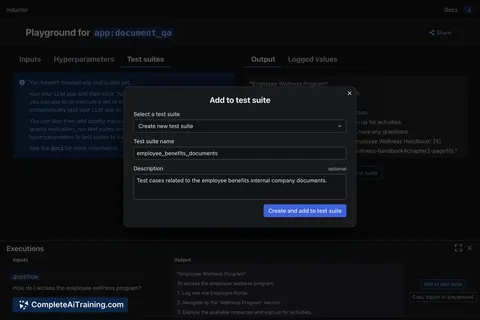
About Inductor Custom Playgrounds
Inductor Custom Playgrounds is a developer-focused tool that allows you to automatically generate an interactive playground for your large language model (LLM) application with a simple command-line interface (CLI) command. This playground runs directly within your environment, enabling seamless experimentation and collaboration on your LLM apps.
Review
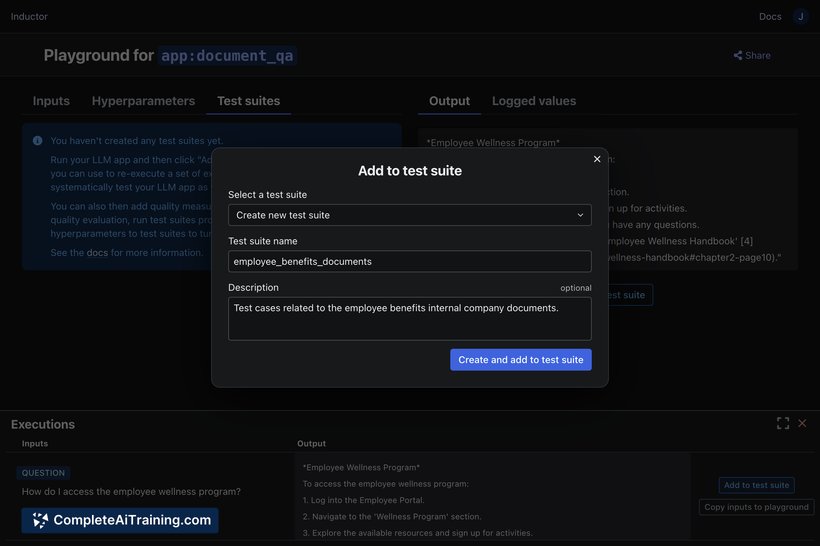
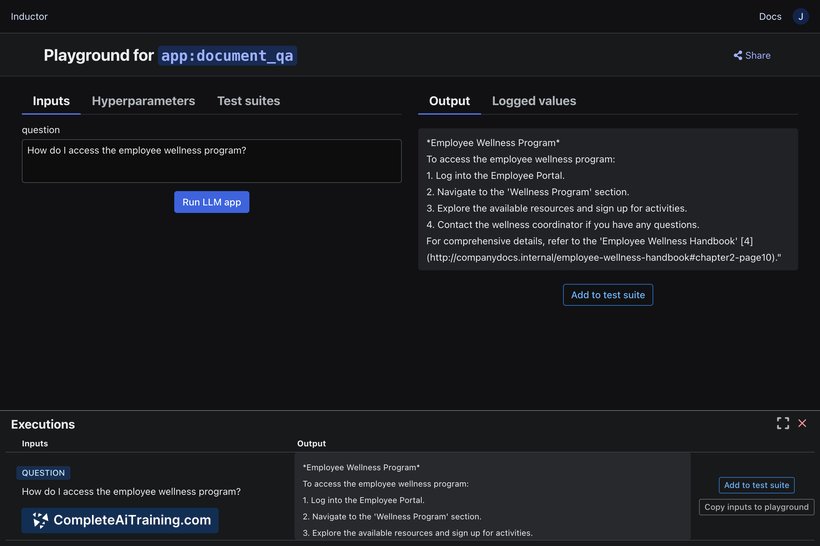
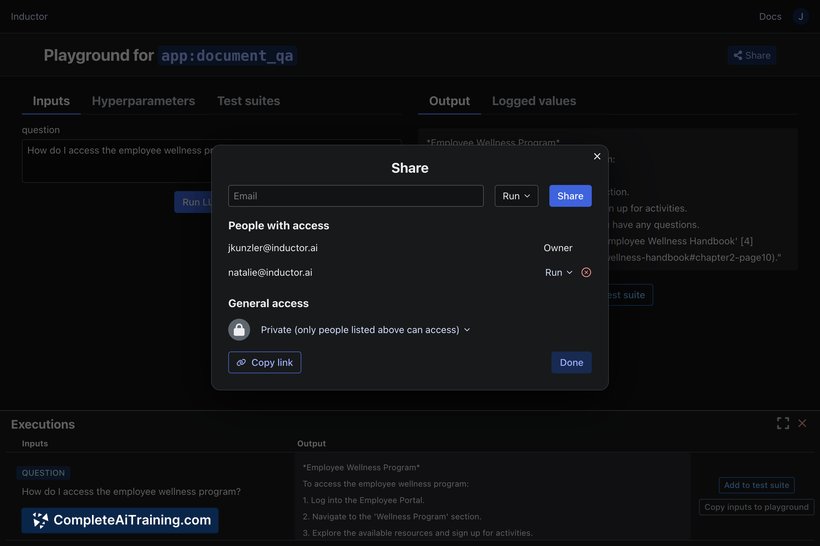
Inductor Custom Playgrounds offers a straightforward way for developers to create and share a functional UI tailored for their LLM applications without modifying the original code. It simplifies the process of testing, iterating, and collaborating on LLM projects by providing an instantly accessible playground that integrates with your existing development setup.
Key Features
- Auto-generation of a custom playground UI specific to your LLM app or feature.
- Runs the playground within your own environment using your code and data.
- Enables secure sharing and collaboration with team members for feedback and prompt engineering.
- Includes features like hot-reloading, auto-logging, and test suites to accelerate iteration.
- Simple CLI command to set up the playground without requiring code changes.
Pricing and Value
Inductor Custom Playgrounds is available with free options, allowing users to start building and sharing LLM app playgrounds without upfront costs. The free tier offers significant value for developers looking to prototype and collaborate quickly. Additional pricing details or premium plans have not been specified, but the current offering provides a practical solution for accelerating LLM app development efficiently.
Pros
- Easy to set up with a single CLI command, requiring no code modifications.
- Facilitates rapid iteration through integrated hot-reloading and testing features.
- Supports secure, instant collaboration, making team feedback straightforward.
- Runs directly in the user's environment, ensuring data and code privacy.
- Open access with free usage options suitable for individual developers and small teams.
Cons
- Primarily aimed at developers comfortable with CLI and Python environments.
- Limited information on advanced pricing tiers or enterprise features.
- May require familiarity with LLM app structures to maximize benefits.
Inductor Custom Playgrounds is particularly useful for developers and teams working on LLM applications who want a quick and efficient way to prototype and collaborate. It fits well in environments where iterative testing and team input are crucial, especially during early development phases or feature experimentation.
Jobs Inductor Custom Playgrounds suits
We checked Inductor Custom Playgrounds against 500+ jobs; these get the most out of it.



