AI tool
Inspector
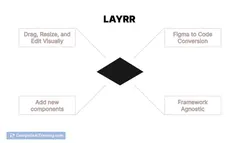
Inspector is Figma for your codebase: visually edit UI and push changes to your repo. Tweak spacing or redesign a nav, apply edits and open a PR. Connects to your agent (Claude, Cursor, Codex) to write changes directly.

About Inspector
Inspector is a visual editor that connects to your preferred AI coding agent and lets you click on UI elements, adjust them visually, and write those edits back into your codebase. It aims to reduce time spent on design handoffs by applying changes directly to a repository from the editor interface.
Review

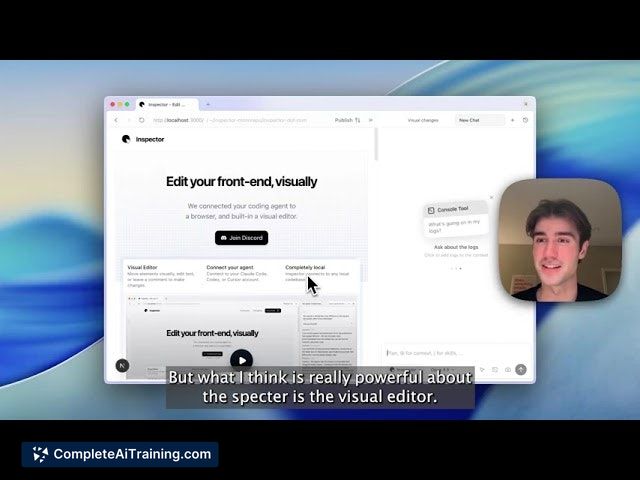
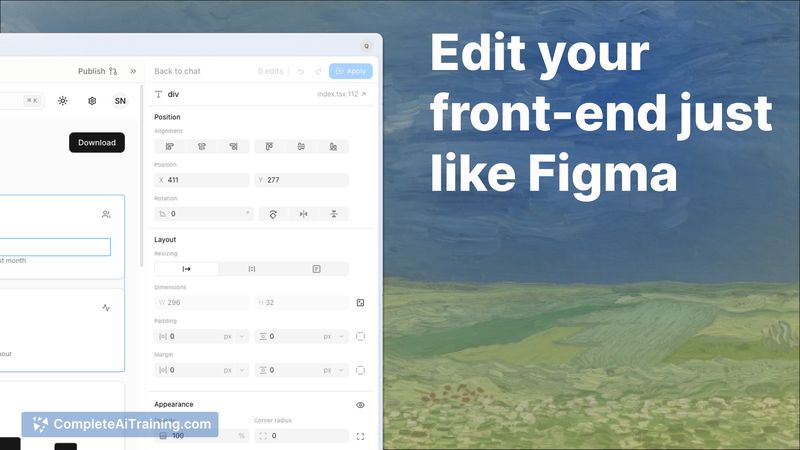

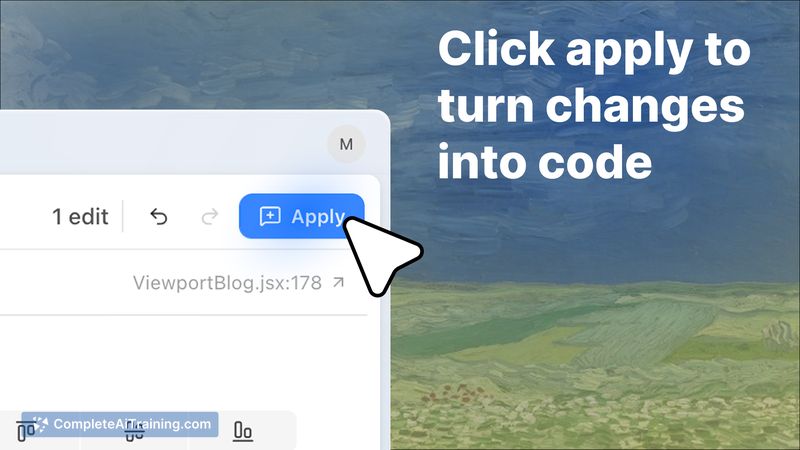
Inspector combines an in-place visual editor with AI-assisted code edits, making small UI changes faster to implement. In practice it is effective for quick iterations and routine fixes, though larger architectural edits still benefit from human oversight and review.
Key Features
- Visual editor that maps front-end elements to the underlying code so you can tweak spacing, styles, and layout visually and apply changes.
- Connects to external AI coding agents or to a hosted agent option to generate and apply edits automatically.
- Integration with version-control workflows: stage, commit, push, and create review branches from within the tool, with links back to the edited code.
- Project-level rule files and framework-aware edits that aim to respect existing styling conventions and component abstractions.
Pricing and Value
Basic connectivity to external AI coding agents and the visual editing features are available for free. A paid subscription (listed at $20 per month) unlocks additional usage of Inspector's hosted agent, which provides higher usage limits and faster processing for teams that prefer a managed option. For teams that frequently iterate on UI and want to reduce handoff overhead, the subscription can pay for itself in saved developer time; teams with strict review processes should still budget time for human validation of automated edits.
Pros
- Speeds up routine UI tweaks and small layout fixes by letting non-engineers apply changes directly.
- Reduces back-and-forth between design and engineering by producing code edits instead of static mockups.
- Project rules and framework awareness help keep edits aligned with existing code patterns.
- Built-in version-control actions and direct links to changed code improve traceability and reviewability.
Cons
- Automated edits can introduce incorrect or suboptimal changes in complex codebases; human review remains important.
- The hosted agent option adds recurring cost for heavier usage, which may not suit all teams.
- Initial setup of project rules and conventions is required to get consistent results for larger teams.
Inspector is best suited to product teams, designers, and front-end engineers who want to iterate on UI quickly and reduce handoff friction. Teams that require tight controls over every change or that work on highly complex code architectures should treat automated edits as a productivity aid rather than a fully autonomous solution.
Jobs Inspector suits
We checked Inspector against 500+ jobs; these get the most out of it.
Alternatives to Inspector
Other tools that do the same main job. Our AI compared Inspector with similar tools and kept the ones you could use instead.