AI tool
Invoko
Invoko is a local desktop agent for Mac users to manage work distractions. Users can press a shortcut to have it sort emails, extract todo lists, or schedule their calendar. It operates across apps locally to ensure privacy.
About Invoko
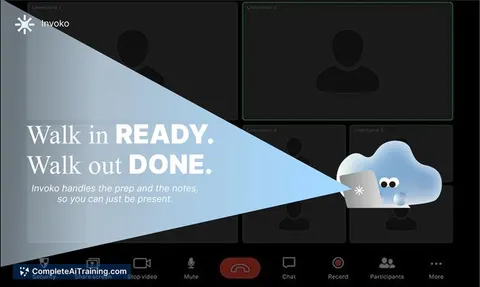
Invoko is an AI desktop helper that runs locally on Mac. Summoned with the Fn key, it sits beside anything on screen and can sort emails, schedule calendar events, reply to messages, or extract to-do lists across applications. The tool launched this week after 71 iterations over three months of development.
Review
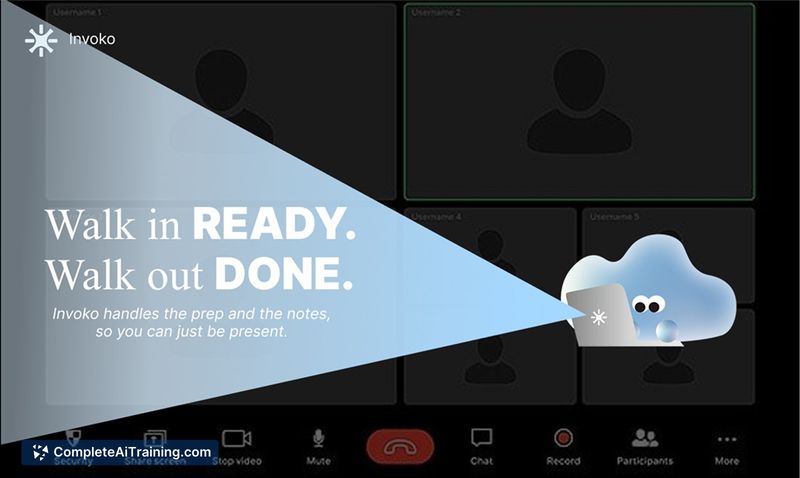
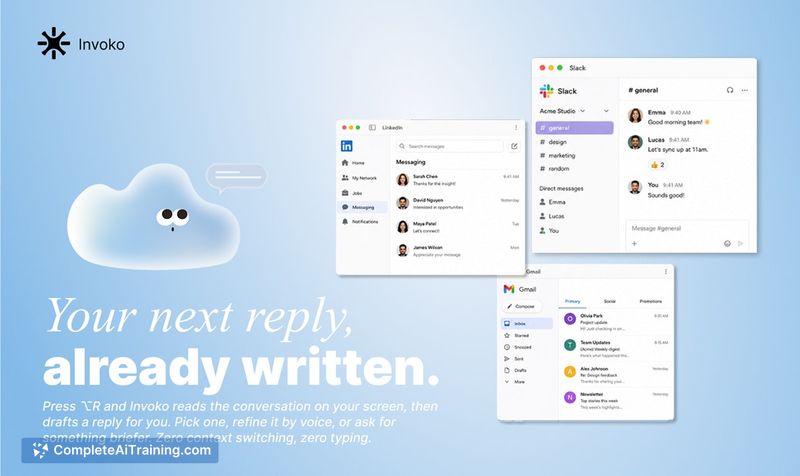




Invoko acts as a system-wide AI layer - the team explicitly distinguishes this from a task router. It reads the Mac's current focus to infer user intent and executes actions directly. Because it deploys locally, no data leaves the device, which addresses privacy questions upfront.
Key Features
- Fn shortcut summons the agent beside any on-screen content, ready to take voice or text input
- Memory layer tracks separate task threads so switching between a spreadsheet, browser tab, and design tool doesn't collapse context
- Cross-app operation lets it move between email, calendar, Slack, and other Mac applications without manual handoffs
- Local deployment keeps all processing on-device - the tool sees what's on screen but doesn't transmit it externally
- Long-term memory stores user preferences over time, adjusting how it handles recurring task types
Pricing and Value
Invoko is listed as free at launch. The team has not published pricing tiers or indicated whether a paid model will follow. For now, the full feature set is available at no cost.
Pros
- Runs entirely on-device, so sensitive screen content and task data stay local
- Single-key summoning (Fn) makes the agent accessible without leaving the current workflow
- Memory layer handles parallel task threads, which reduces context collapse when juggling unrelated work
- Cross-app capability spans email, calendar, messaging, and other native Mac tools
- Free access during the launch period with no feature gating
Cons
- Mac-only - the tool does not run on Windows or Linux
- Product scope is still being clarified; the team acknowledges the system-wide AI layer perception needs narrowing, which may affect predictability in daily use
- Not well suited for users who need deterministic, step-by-step task routing with full preview and approval before any action executes
Invoko fits scenarios where a user wants to offload small, fragmented tasks - email sorting, calendar coordination, message replies - without switching context manually. It's less appropriate for workflows that demand auditable, step-by-step control over automated actions. Teams already using it internally report that scheduling and auto-reply features save significant coordination time, though the tool's broader behavior is still evolving as the team refines its scope.
Jobs Invoko suits
Useful in almost any job. We checked Invoko against 500+ jobs; these get the most out of it.
Alternatives to Invoko
Other tools that do the same main job. Our AI compared Invoko with similar tools and kept the ones you could use instead.