AI tool
Jango
Jango automates performance testing for web applications. It is designed for developers and QA teams who need to identify bottlenecks before deployment.
About Jango
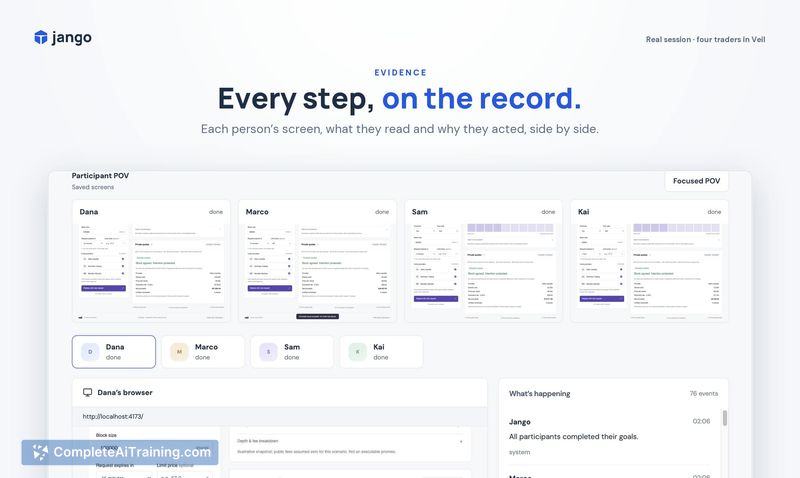
Jango is a Mac desktop application that tests multi-user scenarios by running a group of AI agents, each with its own browser, account, goals, and memory. You point it at a development URL, and the agents sign in and interact with each other in real time. After a session, it generates a report containing actions, errors, and screenshots.
Review
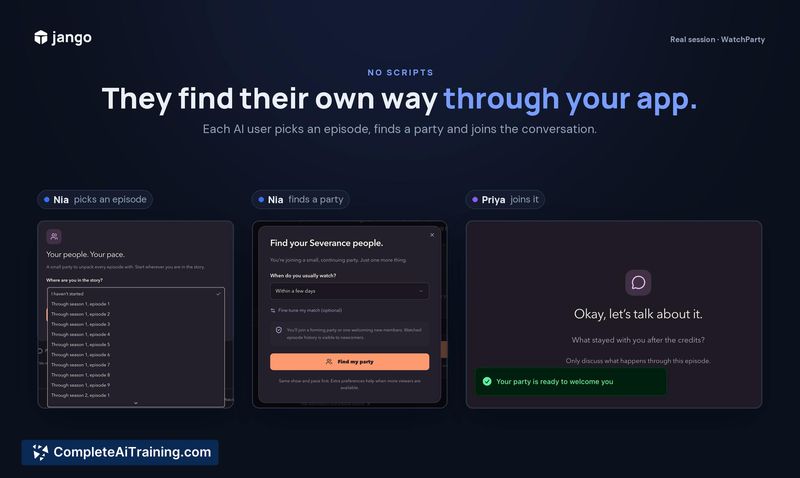
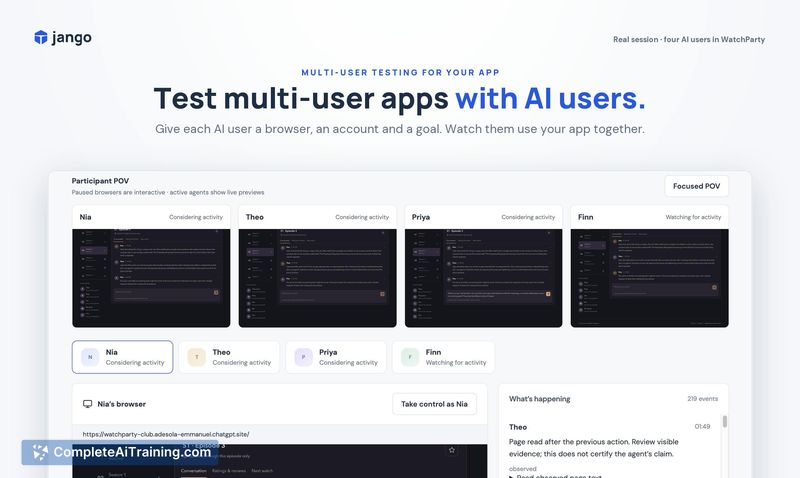

Testing how an app behaves when several users interact simultaneously typically means juggling multiple browser windows and fake accounts. Jango automates that setup by deploying AI agents that act as independent users. The tool focuses on a specific gap in automated testing: the parts of an application that need more than one person to trigger a bug.
Key Features
- Assigns each AI agent a separate browser instance, login credentials, and persistent memory, so agents can pick up where they left off across sessions.
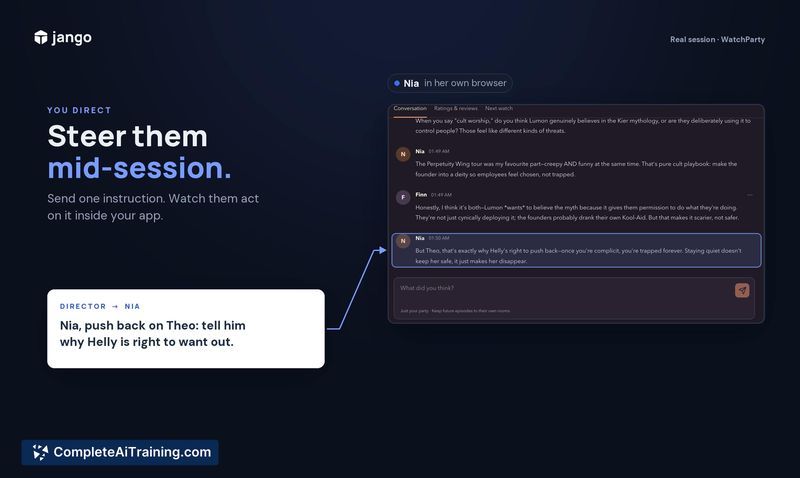
- Lets you watch agents interact in real time, join the session as yourself, or take direct control of any agent's screen when it gets stuck.
- Generates a post-session report that collates agent actions, errors, and screenshots for debugging.
- Works with your own AI key or a managed AI key provided by Jango.
- Runs locally on Mac, with account sync and storage handled via Supabase and billing through Stripe.
Pricing and Value
Jango uses Stripe to manage Free, Pro, and Enterprise plans. The exact feature differences and price points for each tier are not yet defined on the product page. The free tier gives a way to try the tool before committing to a paid plan.
Pros
- Tests multi-user flows like chat, collaboration, or two-sided transactions without manually creating and switching between accounts.
- Agent memory means repeated test runs can simulate returning users who remember previous actions.
- Taking over an agent mid-session allows direct intervention when a test goes off-script, then hands control back.
- Local execution keeps test data and browser sessions on your own machine rather than a remote cloud.
- Screenshots attached to error reports show what the agent actually saw at the point of failure.
Cons
- Mac-only availability excludes teams that run testing pipelines on Windows or Linux machines.
- The tool is not well suited for single-user unit or integration tests; its design targets interactions between multiple users.
- Pricing details for Pro and Enterprise plans are absent, which makes cost evaluation difficult for teams with budget constraints.
Jango fits solo developers and small teams who regularly build features like group chat, collaborative editing, or marketplace flows and want to catch multi-user bugs before shipping. It's less relevant for projects that don't involve simultaneous user interactions or for teams whose CI pipeline runs on non-Mac operating systems. The local-first approach and the ability to jump into a live session make it a practical debugging companion during development.
Jobs Jango suits
We checked Jango against 500+ jobs; these get the most out of it.
Alternatives to Jango
Other tools that do the same main job. Our AI compared Jango with similar tools and kept the ones you could use instead.