AI tool
Keel
Keel is a local-first desktop AI assistant that keeps your project notes and history as plain Markdown on your disk. Bring your own API key-no account, no telemetry-so your context stays portable and editable.
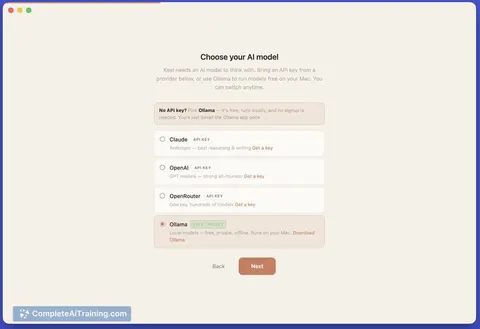
About Keel
Keel is a local-first desktop assistant that saves conversation context and extracted notes as plain Markdown files on your disk. It supports multiple model backends (cloud or local) so the assistant can be swapped while your context remains portable and editable.
Review
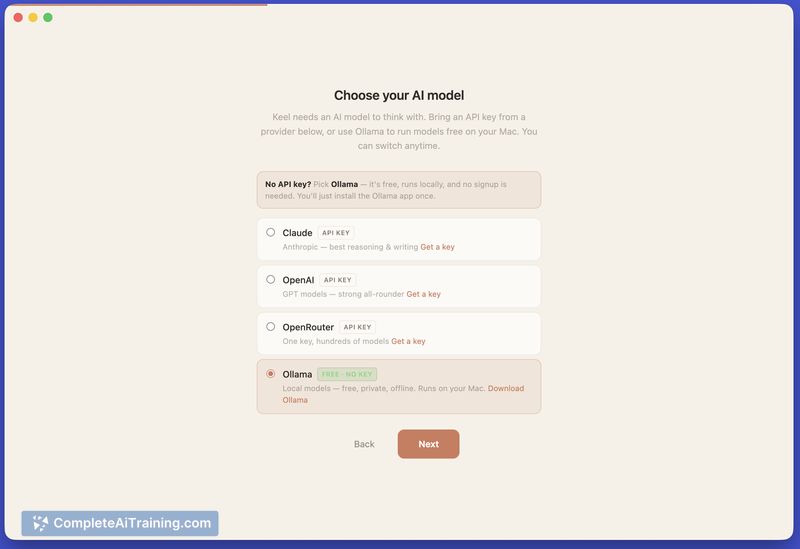
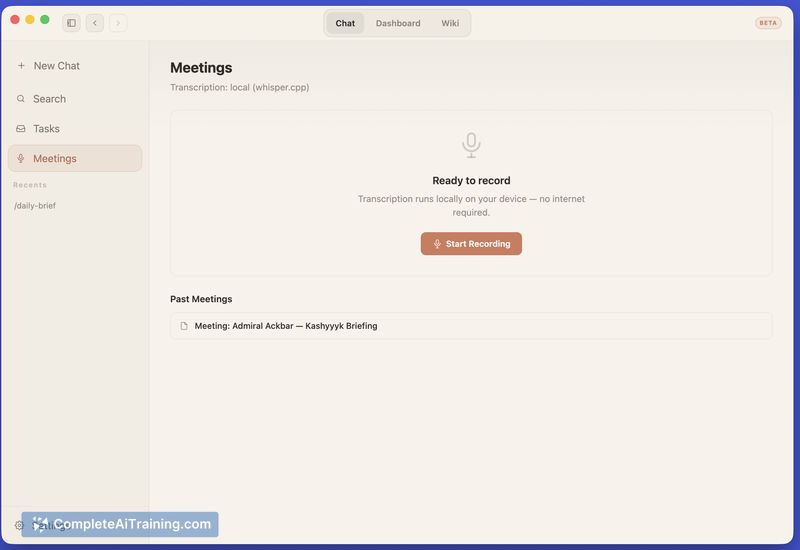
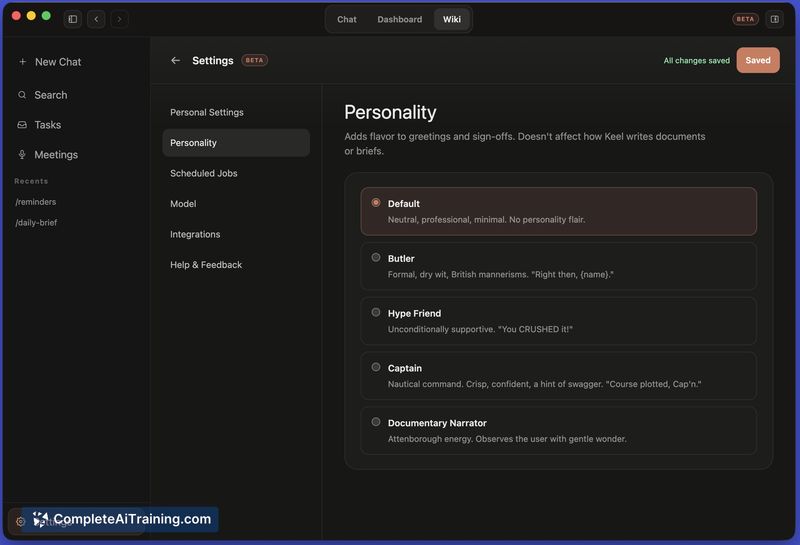
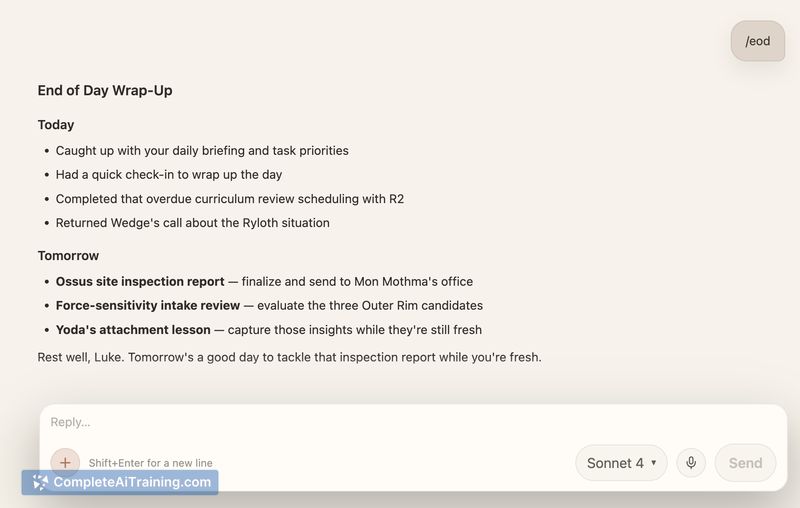
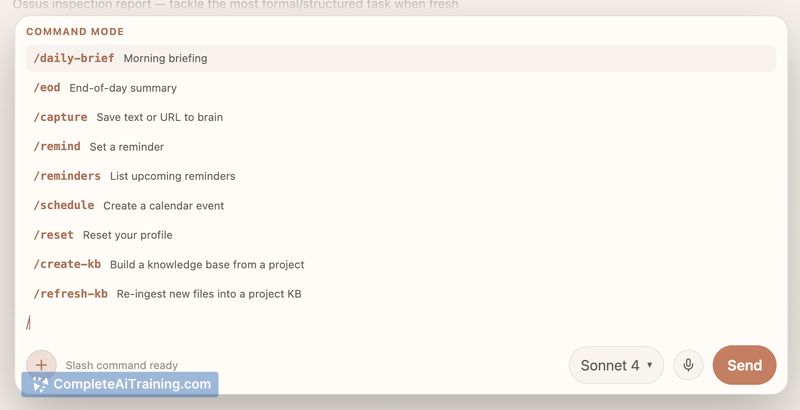
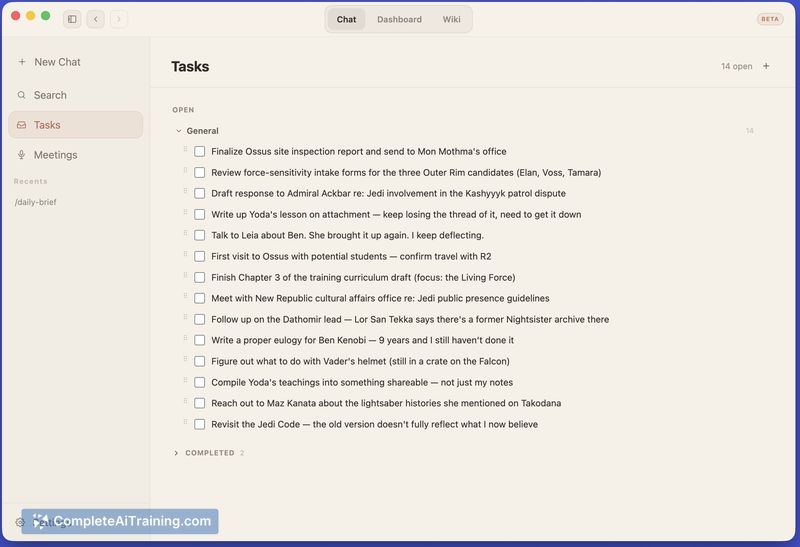
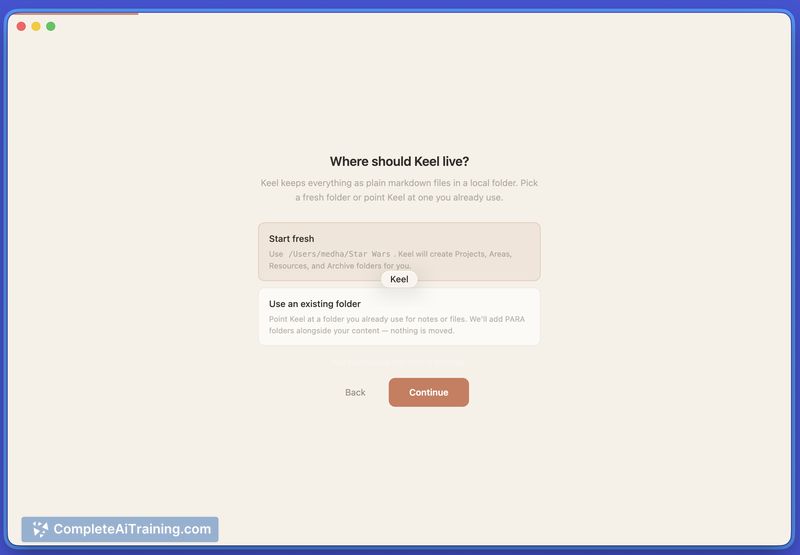
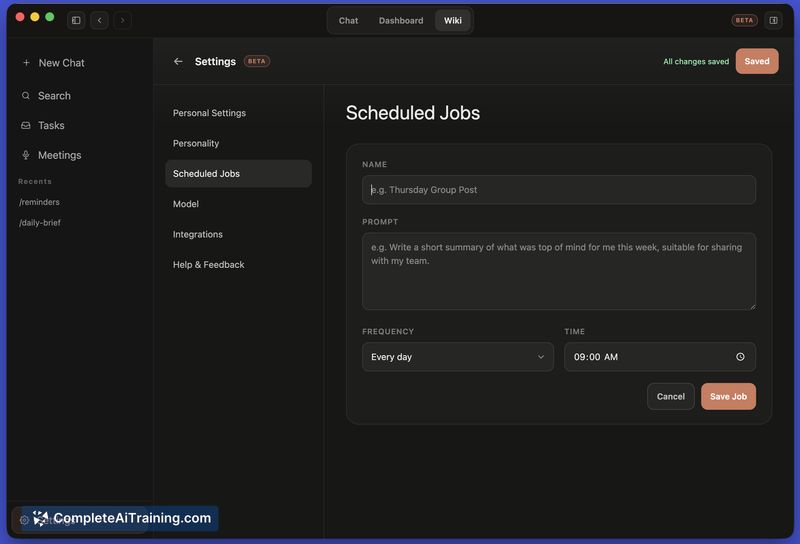
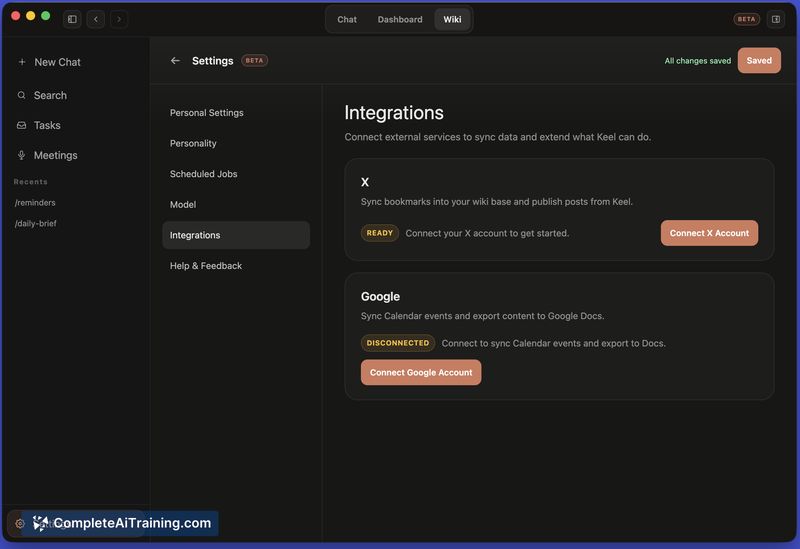
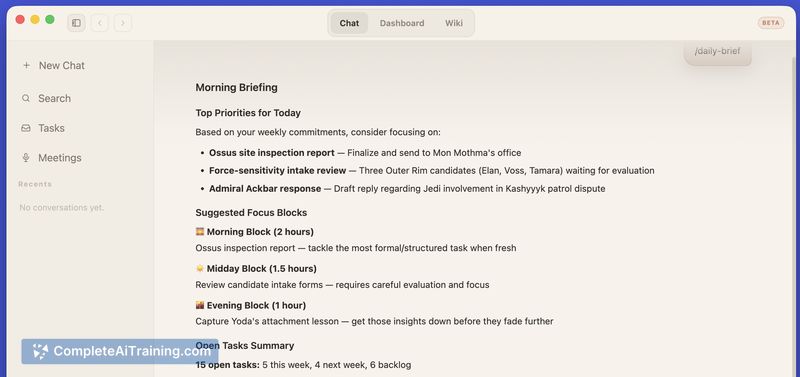
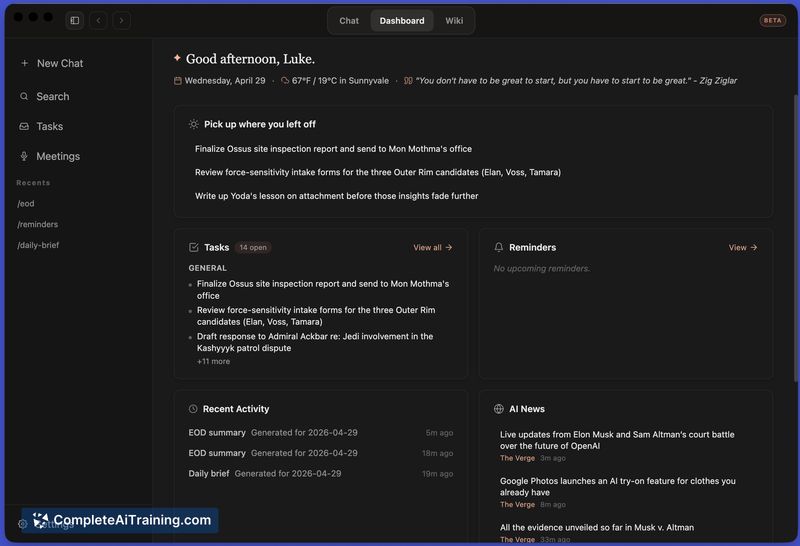
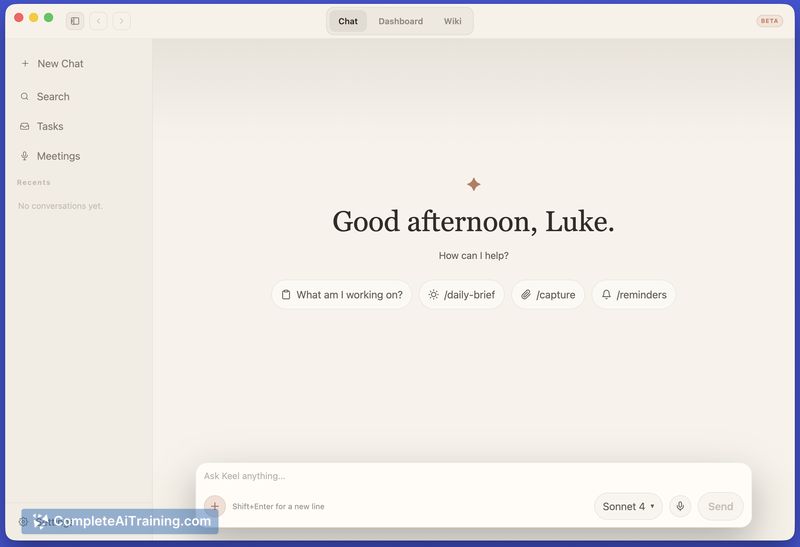
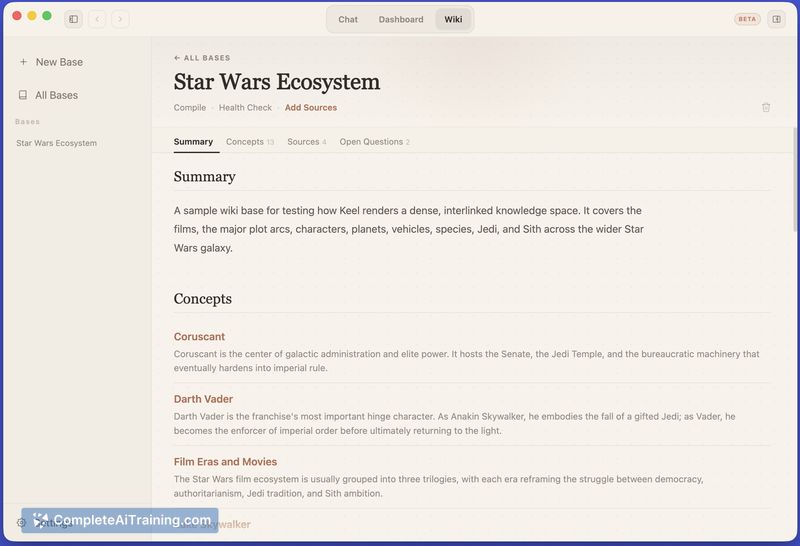
Keel focuses on data ownership and simple portability: your chats, profiles, and project notes live in a workspace folder you control. The app is released as an open source MIT project and targets users who prefer files and version control over vendor-hosted memory stores.
Key Features
- Saves conversation history and extracted facts as plain Markdown in a user-selected workspace folder.
- Bring-your-own-model support (OpenAI/GPT, Claude, OpenRouter, Ollama/local models) with provider-agnostic chat threads.
- Open source (MIT) with no telemetry, no account required, and the ability to edit or version files with your preferred tools.
- Chat history stored separately (SQLite) and durable facts auto-extracted into files like keel.md for easier reuse.
- Desktop client built with web technologies; current v1 beta emphasizes Apple Silicon support with broader platform support planned.
Pricing and Value
Keel itself is free and open source. Model usage costs are borne by the user: you provide API keys for cloud models or run local models which may require separate compute resources. The value lies in ownership and portability of context-if you prioritize local control, editable artifacts, and interoperability with existing workflows, Keel delivers significant practical benefits. Users should weigh those benefits against the need to manage API keys or local model infrastructure and the current lack of cloud sync features.
Pros
- Strong data ownership: memories are plain files you can inspect, back up, or version with git.
- Flexible model choices: switch providers or run local models without losing chat threads or extracted context.
- Transparent and auditable: after chats, the app reports what was written and where it was saved.
- Open source license and no vendor lock-in for stored context.
Cons
- Early beta with limited polished UI: per-memory in-app browsing and single-item deletion features are still being developed.
- Platform limitations in initial release (primary support for Apple Silicon at launch), so cross-platform support is incomplete.
- Requires some technical comfort: users must manage API keys or local model setups and may need to edit Markdown files directly.
Keel is a good fit for privacy-conscious users, developers, and anyone who prefers their assistant's context to be a set of files they control and can version. It is less suitable for users who want a fully managed, cloud-synced assistant with a polished non-technical interface out of the box.
Jobs Keel suits
We checked Keel against 500+ jobs; these get the most out of it.
Alternatives to Keel
Other tools that do the same main job. Our AI compared Keel with similar tools and kept the ones you could use instead.