AI tool
kimiflare
kimiflare: open-source Claude/Kimi code clone running Kimi K2.6 on Cloudflare Workers AI. Self-hosted, low-latency code assistant for private, fast code generation; MVP was built recursively using kimiflare itself.
About kimiflare
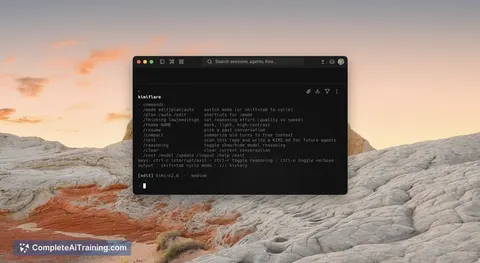
kimiflare is a terminal-native AI coding agent delivered as a cloud-hosted CLI tool for developers. It offers a code-focused assistant with multi-turn interactions, large-context support, and vision input capabilities for working directly from the command line.
Review
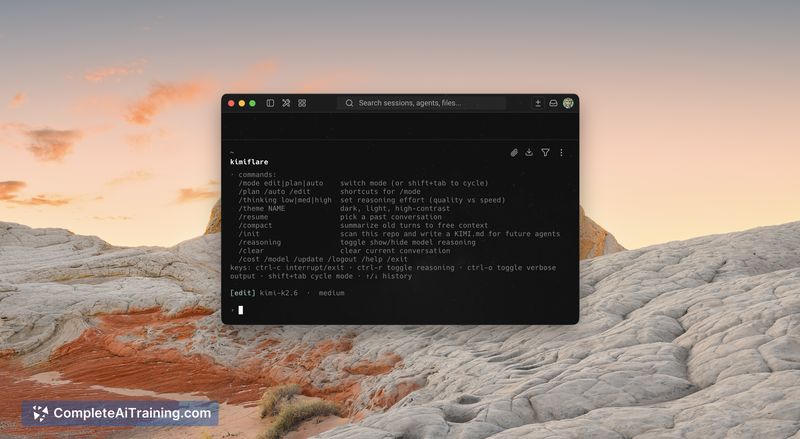
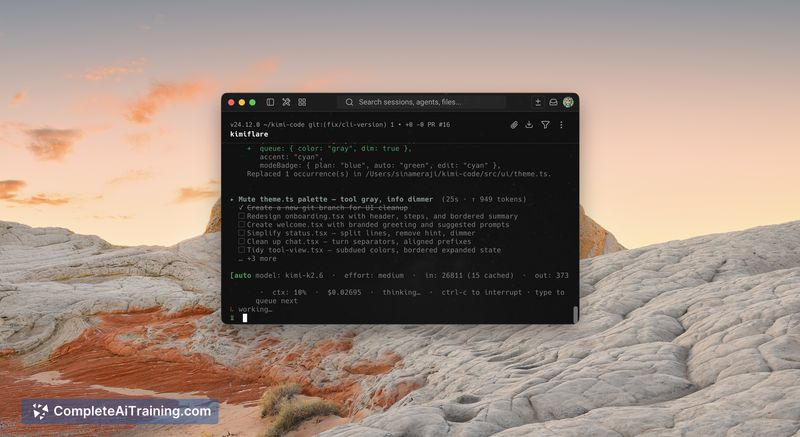
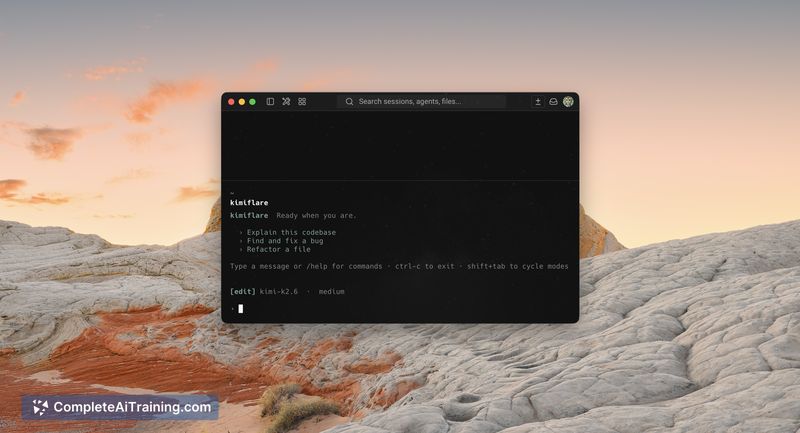
kimiflare targets developers who prefer a CLI-first workflow and want an agentic coding assistant that runs on a workers-style cloud platform. The tool emphasizes transparency in usage and billing while offering a high-context conversational engine for iterative code tasks and pull-request-style workflows.
Key Features
- Terminal-native CLI coding agent that operates from your local terminal.
- Hosted on an edge workers AI platform for low-latency, server-side execution.
- Large-context support (around 262k tokens) to maintain long multi-turn conversations and code state.
- Vision inputs and a full agent loop for tool use, testing, and multi-step automation.
- Transparent usage model with a single API key and consolidated billing per account.
Pricing and Value
kimiflare currently lists a free launch tier and emphasizes a simple billing model described as "one key, one bill." It advertises lower per-token costs compared with many hosted coding assistants, making it appealing for developers who run sustained or large-context sessions. The value proposition centers on CLI convenience, large-context handling, and transparent cost tracking rather than a graphical IDE or hosted GUI features.
Pros
- CLI-first workflow integrates naturally into developer terminals and scripts.
- High context window supports long-lived coding sessions and iterative code generation.
- Transparent billing and lower per-token costs can reduce expenses for heavy usage.
- Support for vision inputs and agentic tooling enables testing and automated sequences beyond plain text prompts.
- Open-source origins and an active launch community encourage issue reports and contributions.
Cons
- Early-stage launch means the ecosystem, documentation, and tooling integrations are still maturing.
- CLI-only approach may not suit users who prefer a graphical interface or integrated development environment features out of the box.
- Requires a cloud account key and some setup, which adds friction for casual or non-technical users.
Overall, kimiflare is best suited for developers and teams who work primarily in terminals, need large-context AI assistance for coding, and value clear billing for heavy usage. It makes the most sense for power users who are comfortable with CLI tools and want an affordable, transparent agent for multi-step programming workflows.
Jobs kimiflare suits
We checked kimiflare against 500+ jobs; these get the most out of it.
Alternatives to kimiflare
Other tools that do the same main job. Our AI compared kimiflare with similar tools and kept the ones you could use instead.