About Littlebird
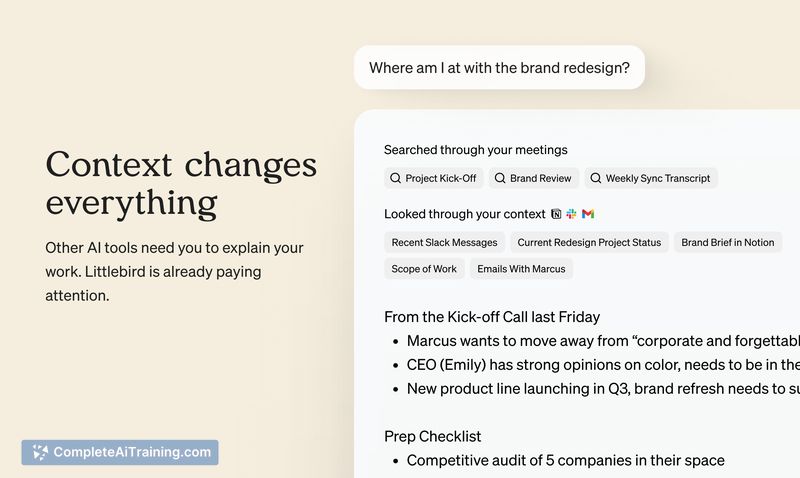
Littlebird is an AI assistant that observes on-screen text and records meeting audio to build a private memory of your projects and priorities. It transcribes meetings and connects information across apps so answers, drafts, and plans are grounded in the actual work you're doing.
Review
This review covers how Littlebird captures context, preserves privacy, and speeds common knowledge-work tasks. I evaluate usability, transparency of sources, and where the product currently fits into a professional workflow.
Key Features
- Screen-aware assistant: reads on-screen text (not screenshots) to capture context from the apps you use without manual copy-paste.
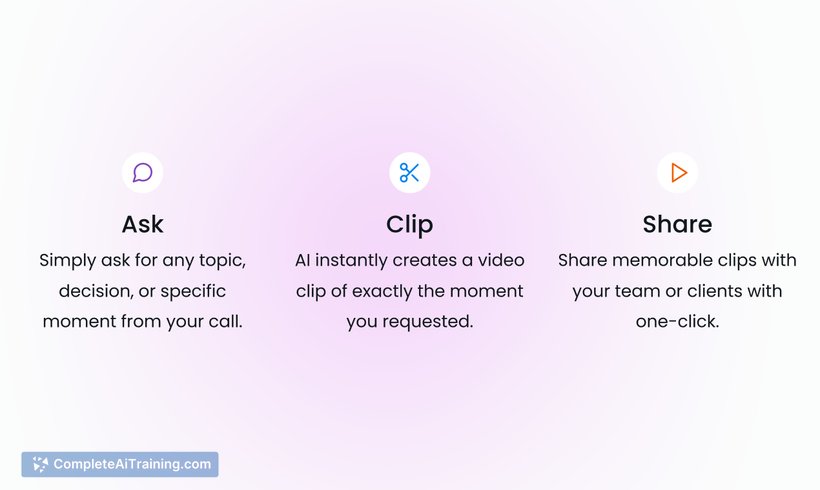
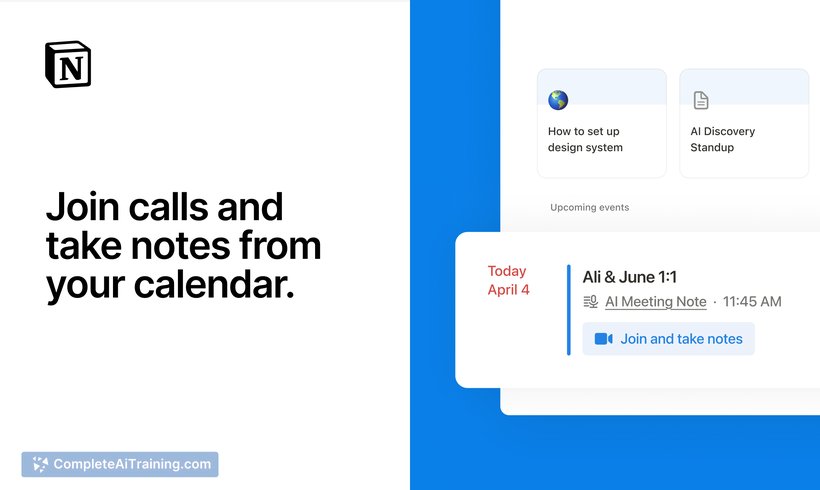
- Meeting transcription and summaries: records meetings in the background and provides searchable notes and follow-up drafts.
- Private project memory: links conversations, docs, and on-screen items to build a personal memory of projects and priorities.
- Quick-access overlay: summon the assistant (e.g., with a keyboard shortcut) over whatever you're working on for immediate help without switching apps.
- Privacy and auditability: shows source links for responses, offers granular capture controls, supports deletion of data, is SOC 2 compliant, and does not use user data to train models.
Pricing and Value
Littlebird offers a free tier alongside a paid Plus plan; promotional launch discounts have been available for early adopters. The value proposition centers on saving time by removing repetitive context-sharing-rather than wiring up integrations, the assistant learns from what's already on your desktop and in meetings. For users who spend much of their day in meetings and juggling documents, the time saved preparing summaries, follow-ups, and briefs can justify the subscription cost. Note that the product is currently available for Mac with Windows support planned.
Pros
- Reduces friction: less manual context-gathering for drafts, summaries, and prep work.
- Transparent sourcing: responses include links to the meetings, docs, or pages used so you can verify where answers came from.
- Granular privacy controls: you can pause capture, exclude apps, and delete collected data.
- Convenient access: overlay UI lets you get help without switching windows or apps.
- Compliance-minded: encryption and SOC 2 coverage address enterprise security concerns.
Cons
- Platform limits at launch: primarily a Mac app for now, with Windows support forthcoming.
- Continuous capture tradeoffs: even with controls, always-on screen and meeting capture may be uncomfortable for some users or teams.
- Deeper integrations and API access are still in progress, so advanced automation may be limited initially.
Littlebird is best for busy knowledge workers, product leads, and anyone who regularly needs to summarize meetings, draft follow-ups, or get up to speed on a project quickly. Its strengths are speed of context capture and clear source attribution; teams that prioritize strict control over what is captured and who can access it will find the privacy features reassuring. For users on other platforms or with complex integration needs, it may make sense to evaluate the roadmap and upcoming API plans before committing to a paid plan.
Open 'Littlebird' Website
Your membership also unlocks: