
AI tool
Media Sharing
Argos Media Sharing lets developers attach images to pull requests on GitHub. With a single command, users convert screenshots or recordings into stable share links with Markdown formatting, which are posted automatically on the PR. The tool is de...
About Media Sharing
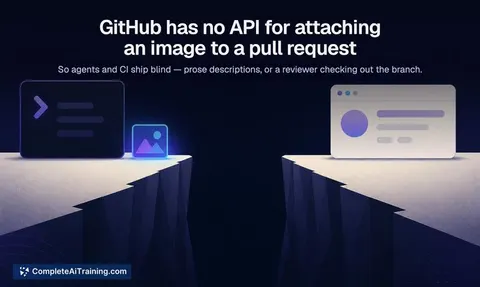
Media Sharing is a tool from Argos that lets AI agents attach screenshots and videos to GitHub pull requests. It works around GitHub's lack of an API for comment attachments. A single command turns a screenshot or recording into a stable share link with Markdown formatting, and posts it on the PR automatically.
Review
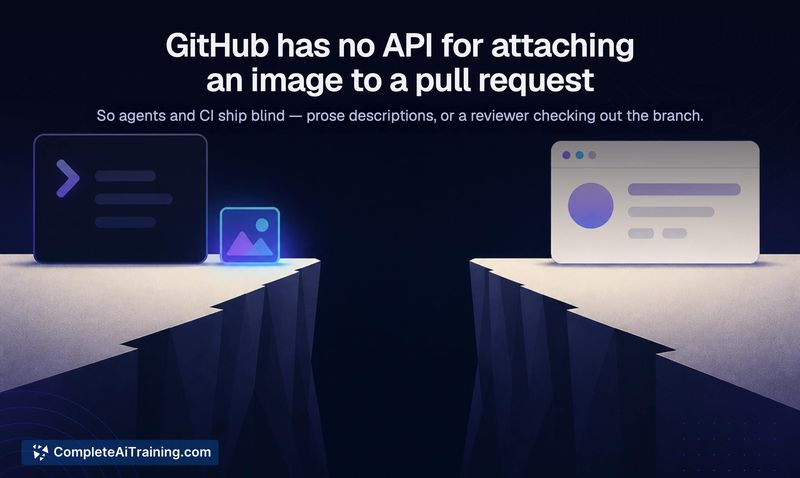
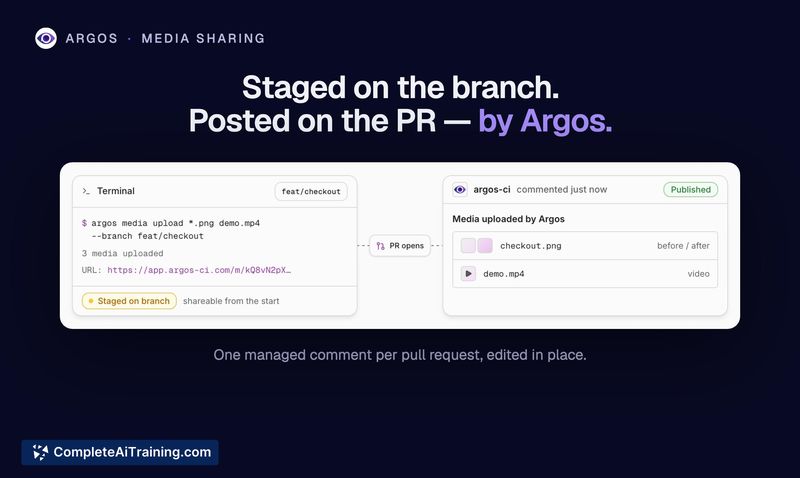
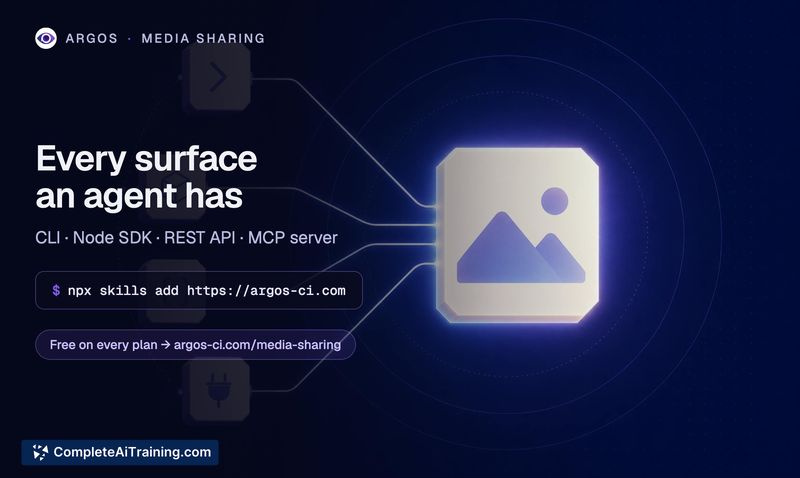
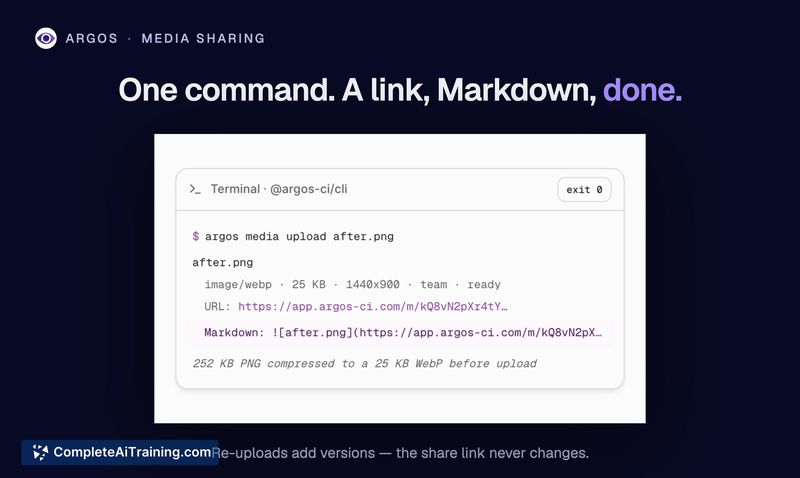
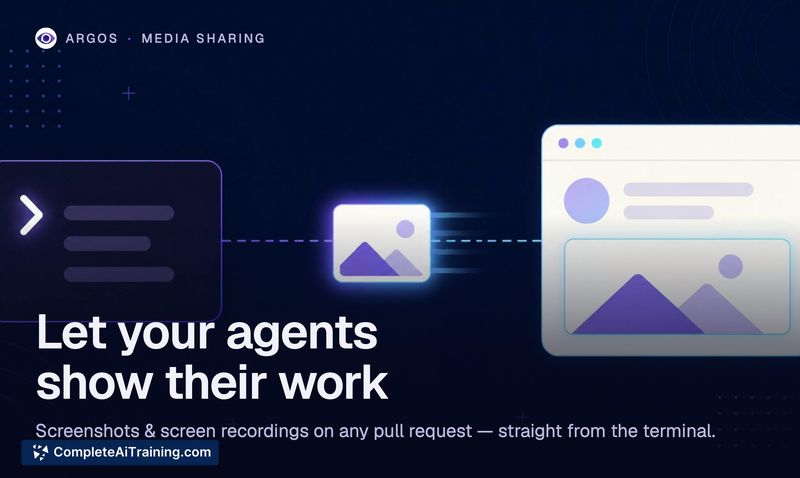
This tool fills a specific gap: coding agents and CI systems can't drag images into GitHub pull requests the way a person can. Media Sharing lets an agent upload an image or video, get back a stable URL, and have it appear on the PR with a managed comment. It works from multiple interfaces including a CLI, a Node.js SDK, a REST API, and an MCP server.
Key Features
- One command uploads a screenshot or recording and produces a stable share link with ready-to-paste Markdown
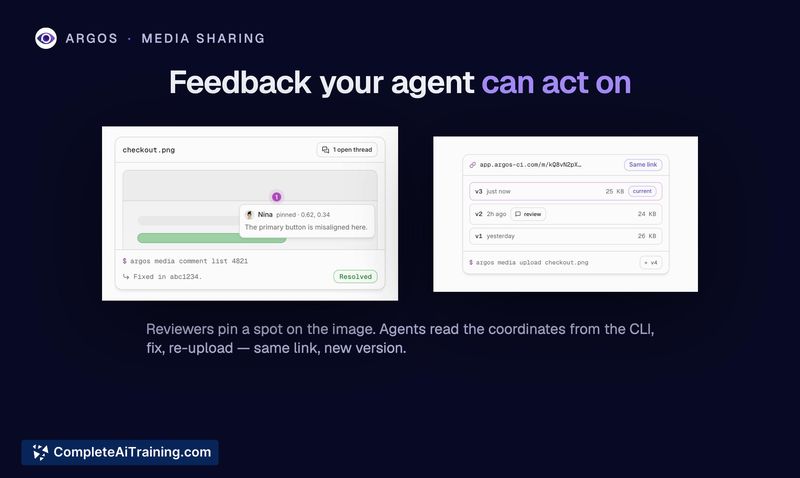
- Every upload is versioned; re-uploading updates the PR embed automatically while the previous version survives for reviewer reference
- Reviewers can pin comments to specific points on an image with normalized coordinates and version numbers
- Works from CLI, Node.js SDK, REST API, and an MCP server
- An
argos-uploadskill teaches coding agents when a screenshot is more useful than text
Pricing and Value
Media Sharing is live on every Argos plan including the free tier. Each image uses 1 screenshot unit from your allowance. A video upload uses 25 screenshot units. No additional pricing information beyond that is defined in the current materials.
Pros
- Works without any GitHub API access for comment attachments.
- Agents can act on feedback because pinned comments store normalized coordinates and the exact version reviewed.
- Free plan available with the same functionality as paid plans.
- URLs stay stable even when media is re-uploaded after changes.
Cons
- Video uploads consume 25x the allowance of a single image, which may limit use for teams with frequent recording needs.
- Only works with GitHub pull requests; other platforms or git hosts are not supported.
- Not well suited for teams that do not use AI coding agents or automated testing pipelines - the tool's value depends on having an agent or CI system submitting media automatically.
Teams using AI coding agents to write or modify UI code will get the most out of this tool, especially when reviewers need visual evidence of changes. It also works for automated visual testing pipelines running Playwright or similar tools. Developers who manually attach screenshots to PRs in a browser may see less benefit. That stated, the free tier makes it easy to try with no upfront cost.
Jobs Media Sharing suits
We checked Media Sharing against 500+ jobs; these get the most out of it.



