AI tool
Microsoft Designer
Microsoft Designer simplifies webpage creation, enabling users to build professional and customizable sites with ease. Perfect for beginners, it supports the creation of blogs, portfolios, and more, making web design accessible and efficient for all.
About: Microsoft Designer
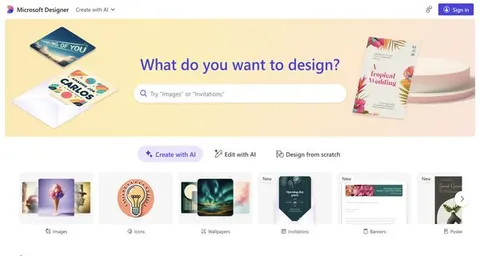
Microsoft Designer is an innovative tool that simplifies the process of generating webpages, making it accessible to users of all skill levels. This platform enables individuals to create visually appealing and functional websites tailored to their specific requirements. With a user-friendly interface, users can effortlessly design professional websites, engaging blogs, or dynamic online portfolios without requiring extensive technical expertise.
Key features include a variety of customizable templates, drag-and-drop functionality, and an array of design elements that enhance creativity. The platform supports responsive design, ensuring that webpages look great on any device. Additionally, built-in SEO tools help optimize content for search engines, improving visibility.
Whether you are a small business owner, a creative professional, or someone looking to establish an online presence, Microsoft Designer streamlines the webpage creation process, allowing you to focus on content and design. Its combination of ease of use, customization options, and robust functionality sets it apart, making it a valuable asset for anyone looking to craft a standout web experience.
Review: Microsoft Designer
Introduction
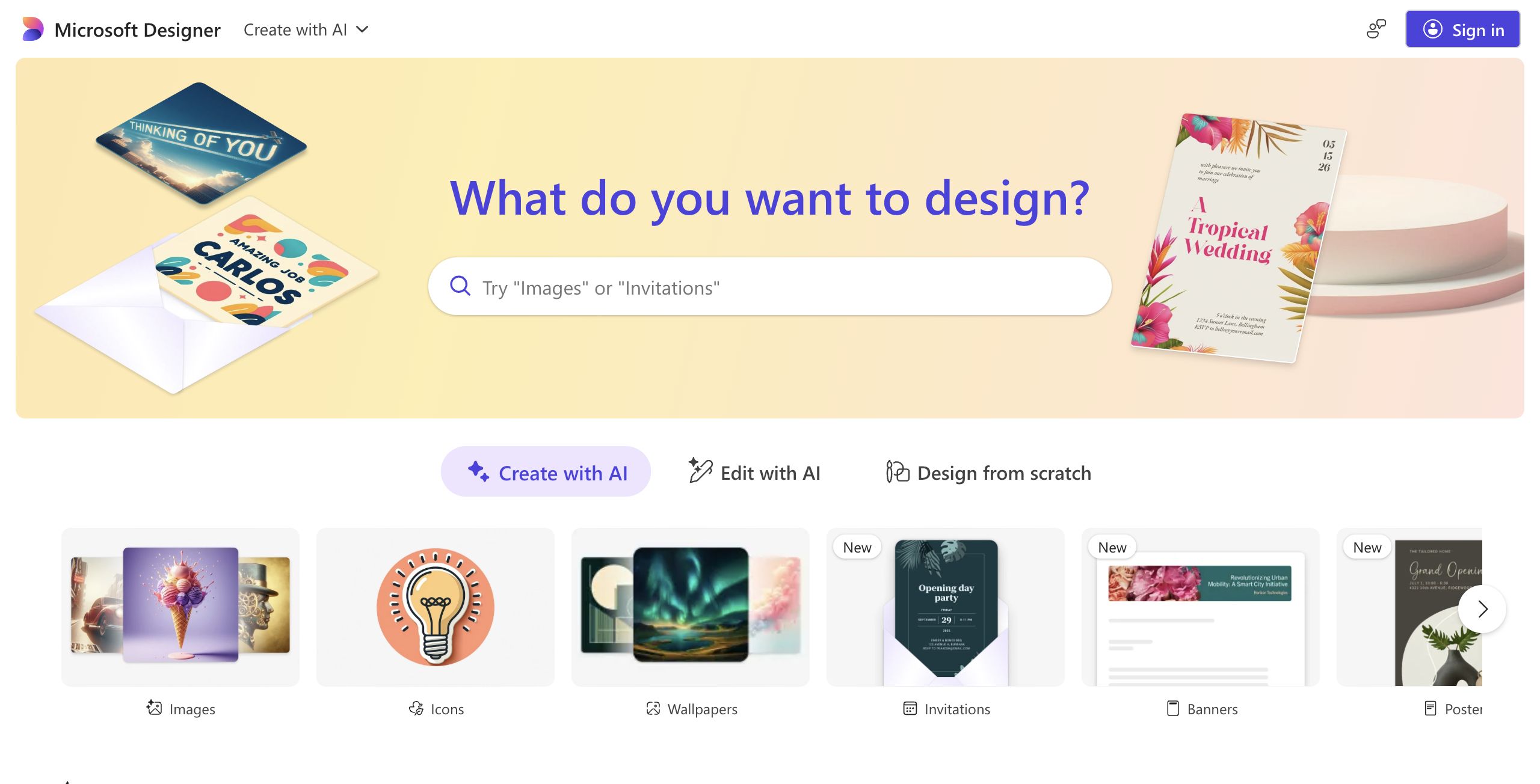
Microsoft Designer is an AI-powered tool designed to generate professional webpages with ease. It is ideal for individuals who want to create a website, develop a blog, or build an online portfolio without the necessity for intricate coding skills. Given the rising demand for rapid and accessible web development, this tool is particularly relevant for designers, small business owners, and hobbyists looking for a streamlined solution to craft impressive web pages.
Key Features
The Microsoft Designer tool offers a range of functionalities aimed at simplifying the webpage creation process:
- Ease of Use: The interface is designed to be highly accessible, making it possible for users with limited technical know-how to create professional-looking webpages.
- Customization Options: Users can personalize aspects of their webpages to suit specific needs, from website layouts to color schemes and design elements.
- AI Integration: The tool leverages AI to assist in generating content and design elements, streamlining the creative process.
- Versatility: It is equipped to handle a variety of projects, whether it's building a blog, developing an online portfolio, or creating a full-fledged website.
Pros and Cons
- Pros:
- User-friendly interface ideal for beginners and non-technical users.
- High level of customization, allowing users to tailor designs to their needs.
- Efficient webpage creation through the use of AI, saving both time and effort.
- Cons:
- The focus on simplicity may limit advanced users seeking deeper control or more complex features.
- There is potential for design limitations if users require highly unique, custom-coded solutions.
Final Verdict
Overall, Microsoft Designer is a powerful tool for anyone looking to generate webpages without diving into complex coding or design software. It is highly recommended for small business owners, bloggers, freelancers, and hobbyists who value simplicity, customization, and efficiency. However, professionals or advanced users who require extensive design flexibility and deeper coding integration may find the tool somewhat limiting. In essence, Microsoft Designer provides a balanced blend of accessibility and functionality for everyday webpage creation needs.
Jobs Microsoft Designer suits
We checked Microsoft Designer against 500+ jobs; these get the most out of it.
Alternatives to Microsoft Designer
Other tools that do the same main job. Our AI compared Microsoft Designer with similar tools and kept the ones you could use instead.