AI tool
MiniMax CLI
MiniMax CLI: official command-line for AI agents and terminals, unifying text, image, video, speech, music, vision and search into one interface with clean stdout, semantic exit codes, async jobs and Token Plan integration.
About MiniMax CLI
MiniMax CLI is the official command-line interface for its AI agents and terminals. It exposes multimodal capabilities-text, image, video, speech, music, vision, and search-through a single command surface to support agent-first workflows.
Review
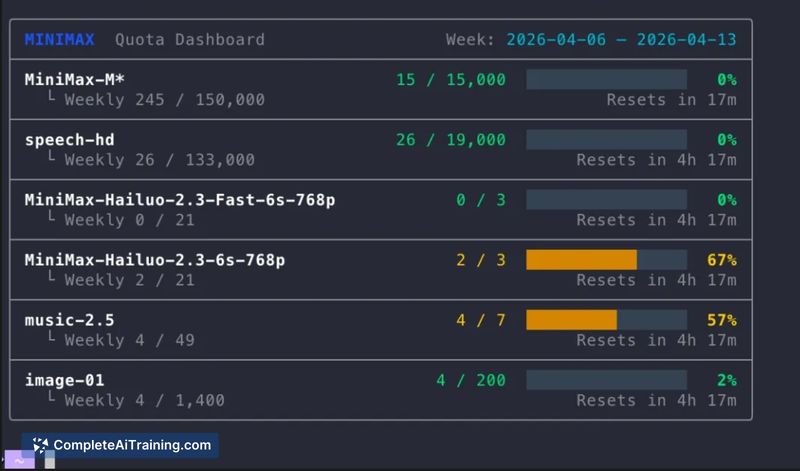
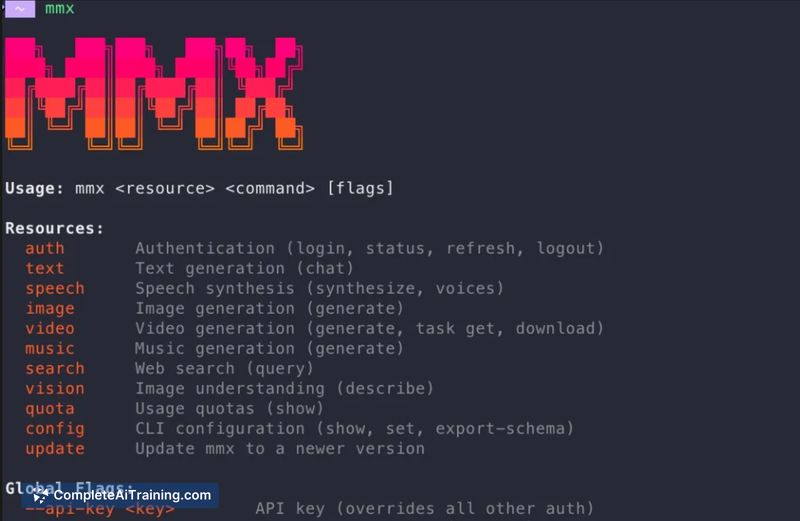
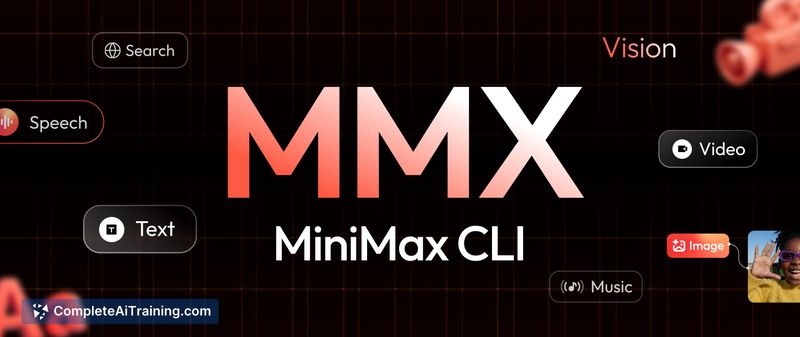
The CLI emphasizes an agent-oriented experience with features such as clean stdout, semantic exit codes, async job handling, and Token Plan integration. By providing native multimodal inputs and outputs from one surface, it removes the need for many ad hoc wrappers and parsing steps when building agent-driven tools.
Key Features
- Unified multimodal surface: text, image, video, speech, music, vision, and search available from one command interface.
- Agent-focused runtime behavior: clean stdout, semantic exit codes, and async jobs to support agent orchestration and automation.
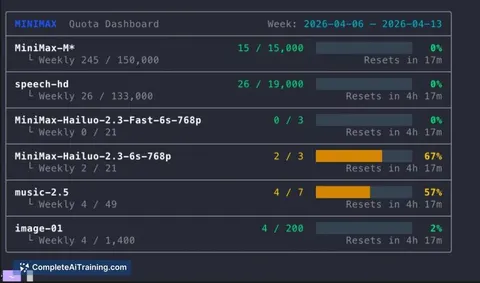
- Seamless Token Plan support for usage tracking and billing integration.
- Quick onboarding for code-first users (example install: npx skills add MiniMax-AI/cli).
Pricing and Value
There are free options available for getting started, with a paid Token Plan for scaled usage and feature access. For teams that run agents at scale or require continuous background jobs, the Token Plan can simplify usage-based billing, while hobbyists and early evaluators can explore the CLI at no cost.
Pros
- Delivers native multimodal outputs and inputs from a single, consistent CLI surface.
- Agent-oriented features (clean stdout, semantic exit codes, async jobs) make integration into automation and tooling straightforward.
- Token Plan integration streamlines usage tracking and billing for production use.
- Low barrier to try via free options and simple install paths for developers.
Cons
- Very recent launch means the tool may still encounter bugs or missing edge-case documentation.
- CLI-first approach is less friendly for non-technical users or teams that prefer graphical tooling.
- Reliance on a usage-based Token Plan may increase costs for sustained heavy workloads.
MiniMax CLI is best suited for developers and teams building agent-driven workflows, automation pipelines, and prototypes that require multimodal generation or perception from the terminal. Users seeking graphical interfaces or fully managed SDK-only experiences may find the CLI approach less convenient, but technical teams will appreciate the direct control and integration capabilities.
Jobs MiniMax CLI suits
We checked MiniMax CLI against 500+ jobs; these get the most out of it.