
AI tool
Multi-Claude
Multi‑Claude for Mac runs each Claude account as its own profile-sessions, history and settings stay isolated. One‑click switching; profiles live locally with no cloud, sync, or account required.
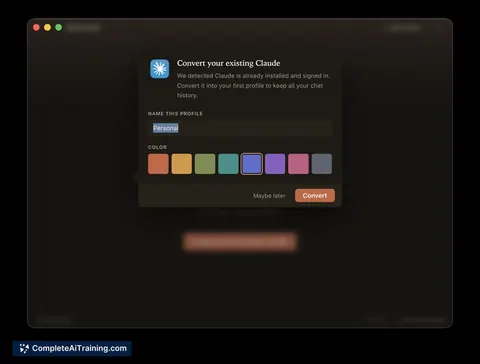
About Multi-Claude
Multi-Claude is a macOS application that runs multiple conversational AI accounts as separate profiles, each with its own session, history, and settings. Profiles are stored locally on your Mac, and switching between accounts is handled with a single click.
Review
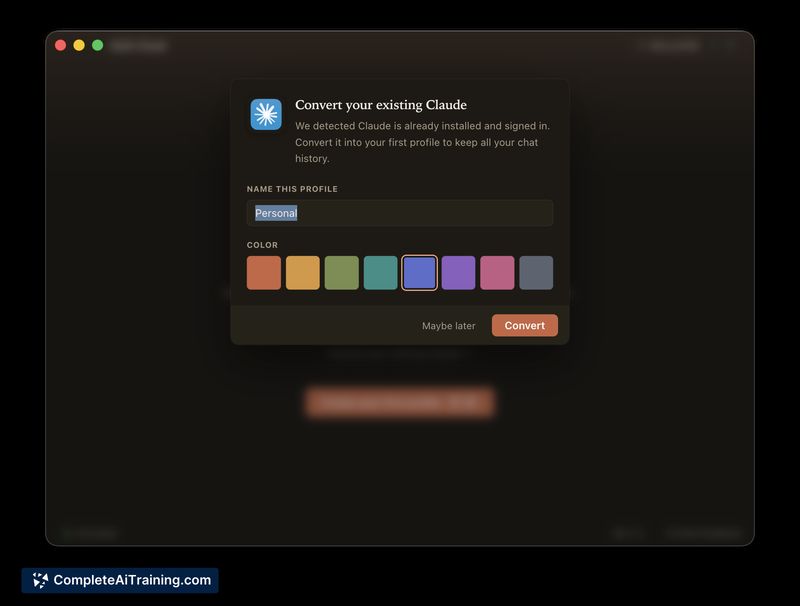
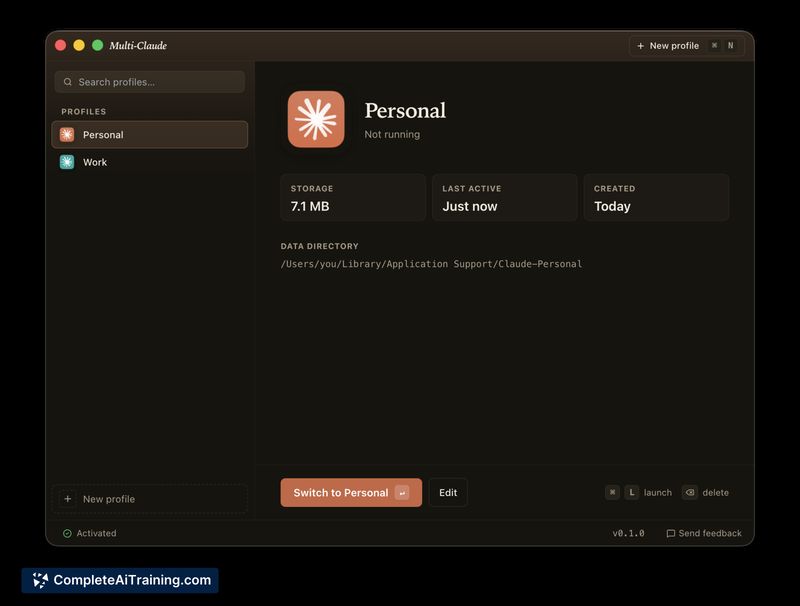
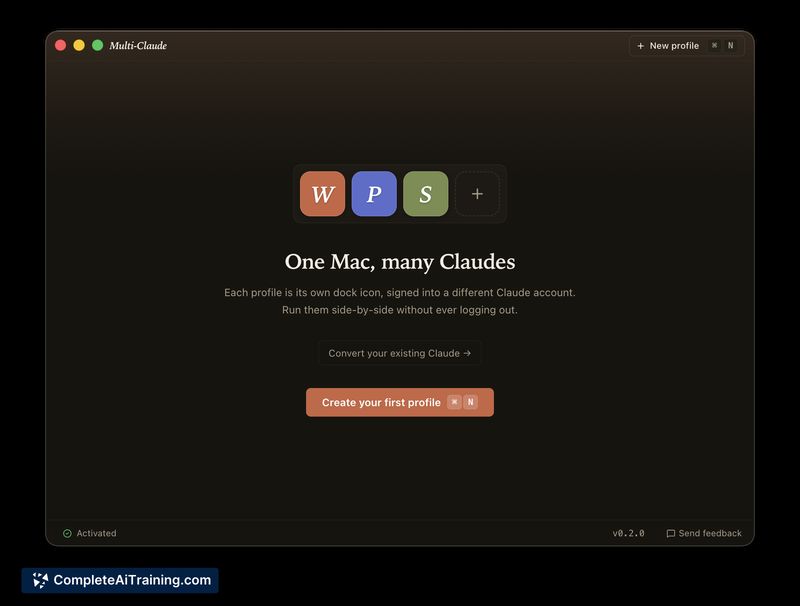
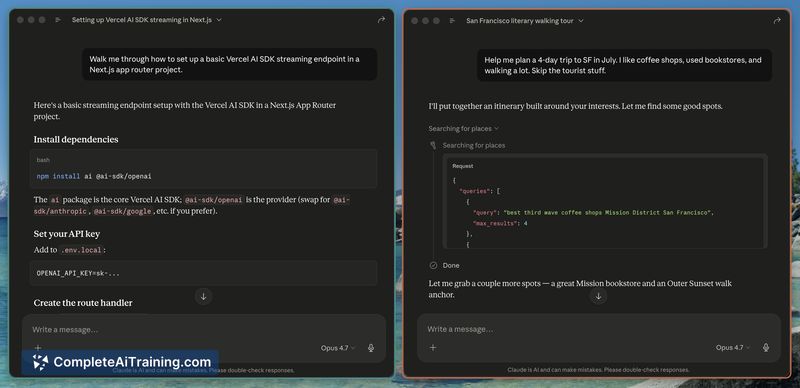

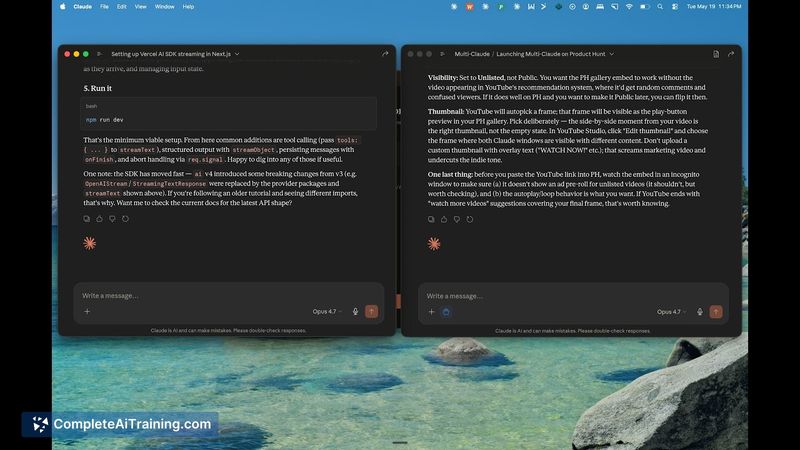
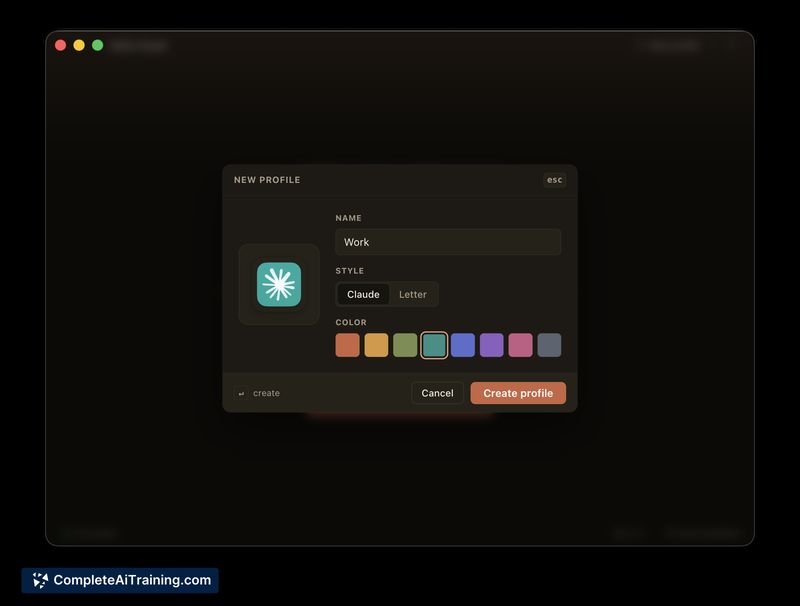
Multi-Claude focuses on reducing the friction of logging in and out or juggling browser profiles by providing an app-centric way to manage several accounts. It offers a simple interface for isolating sessions and keeping profile data on-device, which should appeal to users who prefer a local-first workflow.
Key Features
- Separate profiles with isolated sessions, histories, and settings for each account.
- One-click switching and distinct menu-bar icons to bring a profile forward quickly.
- Local-first design: profiles live on the Mac with no mandatory cloud sync or account required.
- Packaged as a Mac application that behaves like a native app while managing multiple web-based instances under the hood.
Pricing and Value
Multi-Claude is offered as a paid product with a one-time license model rather than a recurring subscription. For users who frequently switch between multiple accounts, the single-purchase approach can be cost-effective compared with time lost to repeated logins or maintaining multiple browser profiles. Occasional launch discounts may be available for early buyers.
Pros
- Makes account switching fast and simple, reducing context switching overhead.
- Keeps profile data local, avoiding mandatory cloud sync or an extra service account.
- Cleaner alternative to multiple browser profiles or numerous private windows.
- One-time payment model appeals to users who dislike subscriptions.
Cons
- macOS-only, so it is not suitable for Windows or Linux users.
- Focused on a single provider at launch; multi-provider support is not available yet.
- Implemented with web-based app technology rather than a native Swift/AppKit codebase, which may affect how it integrates with some macOS features.
Multi-Claude is a practical choice for people who regularly use multiple accounts for work, personal projects, or client work and prefer a contained, local approach. It fits users who want a simple, one-click way to isolate sessions on macOS without committing to cloud sync or extra services.
Jobs Multi-Claude suits
Useful in almost any job. We checked Multi-Claude against 500+ jobs; these get the most out of it.



