AI tool
NeuralAgent 2.5
NeuralAgent 2.5: Voice Mode, Watch & Learn and Parallel Agents-speak and it responds and executes, save any task as a repeatable workflow, and run multiple agents concurrently to accelerate research and automate work.
About NeuralAgent 2.5
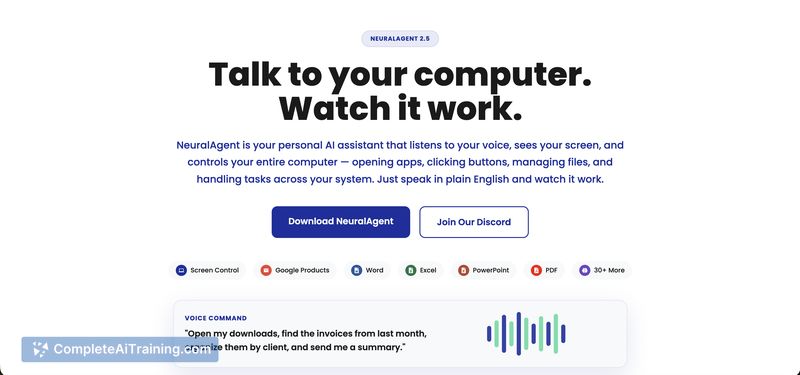
NeuralAgent 2.5 is a personal AI assistant that observes your screen and can operate your computer on your behalf. It accepts plain-English commands, automates sequences across apps, and aims to save time on repetitive tasks.
Review
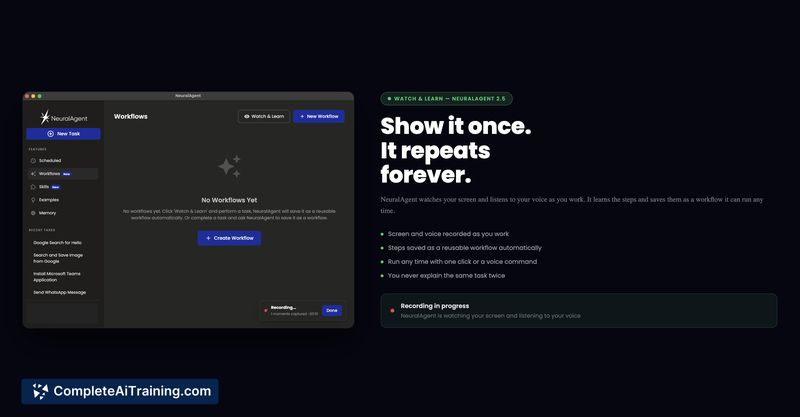
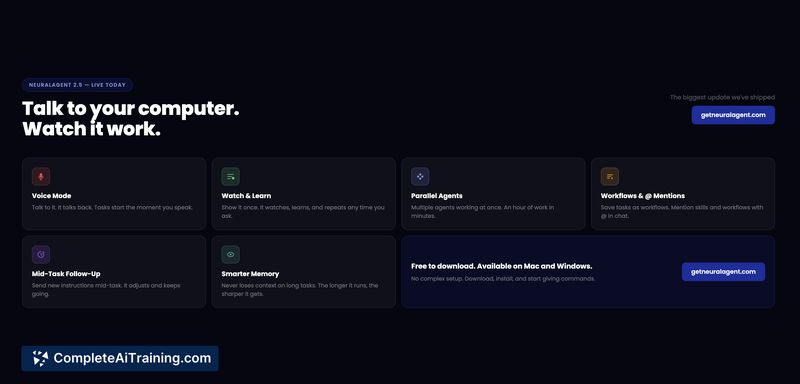
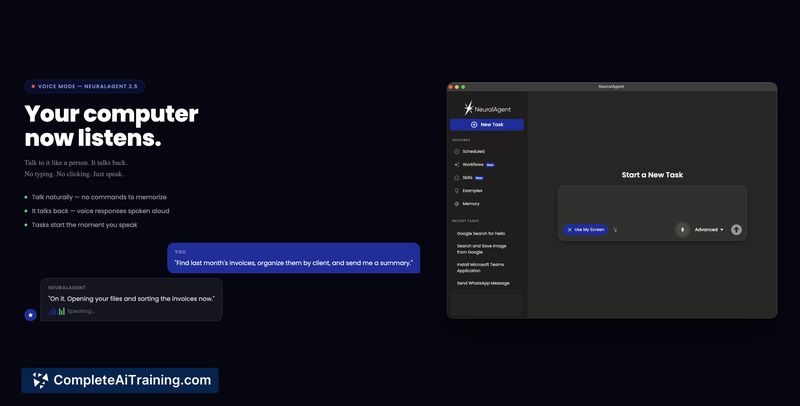
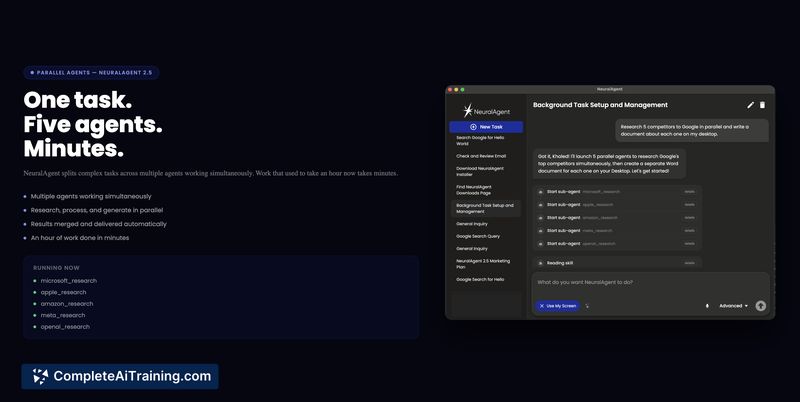
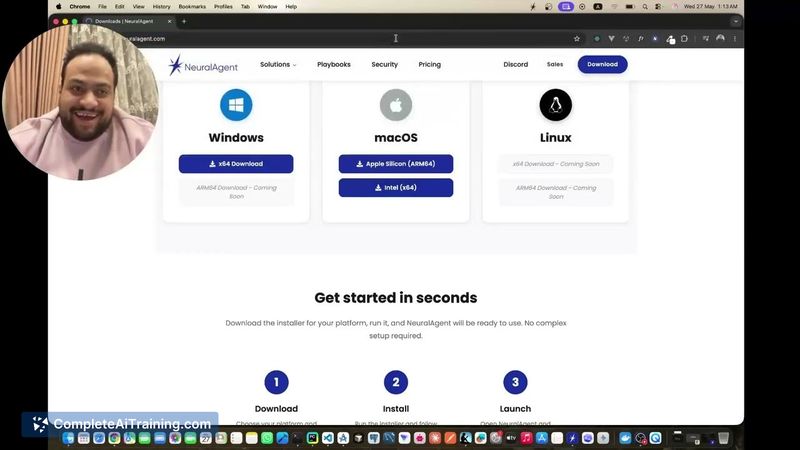
This release focuses on three headline features: Voice Mode for spoken interaction, Watch & Learn for recording one-time demonstrations into reusable workflows, and Parallel Agents to run multiple tasks simultaneously. These additions extend the tool's automation capabilities and make it more convenient for hands-free work, though real-world reliability depends on how it handles unexpected UI changes.
Key Features
- Voice Mode - speak commands and receive spoken responses while the assistant controls the desktop.
- Watch & Learn - demonstrate a task once and save the recorded steps as a reusable workflow.
- Parallel Agents - run multiple agents in parallel to gather information or complete several tasks at once.
- Workflows, @ Mentions, and an improved memory system for managing repeated tasks and context.
Pricing and Value
There is a free option available to try core features, and the product page indicates paid plans for more advanced or large-scale use (details should be checked on the official site). The main value proposition is time saved by automating cross-application tasks and reducing manual repetition; that value increases for users who have frequent, repeatable desktop workflows.
Pros
- Hands-free interaction via voice makes quick commands and monitoring convenient.
- Watch & Learn turns single demonstrations into reusable workflows, cutting setup time for routine jobs.
- Parallel Agents can speed up research or batch tasks by running many threads at once.
- Acts across applications and the OS, so it can coordinate multi-step, cross-app processes.
Cons
- Automation can be fragile if buttons move, unexpected dialogs appear, or UI elements change - recovery from these states is a common challenge.
- Because the assistant sees your screen and controls the machine, there are important privacy and security considerations; careful review of permissions and safeguards is recommended.
- Pricing beyond the free tier is not fully detailed on the product summary, so teams should verify plan limits and enterprise support before committing.
NeuralAgent 2.5 is well suited for users who want to automate repetitive desktop work, researchers who need to collect or process many items quickly, and teams that can benefit from reusable workflows. Prospective users should test it on non-sensitive tasks first and confirm recovery behavior and security controls before entrusting critical operations.
Jobs NeuralAgent 2.5 suits
We checked NeuralAgent 2.5 against 500+ jobs; these get the most out of it.
Alternatives to NeuralAgent 2.5
Other tools that do the same main job. Our AI compared NeuralAgent 2.5 with similar tools and kept the ones you could use instead.