AI tool
No Code Map App
No Code Map App lets you create production-ready maps from your data in minutes with AI. Seamlessly syncs real-time data from Google Sheets, Airtable, and Webflow CMS—no coding needed.

About No Code Map App
No Code Map App is a user-friendly platform that allows individuals to create interactive maps without any programming skills. It offers a simple drag-and-drop interface, enabling users to visualize data geographically with ease and efficiency.
Review

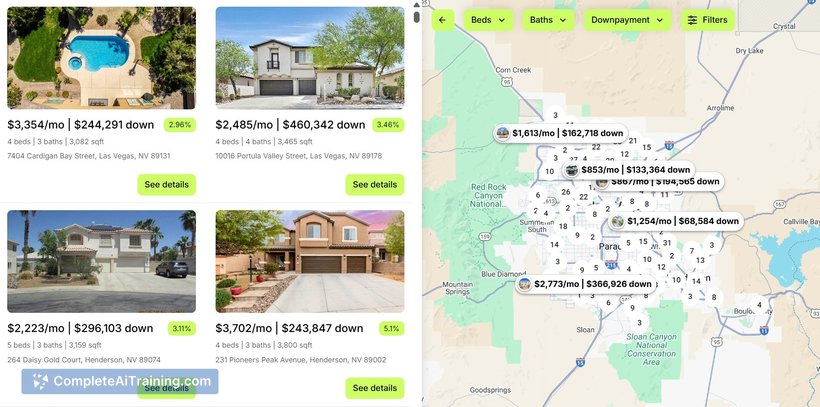
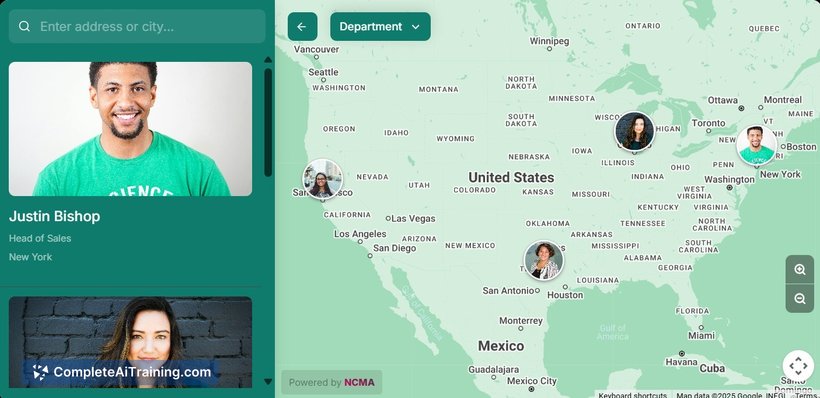
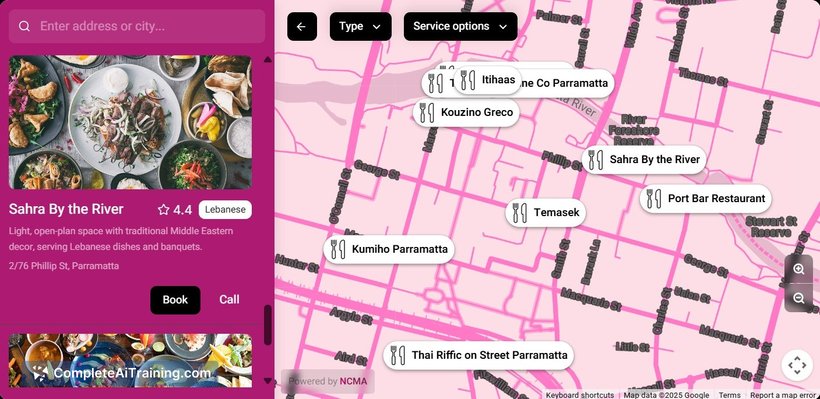
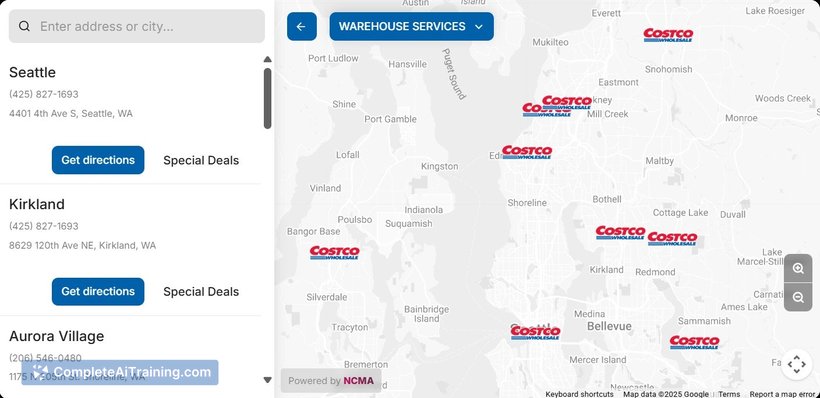
No Code Map App provides an accessible solution for users who need to build custom maps quickly without relying on coding knowledge. Its straightforward design and functionality make it suitable for a variety of applications, from business presentations to educational projects.
Key Features
- Intuitive drag-and-drop map creation interface
- Customizable map markers and data points
- Integration with external data sources such as spreadsheets
- Responsive design for seamless viewing on different devices
- Export options for sharing or embedding maps on websites
Pricing and Value
The tool offers multiple pricing tiers including a free plan with basic features and limited map projects. Paid plans provide access to advanced customization options, increased project limits, and priority support. Considering the ease of use and range of features, it presents good value for users needing quick map solutions without technical overhead.
Pros
- No coding required, making it accessible for beginners
- Clean and simple user interface
- Supports integration with common data formats
- Responsive maps that work well on mobile and desktop
- Flexible export and sharing options
Cons
- Limited advanced analytical tools compared to specialized GIS software
- Customization options may feel basic for expert users
- Free tier has restrictions that may require upgrading for heavier use
No Code Map App is ideal for users such as marketers, educators, and small business owners who need to create clear and interactive maps quickly without technical barriers. It suits projects that require straightforward map visualization without complex spatial analysis.
Jobs No Code Map App suits
We checked No Code Map App against 500+ jobs; these get the most out of it.