About Notion MCP
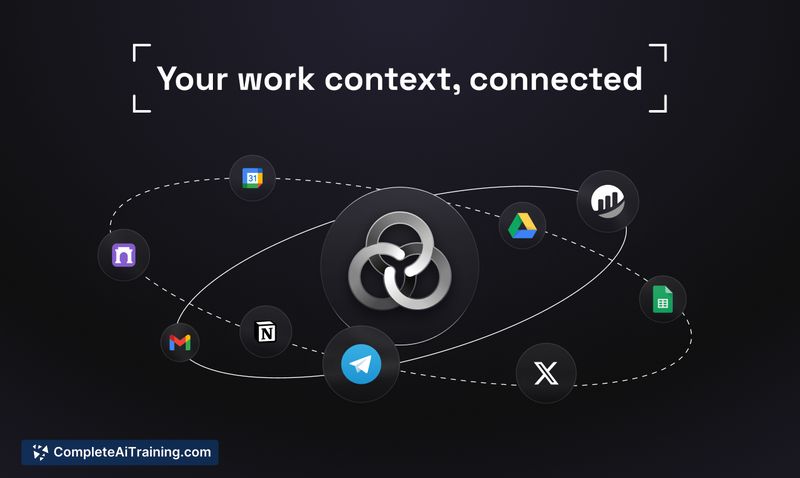
Notion MCP brings AI tools into your Notion workspace by providing real-time read/write access to pages, notes, and databases. It enables AI agents to work with your actual workspace content to automate document creation, task updates, reporting, and knowledge organization.
Review
Notion MCP fills the gap between generic AI outputs and workspace context by giving agents direct access to a user's data with administrative controls. In practice, this can reduce repetitive copy‑paste work and enable automation of common team workflows when configured correctly.
Key Features
- Real-time read and write access to Notion pages and databases, allowing agents to both consume and update workspace content.
- Support for multiple external AI tools and agent frameworks so teams can plug in different models or services.
- Workspace-level governance and admin controls that let you scope which pages or databases an agent can access.
- Context-aware automation templates for creating docs, managing tasks, generating reports, and organizing knowledge.
- Developer resources and guides for deploying servers and handling integration details (API usage, batching, queuing).
Pricing and Value
Free options are available, and actual costs will depend on workspace plan choices and how you use external AI services. The primary value is time saved by automating documentation, task management, and reporting workflows directly inside the workspace. Teams with heavy write volumes should account for API usage limits and potential costs from linked AI providers; a pilot implementation helps surface latency and rate‑limit behavior before broad rollout.
Pros
- Enables agents to work with real workspace context rather than isolated prompts, reducing manual context passing.
- Granular access controls make it practical for team environments, not just single users.
- Works with both pages and databases, supporting task trackers, sprint planning, and structured metadata updates.
- Useful developer resources and deployment patterns for handling batching and write workflows.
Cons
- Subject to the platform API's rate limits, which can introduce write latency for write‑heavy agent loops and require batching or queuing logic.
- Data privacy and governance depend on configuration and the external AI services you connect; careful policy and permission setup is necessary for sensitive content.
- More complex Notion setups (relations, rollups, dense databases) may need additional integration work to behave reliably with agents.
Notion MCP is best suited for teams and advanced users who use Notion as a primary knowledge base and want to automate documentation, sprint planning, content planning, and reporting. Small pilots help validate latency, rate limits, and governance needs before scaling to larger teams or high‑volume workloads.
Open 'Notion MCP' Website
Your membership also unlocks: