About NovaVoice
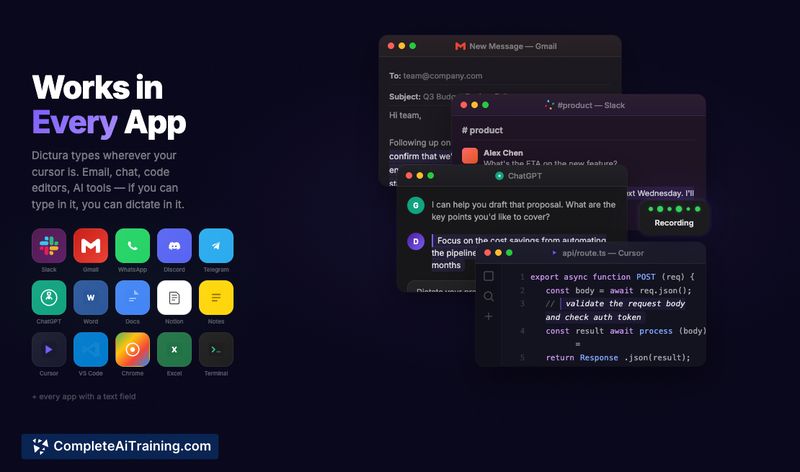
NovaVoice is a desktop voice interface for macOS and Windows that combines dictation, an on-screen AI assistant, and voice-based app control. It aims to transcribe speech accurately, apply context-aware formatting, and let you perform common actions without leaving your current window.
Review
NovaVoice focuses on reducing friction between thinking and writing by making voice a first-class input on the desktop. It blends high-quality transcription with quick access to an assistant and a set of integrations that let you draft messages, reformat text, and trigger app actions by voice.
Key Features
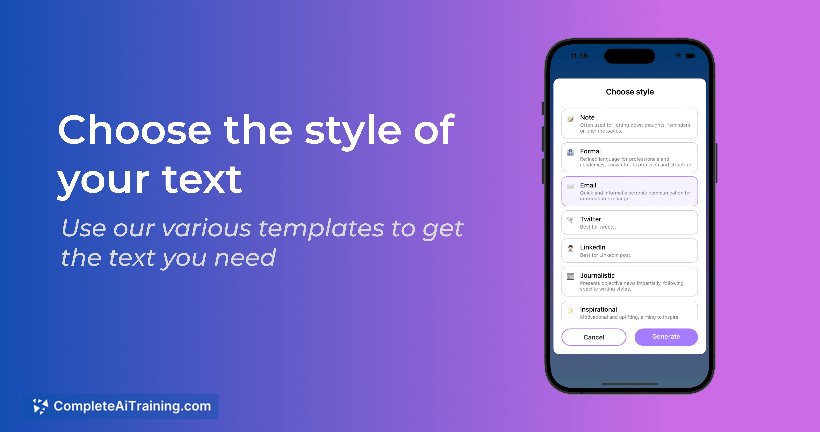
- Context-aware writing: formats output to match the app you're dictating into (email, Markdown, notes, etc.).
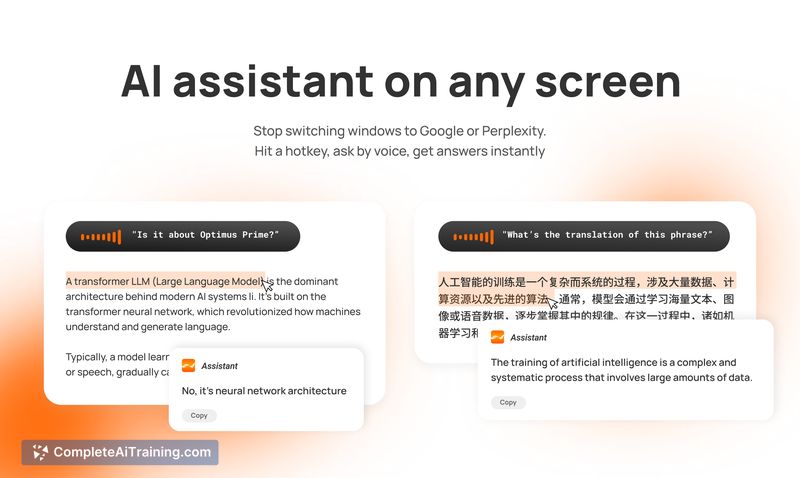
- Always-available AI assistant: activate with a hotkey to ask questions or request transformations without switching to a browser.
- Cross-app voice commands: open apps, draft messages, and insert contacts or addresses using voice prompts.
- Smart popover for reformatting: apply presets or custom instructions to selected text instantly.
- Custom dictionary and multilingual support: remembers shortcuts and handles mid-sentence language switches and proper names.
Pricing and Value
There is a free option available that provides core dictation and assistant features. The team indicates plans to expand integrations and add personalization features, which suggests a future paid tier for advanced capabilities. For anyone who types frequently or needs hands-free operation, the tool can save time and reduce window switching, while also offering practical benefits for people with limited mobility.
Pros
- Accurate transcription with good auto-punctuation in English and reasonable results in several other languages.
- Context-aware formatting that adapts output to different apps, reducing manual editing.
- Ability to draft messages and prepare actions across multiple apps without leaving the current workflow.
- Local-first approach to many pieces of data and clear controls around executing actions, which helps with privacy and safety.
- Free tier makes it easy to try before committing.
Cons
- Integrations are useful but currently limited; more app support is planned rather than fully available today.
- Some users report slower performance in certain scenarios and want faster transcription latency.
- Linux support and installation details are incomplete, so users on non-supported platforms may face hurdles.
Overall, NovaVoice is well suited for writers, knowledge workers, and anyone who benefits from hands-free input or faster text capture. Try the free option to evaluate transcription quality and the current integrations; it will be most valuable for people who frequently switch contexts between apps or need accessible input alternatives.
Open 'NovaVoice' Website
Your membership also unlocks: