AI tool
Dictura
Dictura: Hold a key, speak naturally and get clean, formatted text anywhere-Slack, Gmail, VS Code. Automatic translation across 60+ languages, on-device or cloud engines with no audio stored. Free unlimited on-device transcription.
About Dictura
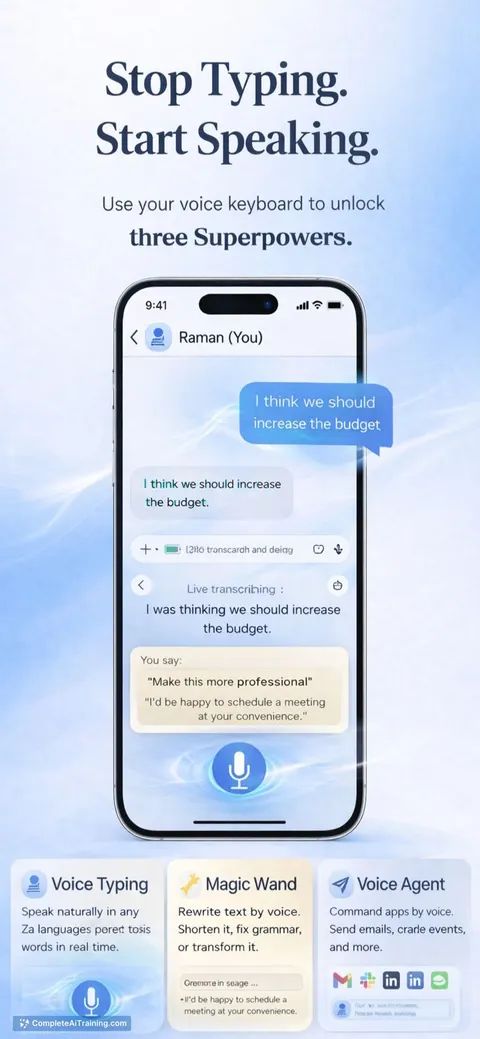
Dictura is an AI-driven desktop app for macOS and Windows that converts speech into clean, formatted text directly at your cursor. Hold a key, speak naturally, and release - the transcription or translated text appears in any app without switching windows or copying and pasting. The app offers built-in translation across dozens of languages and a privacy-focused approach where audio is not stored.
Review
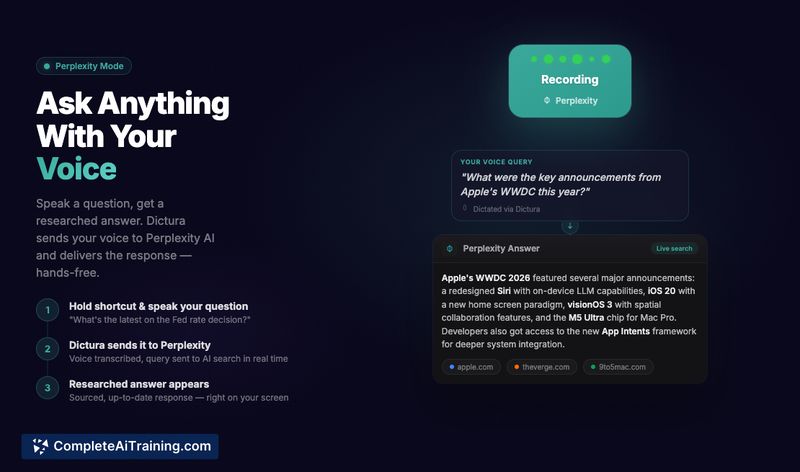
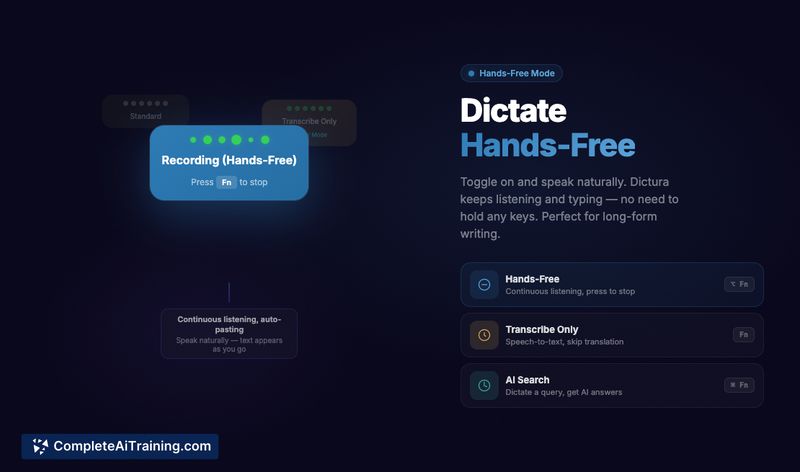
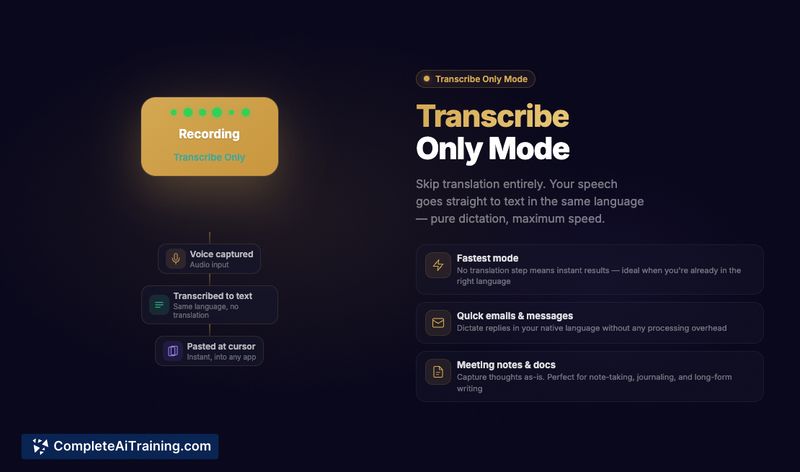
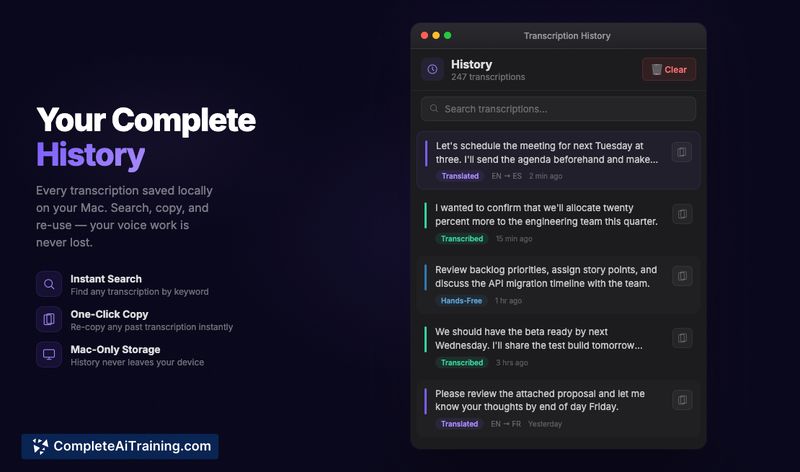
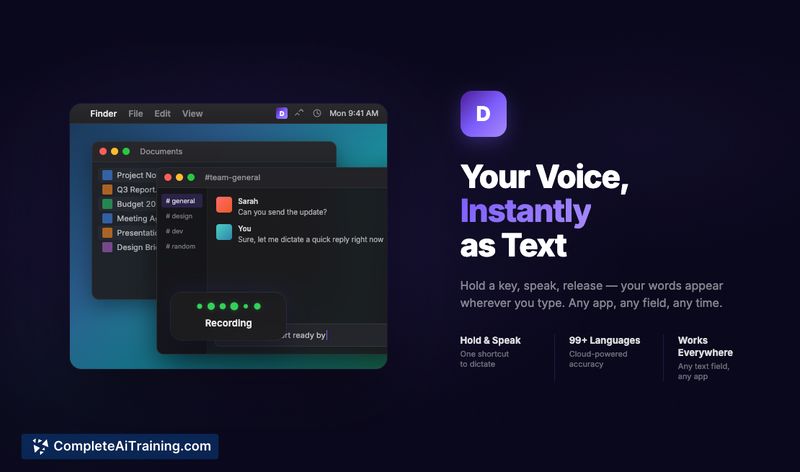
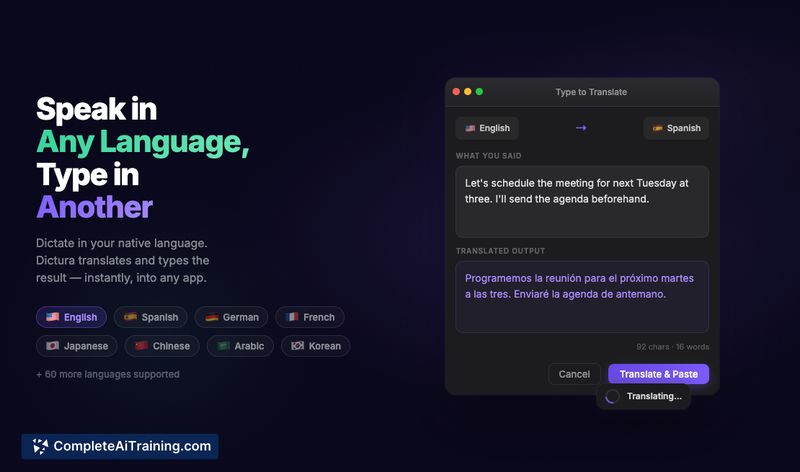
Dictura offers a simple, focused workflow for people who want faster text entry and easy translations without interrupting their current tasks. It combines a quick "hold-to-speak" input method with automatic insertion into any text field, and provides both an on-device engine for offline use and a cloud option for higher-accuracy transcription and broader language coverage.
Key Features
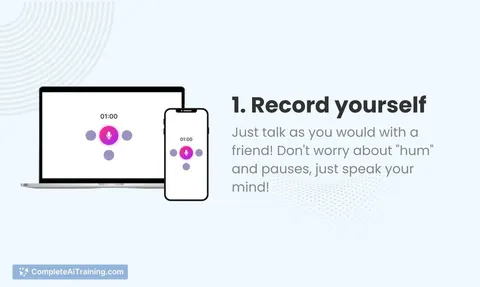
- Hold-key dictation: press and hold a hotkey, speak, then release to insert formatted text at the cursor in any app.
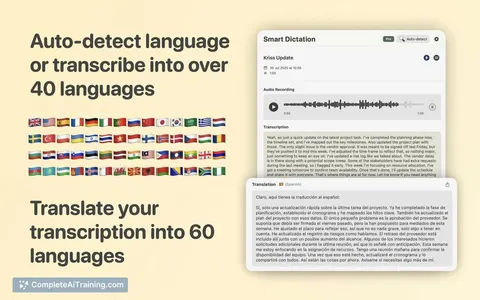
- Built-in AI translation: speak in one language and get output in another; supports 60+ languages for translation output.
- Two transcription engines: an on-device engine with unlimited free use and a cloud engine that offers higher accuracy and wider language support.
- Privacy-focused: audio is not stored, and on-device processing is available for users who prefer offline transcription.
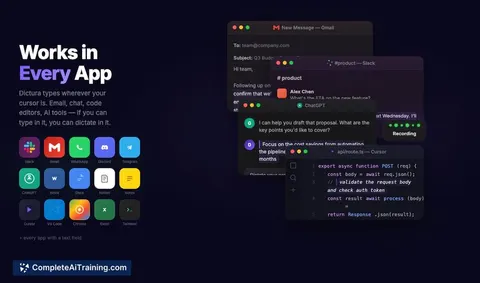
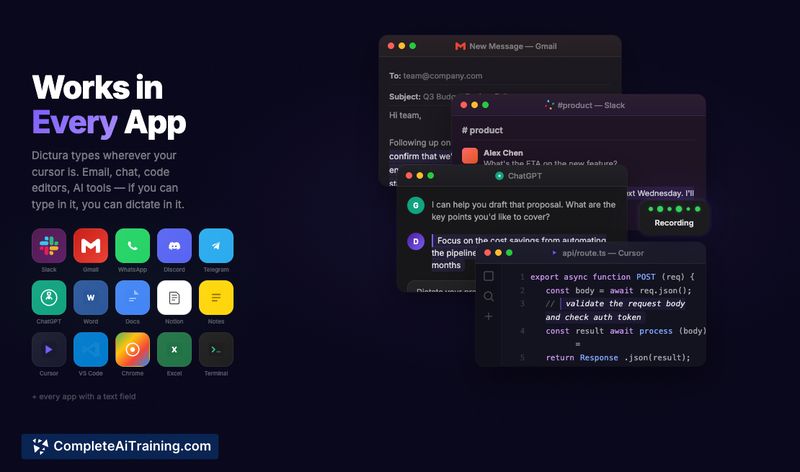
- Works across apps and fields (email, chat, code editors, browsers) with no manual copy-paste or app switching required.
Pricing and Value
Dictura offers a genuinely usable free tier that includes unlimited on-device transcription and translation and does not require an account to get started. Paid plans add access to the cloud transcription engine for improved accuracy and extended language support; paid plans start at $5.99 per month. For frequent typists, multilingual communicators, and people who switch between many apps, the subscription can pay for itself by reducing context switching and speeding up text entry.
Pros
- Fast, low-friction input model that inserts text directly where you type.
- Built-in translation removes the need for separate translator apps or workflows.
- Useful free tier with unlimited on-device usage and no account requirement to start.
- Privacy-oriented options with on-device transcription and a stated policy of not storing audio.
- Cross-application compatibility makes it practical for email, chat, documentation, and coding tasks.
Cons
- Best accuracy and broader language coverage require the cloud option, which is a paid feature.
- Desktop-only at launch (macOS and Windows), so mobile users need alternative solutions.
- The hold-to-speak workflow may not suit everyone's habits or accessibility needs.
Dictura is a strong fit for professionals who write a lot across multiple apps and frequently switch languages - for example, remote teams, multilingual writers, and developers who want to speed up notes and messages. It's especially useful if you prefer a lightweight, privacy-aware dictation tool that minimizes app switching and keeps a straightforward, consistent workflow.
Jobs Dictura suits
Useful in almost any job. We checked Dictura against 500+ jobs; these get the most out of it.
Alternatives to Dictura
Other tools that do the same main job. Our AI compared Dictura with similar tools and kept the ones you could use instead.