AI tool
Output
Output is an AI agent that operates your computer like a human, handling tasks from job applications to video editing through simple conversation. Available for Mac and Windows with limited early access.
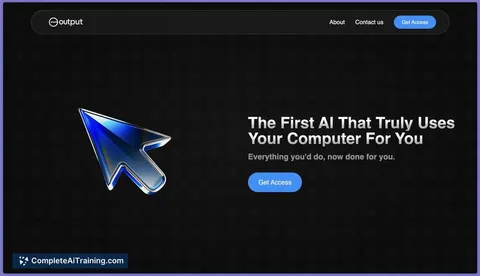
About Output
Output is an AI agent that operates your computer by interacting with applications just like a human would. It performs complex tasks such as job applications, video editing, and data research through simple conversational commands. The tool is currently available for Mac and Windows with limited early access.
Review
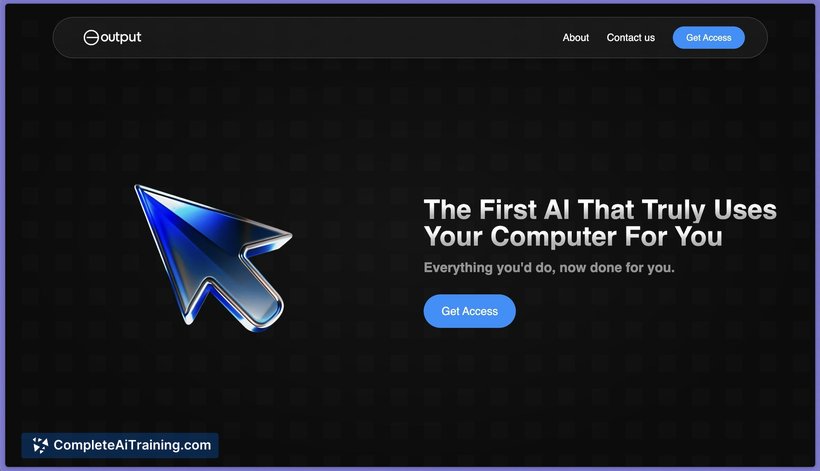
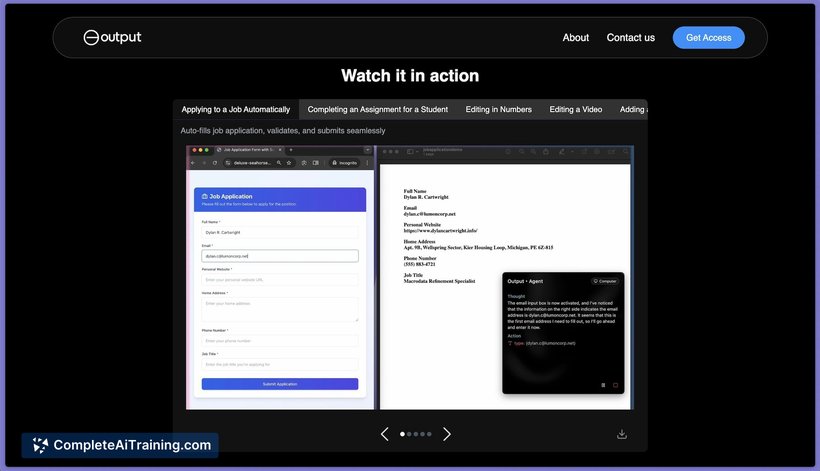
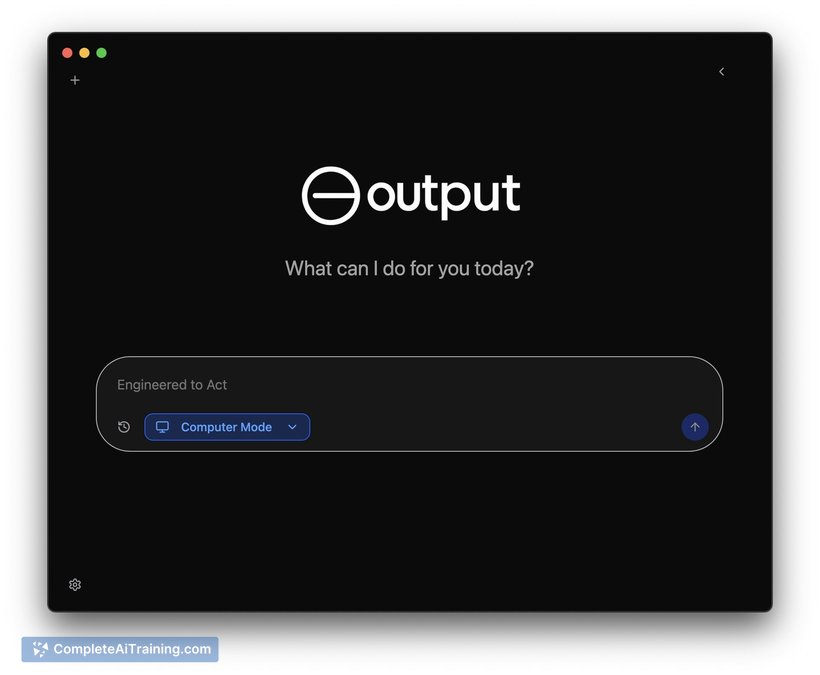
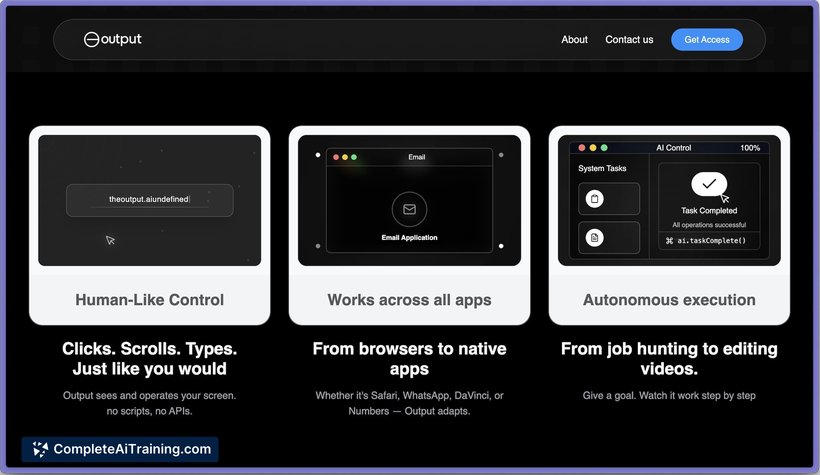
Output introduces an innovative approach to automating computer tasks by using an AI that can see your screen and understand context to execute commands across various applications. This makes it a versatile assistant capable of handling repetitive and complex workflows without requiring users to adapt their habits. As an early access product, it shows promising potential for streamlining productivity.
Key Features
- Screen recognition and contextual understanding to interact with any app on your computer.
- Ability to perform multi-step tasks such as filling out forms, editing videos, and analyzing data.
- Simple conversational interface allowing users to command the AI naturally.
- Cross-platform support for both Mac and Windows systems.
- Handles a wide range of workflows including job applications, online research, and shopping automation.
Pricing and Value
Output is currently offered with limited early access, which suggests there may be a free tier or trial period to explore its capabilities before committing. While detailed pricing information is not fully disclosed, the value proposition lies in saving significant time on repetitive tasks by automating complex workflows through a conversational interface. Users who frequently perform multi-application tasks may find considerable efficiency gains that justify investment once pricing plans are finalized.
Pros
- Automates complex and repetitive tasks across any desktop application.
- Supports natural language commands, reducing the learning curve.
- Works on both Mac and Windows platforms.
- Potential to boost productivity by minimizing manual clicking and typing.
- Continuously evolving with user feedback during early access.
Cons
- Limited information available on data privacy and security measures.
- Early access phase may come with bugs or incomplete features.
- Requires trust as it controls and accesses multiple applications on your computer.
Overall, Output is best suited for users who handle repetitive or multi-step tasks across various desktop applications and are looking to save time by delegating these tasks to an AI assistant. It can be particularly useful for professionals in roles involving data entry, content creation, or research. However, those concerned about privacy or requiring a fully polished product might prefer to wait until the tool matures beyond its early access stage.
Jobs Output suits
We checked Output against 500+ jobs; these get the most out of it.
Alternatives to Output
Other tools that do the same main job. Our AI compared Output with similar tools and kept the ones you could use instead.