AI tool
Overline
Overline streams audio to deliver ultra-low-latency captions, showing subtitles as words are spoken for live broadcasts and online videos, providing accurate, immediate transcriptions directly in your browser.
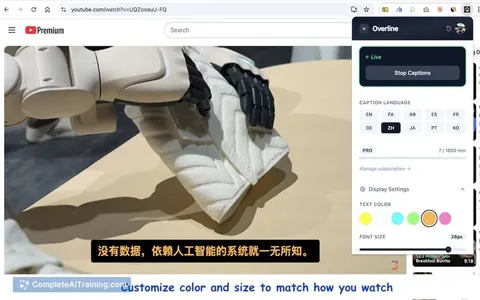
About Overline
Overline is a Chrome extension that provides real-time AI captions and live translation on top of any browser video. It works on sites like YouTube, Netflix, Twitch and Zoom without requiring subtitle files or switching tabs.
Review
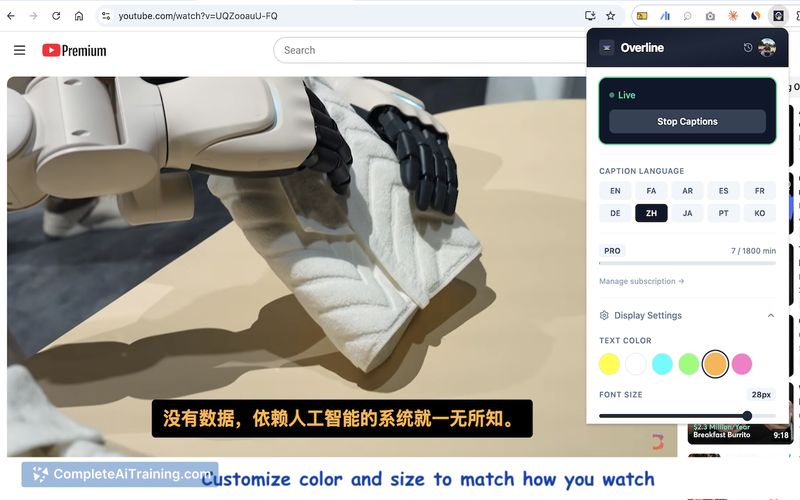
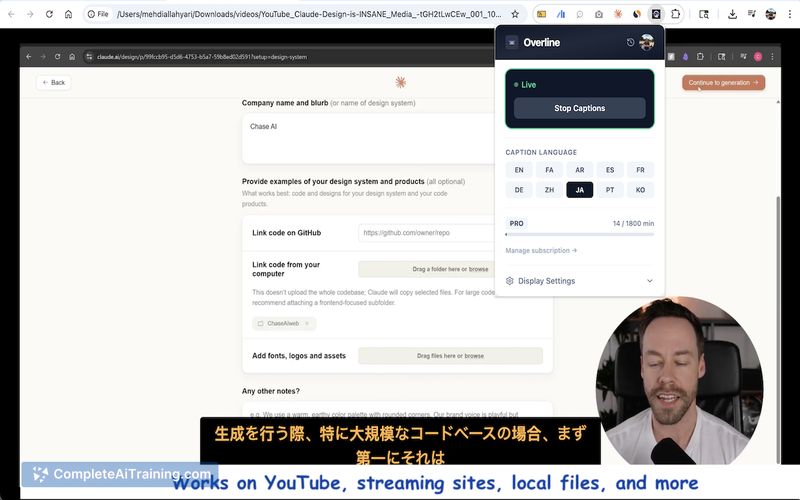
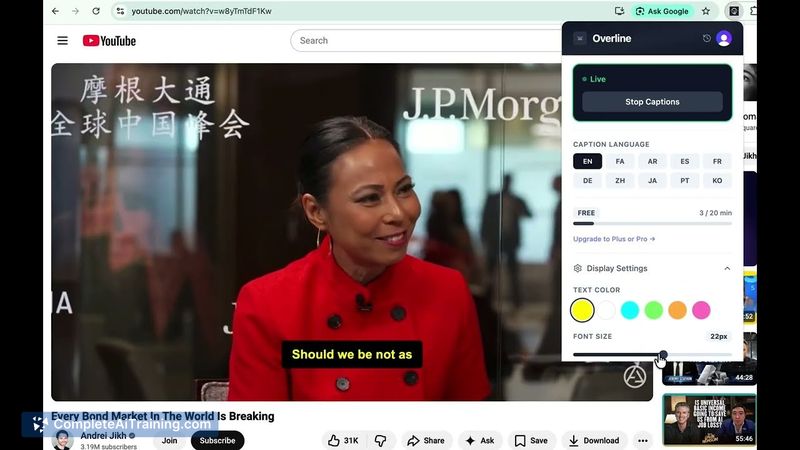

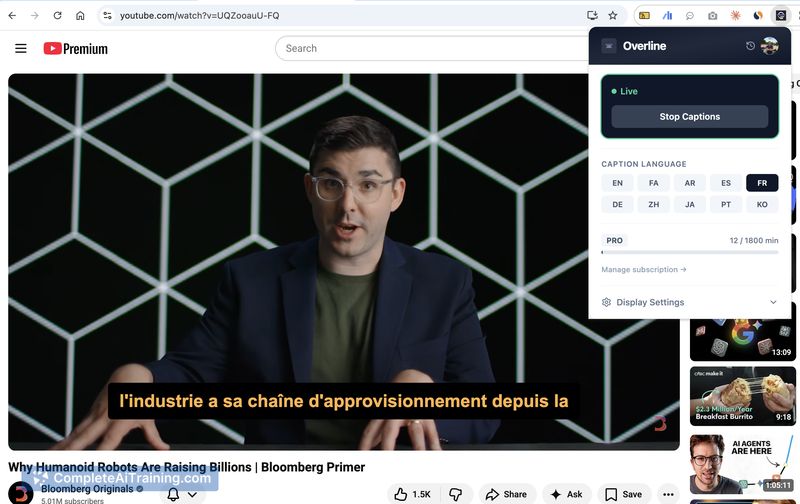
Overline streams audio directly from the browser to generate captions with sub-second latency and offers optional per-session translation. The extension avoids page injection and file uploads, which helps keep the integration lightweight and focused on live audio.
Key Features
- Real-time AI captions that appear over any browser video with low latency.
- Optional live translation that can be enabled per session.
- Supports a wide range of video sources (YouTube, Netflix, Twitch, Zoom, any tab).
- No page injection and no file uploads-pure live audio streaming from the browser.
- Available as a Chrome extension for quick installation.
Pricing and Value
The product launch page highlights free options at this stage, making it easy to try without a paid commitment. For viewers who need on-the-fly captions or quick translations across different streaming sites, the extension can be a cost-effective accessibility and convenience add-on while the developer expands features and language support.
Pros
- Works across many video platforms without modifying the source video.
- Low-latency captioning approach that streams audio directly rather than batching uploads.
- Per-session translation gives control over when translations are active.
- No file uploads or invasive page changes, which should ease privacy concerns for some users.
Cons
- Some users report a 1-2 second delay in certain videos, especially movies with complex audio, so latency is not always sub-second in practice.
- Caption accuracy can drop when dialogue is sparse or background noise is high; performance is best when a clear speaker is present.
- Language coverage is still growing; additional languages have been requested by early users.
Overall, Overline is most useful for people who need accessible captions or in-session translation across many browser video sources-language learners, multilingual households, and viewers who want captions without editing video files. It's particularly attractive for early adopters willing to test a newly launched extension and provide feedback as features and language support expand.
Jobs Overline suits
We checked Overline against 500+ jobs; these get the most out of it.
Alternatives to Overline
Other tools that do the same main job. Our AI compared Overline with similar tools and kept the ones you could use instead.