AI tool
Phoenix
Phoenix is an AI coding agent built for iOS development. It edits code, runs builds and tools, diagnoses errors, and iterates on Xcode projects to help developers get apps running. It is designed for iOS developers seeking to reduce repetitive wor...

About Phoenix
Phoenix is an AI coding agent built for iOS and macOS app development. It writes and edits code, runs builds and tools, diagnoses errors, and helps take an iOS project from idea to a working app. The tool launched this week and is positioned as a free option for developers.
Review
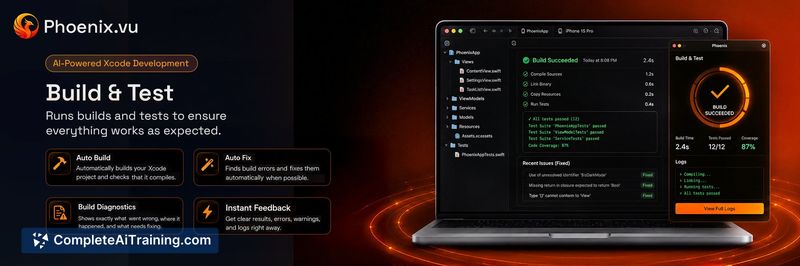
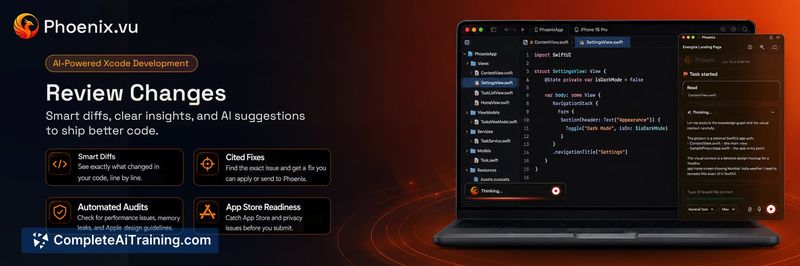
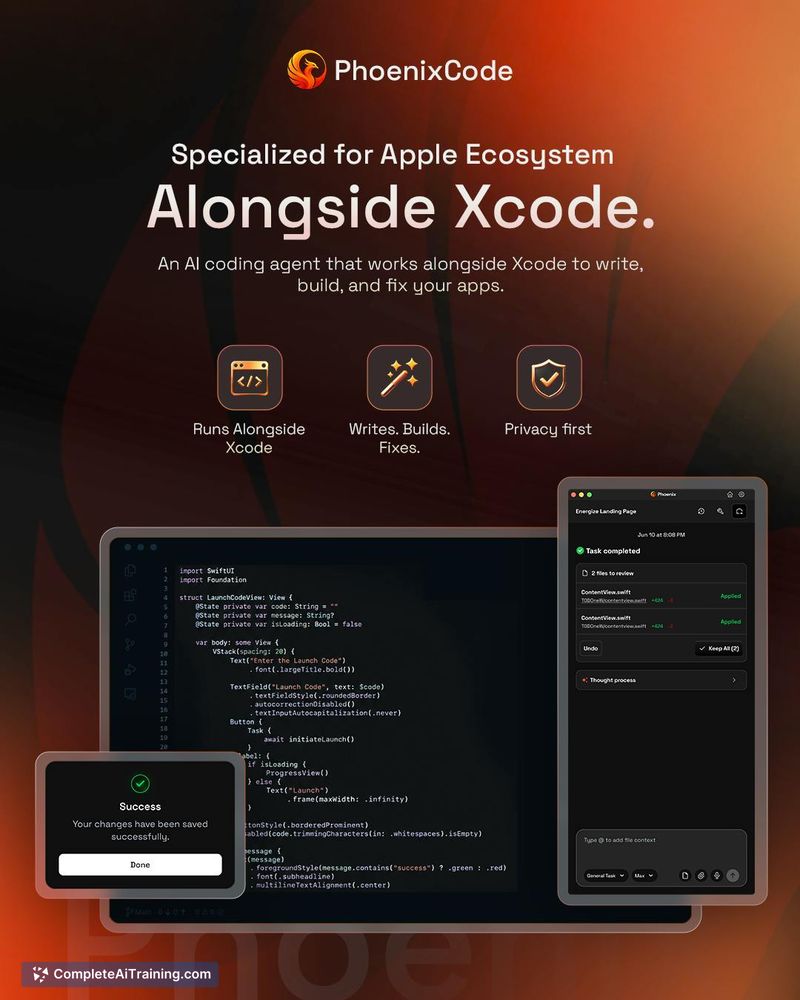
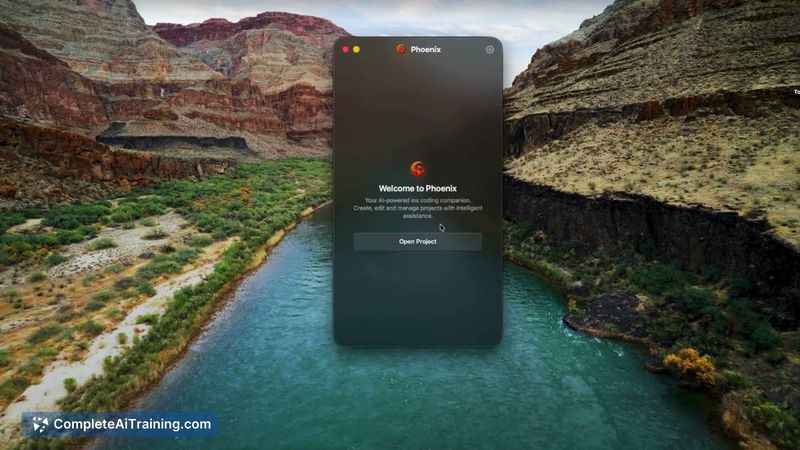
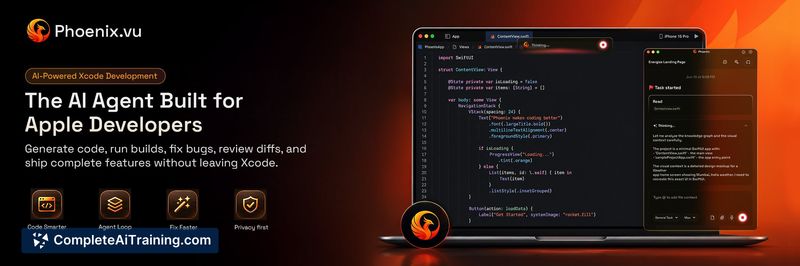
Phoenix enters a crowded field of AI coding agents, but it narrows its focus to the specific workflows of Apple platform development. The maker describes building it because iOS development involves repetitive work between writing code and getting an app running. Rather than treating an Xcode project like a generic codebase, Phoenix attempts to understand the realities of iOS development, including project structure, build processes, and error diagnosis.
Key Features
- Writes and edits code within an existing Xcode project structure
- Runs builds and command-line tools as part of its workflow
- Diagnoses compile errors and distinguishes them from signing or provisioning failures
- Iterates on a project from initial idea toward a working, runnable app
- Built specifically for iOS and macOS development rather than generic codebases
Pricing and Value
The launch page lists Phoenix under "Free Options," indicating the tool is currently available at no cost. No tiered pricing or paid plans are mentioned in the available reference content. The value for developers lies in having an agent that understands Xcode project files, build configurations, and the distinction between code errors and infrastructure issues like expired provisioning profiles.
Pros
- Specialized for iOS and macOS, so it handles Xcode project files rather than treating them as generic code
- Runs builds and tools directly, catching errors that only appear during compilation or signing
- Free to use at launch with no listed pricing tiers
- Actively iterates on projects, moving from idea to working app rather than just generating code snippets
- Community feedback on the launch page shows developer interest in the signing and provisioning problem space
Cons
- Launched only this week, so it lacks a track record of reliability across varied real-world projects
- Limited to Apple platforms; developers working across multiple ecosystems will need separate tools
- Not well suited for developers who want a general-purpose coding agent for web, backend, or cross-platform work
Phoenix fits best for iOS and macOS developers who spend significant time fighting build failures, signing issues, and project file problems rather than writing Swift. The tool's focus on running builds and diagnosing errors addresses a gap that generic agents often miss. Developers who primarily ship to other platforms or who want a broader coding assistant should look elsewhere, at least until Phoenix expands its scope.
Jobs Phoenix suits
We checked Phoenix against 500+ jobs; these get the most out of it.
Alternatives to Phoenix
Other tools that do the same main job. Our AI compared Phoenix with similar tools and kept the ones you could use instead.