AI tool
PixelForge
PixelForge turns uploaded photos into stylized game characters in seconds. It serves indie game developers, designers, and players who need custom avatars or mockups. Users apply style references to control the final look.
About PixelForge
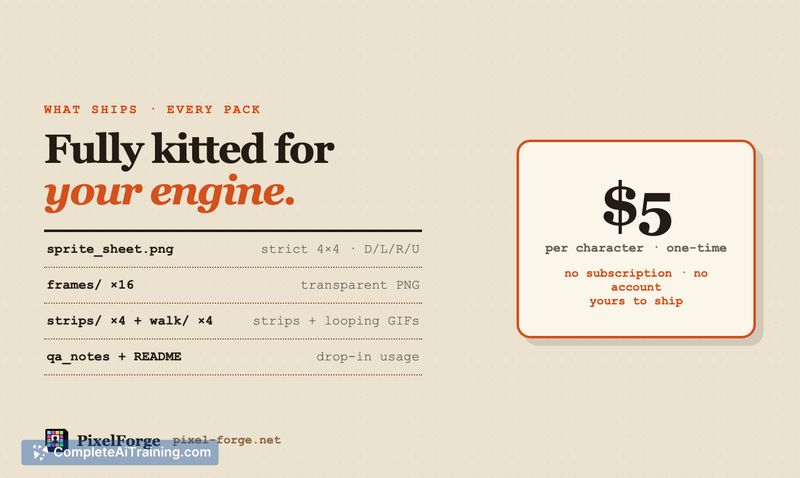
PixelForge is an AI generative media tool that converts uploaded photographs into game assets. The system processes a single image to produce a recognizable RPG character. Users receive a 4-direction sprite pack containing a 4x4 sheet, 16 transparent PNG frames, and walk GIFs.
Review
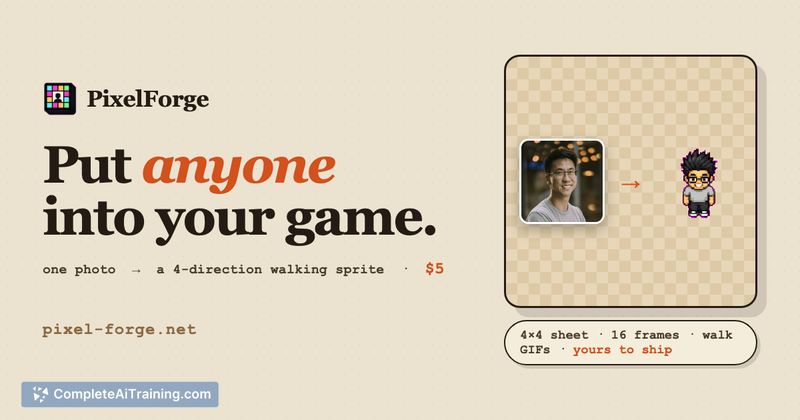
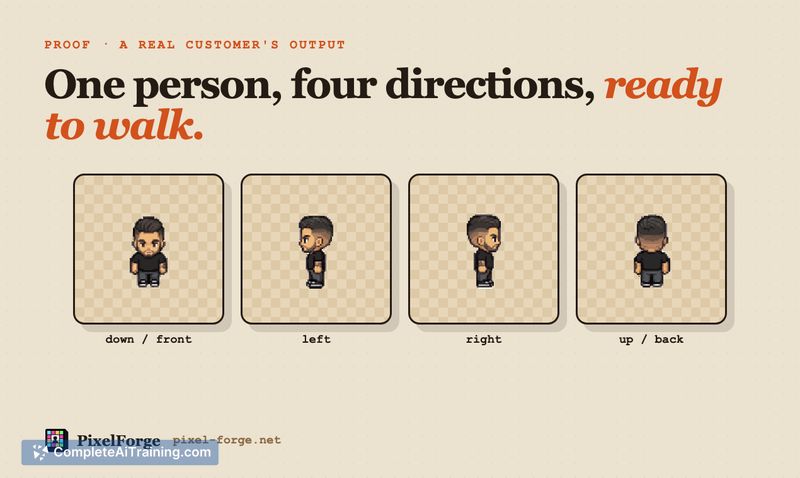
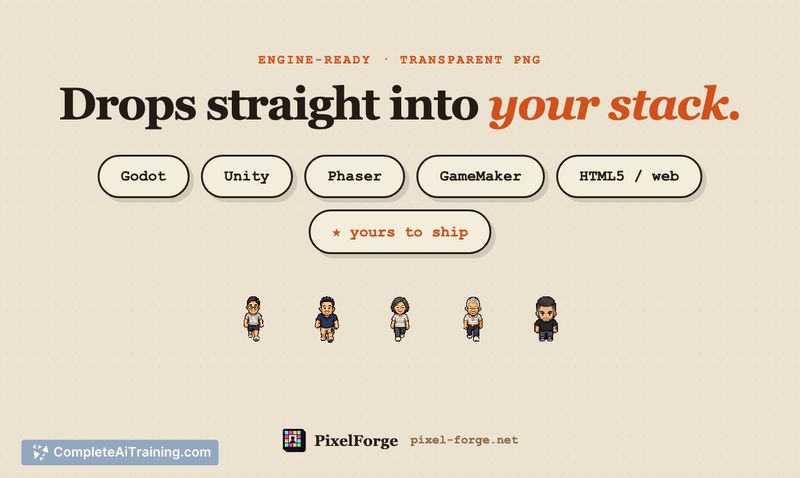
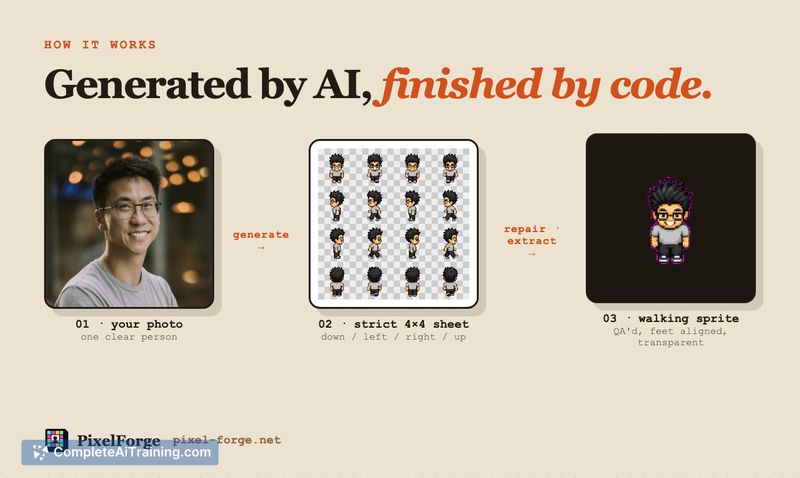
This application targets indie developers and creators who need quick character assets without hiring an artist. It bypasses complex prompt engineering by using a reference photo as the primary input. The output files are formatted for immediate use in engines like Godot, Unity, or standard web projects.
Key Features
- Photo-to-sprite conversion: Uploads a real photograph to generate a stylized game character.
- Style references: Applies specific visual guides to control the final aesthetic of the generated asset.
- Standardized output: Generates a 4-direction sprite pack with 16 transparent PNG frames and walk GIFs.
- Engine compatibility: Formats assets for direct implementation in Godot, Unity, or web-based environments.
Pricing and Value
PixelForge operates on a one-time $5 payment model. The service requires no account creation and does not enforce a subscription. A promotional code occasionally reduces the initial sprite cost to $1, though the standard rate remains fixed at $5 per generation.
Pros
- Generates usable 4-direction sprite packs and walk GIFs directly from photographs.
- Requires no account setup or recurring subscription fees to access the tool.
- Accepts style references to maintain visual consistency across different character generations.
- Outputs 16 transparent PNG frames ready for Godot or Unity.
Cons
- The tool is not well suited for studios requiring highly customized, hand-drawn pixel art with specific mechanical constraints.
- Advanced 3D assets like GLBs and full 3D models remain on the developer's roadmap and are not currently available.
- Users must rely on the AI's interpretation of the source photo, which limits precise manual control over individual sprite frames.
PixelForge serves individuals building indie games, mockups, or personal RPG projects who need basic character sprites quickly. It fits developers who prioritize speed over granular artistic control. Teams needing complex animations or proprietary art styles should look elsewhere.
Jobs PixelForge suits
We checked PixelForge against 500+ jobs; these get the most out of it.
Alternatives to PixelForge
Other tools that do the same main job. Our AI compared PixelForge with similar tools and kept the ones you could use instead.