AI tool
PixelGlow
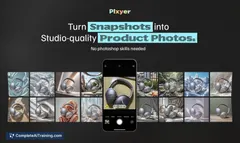
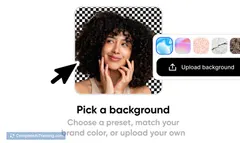
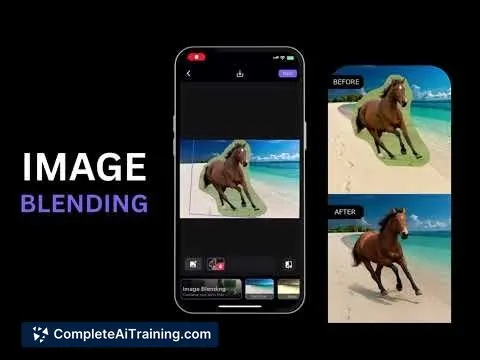
PixelGlow lets you effortlessly cut and combine objects from multiple images, using AI to blend them seamlessly on new backgrounds. Create professional, natural-looking visuals and mockups instantly, directly from your phone.
About PixelGlow
PixelGlow is an AI-powered design tool that enables users to seamlessly merge image cutouts into realistic photos. It simplifies creating professional mockups and visuals by blending multiple images onto new backgrounds with natural, cohesive results—all accessible from a mobile device.
Review
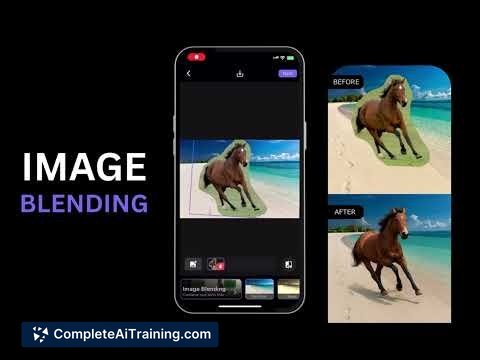
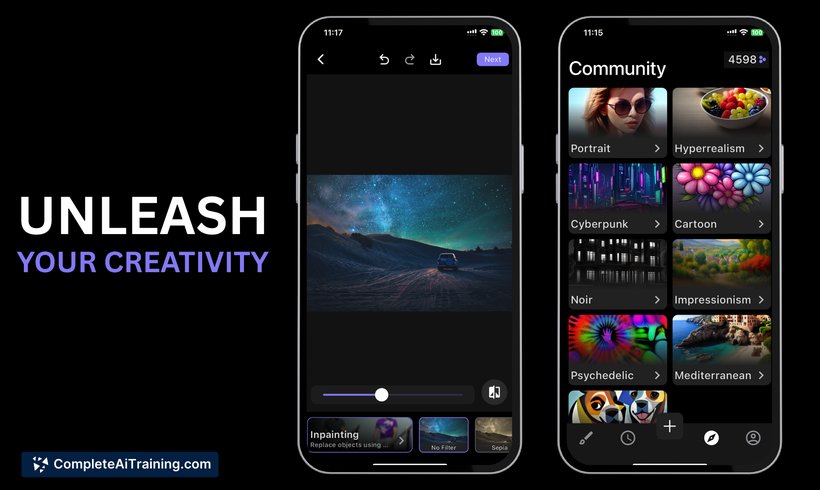
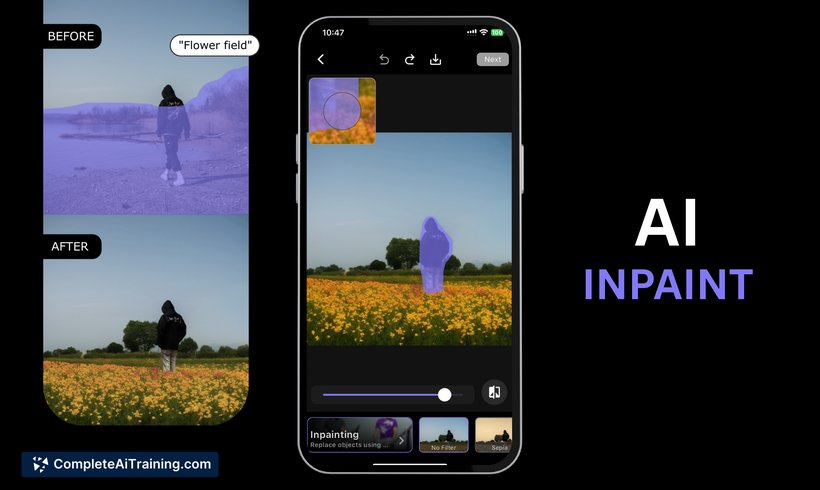
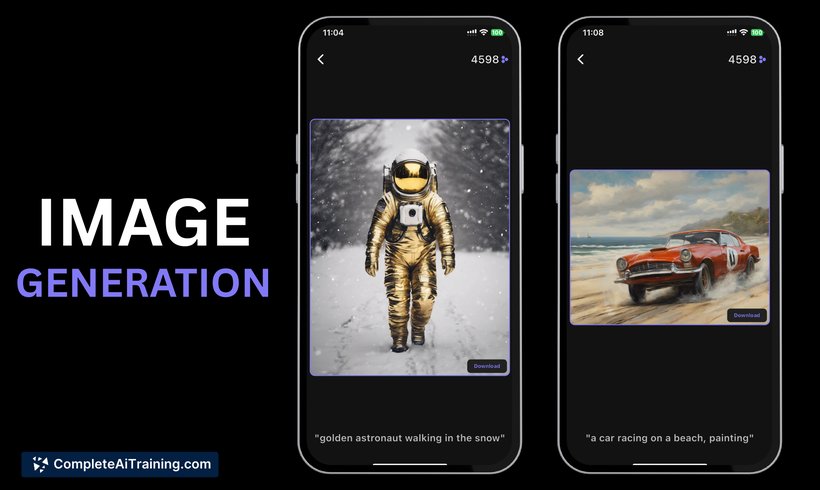
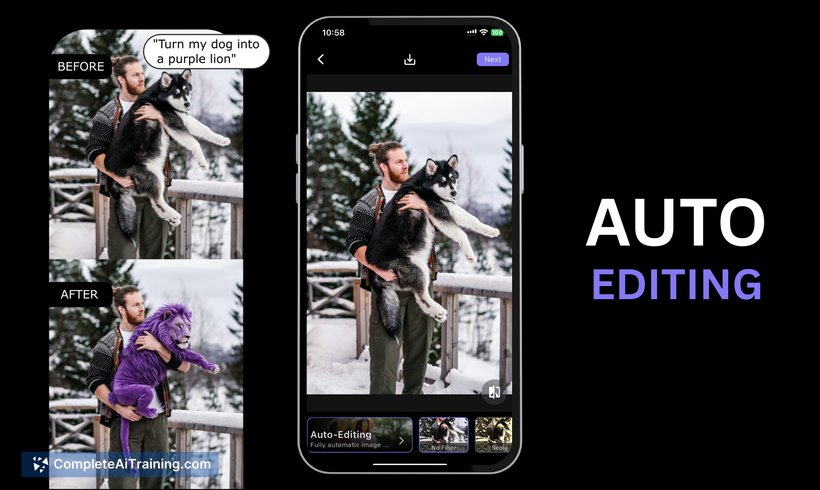
PixelGlow offers a fresh approach to photo editing by leveraging artificial intelligence to automate complex tasks like image blending and object removal. Designed with ease of use in mind, it allows both beginners and professionals to create polished visuals quickly without needing advanced editing skills. The tool’s mobile-first design makes it particularly convenient for on-the-go creativity.
Key Features
- AI Image Blending: Automatically merges cutout objects onto new backgrounds, ensuring they look naturally captured together.
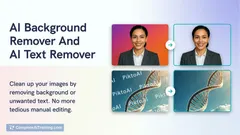
- InPainting Magic: Remove unwanted objects or add new elements seamlessly within photos.
- Auto-Editing via Text Prompts: Upload a photo and describe desired changes to generate stunning edits instantly.
- Image Generation: Create entirely new images from text prompts in various styles.
- Mobile Accessibility: All features are available on the phone, enabling quick edits anytime, anywhere.
Pricing and Value
PixelGlow offers free usage options that allow users to explore its core functionalities without immediate cost. While specific premium pricing details are not explicitly stated, the free tier provides significant value for casual users and those testing the tool. Considering the advanced AI capabilities packed into a mobile app, PixelGlow presents strong value for content creators and designers seeking an affordable, portable editing solution.
Pros
- User-friendly interface tailored for mobile devices, making professional edits accessible on the go.
- Powerful AI-driven features that automate complex editing tasks like blending and object removal.
- Versatile editing options including text-based commands for quick photo modifications.
- Capability to generate new images from text prompts, expanding creative possibilities.
- Active development with plans for future updates and desktop support.
Cons
- Currently limited to mobile platforms; no desktop version available yet.
- Pricing details beyond the free tier are not fully transparent at this time.
- Being a relatively new tool, it may lack some advanced customization options found in established photo editors.
Overall, PixelGlow is ideal for designers, marketers, and social media content creators who need quick, professional-quality image composites without the complexity of traditional software. Its AI-powered automation and mobile convenience make it particularly suited for users looking to produce polished visuals on the fly. As it evolves, PixelGlow has the potential to become a go-to app for seamless photo editing and creative image generation.
Jobs PixelGlow suits
We checked PixelGlow against 500+ jobs; these get the most out of it.
Alternatives to PixelGlow
Other tools that do the same main job. Our AI compared PixelGlow with similar tools and kept the ones you could use instead.