AI tool
PlugThis
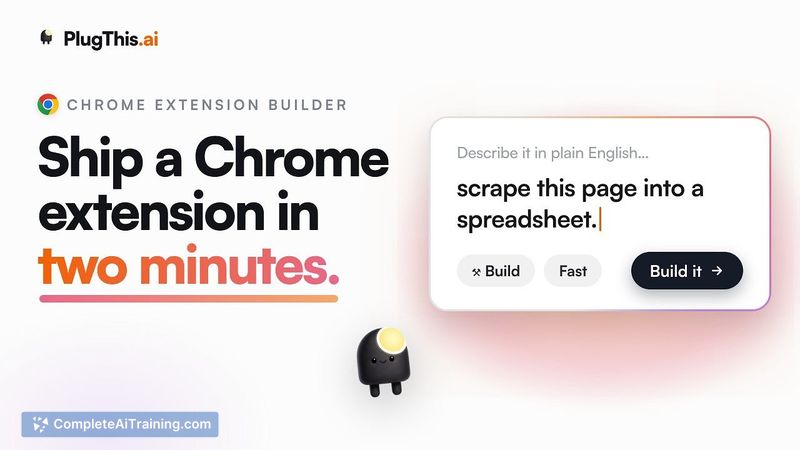
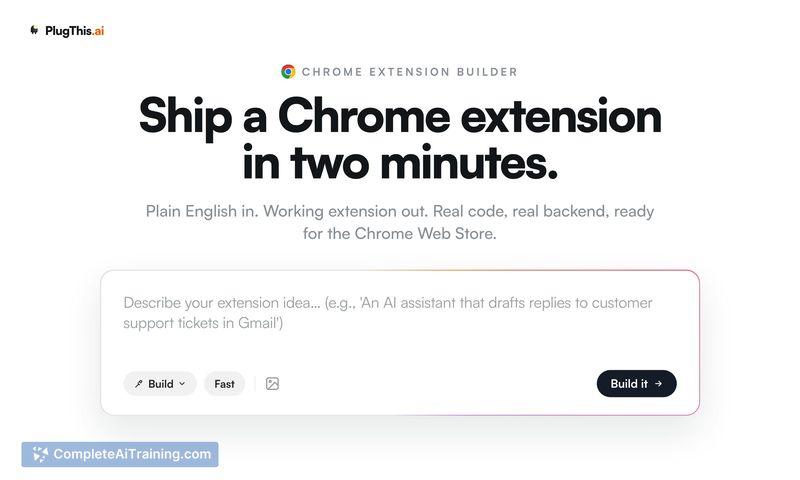
PlugThis builds Chrome extensions from plain English prompts by writing real Manifest V3 code. It is for browser users who want to automate repetitive tasks without learning extension architecture.
About PlugThis
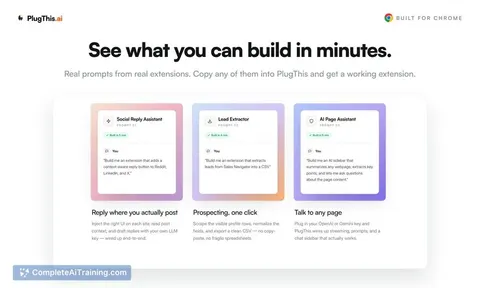
PlugThis is a code generation tool that builds Chrome extensions from plain English descriptions. It's positioned as the equivalent of Lovable for browser extensions, focusing exclusively on Manifest V3 code, content scripts, and service workers. The tool also handles backend integration with Supabase and prepares listing materials for the Chrome Web Store.
Review
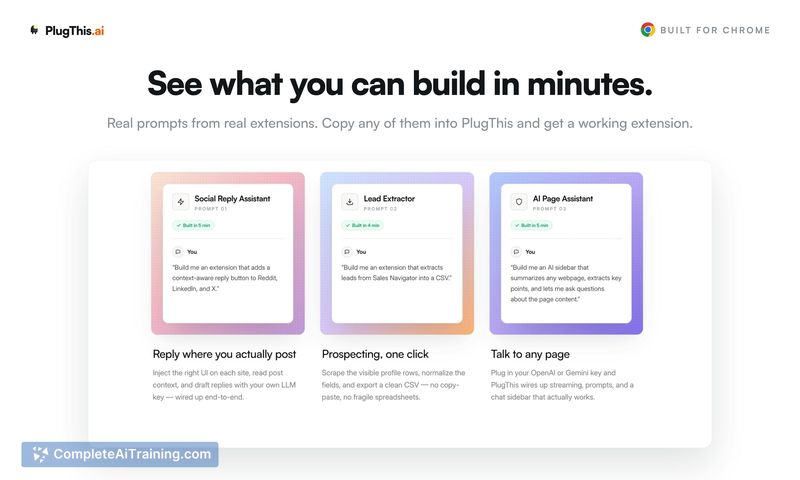
PlugThis tackles a specific gap: general-purpose app builders often stumble when generating the manifest files, content scripts, and service workers that Chrome extensions need. The tool generates real, downloadable code you own, not just boilerplate. It also aims to shorten the path from idea to published extension by automating parts of the store submission process.
Key Features
- Generates a working Chrome extension from a prompt, including manifest, popup, content scripts, background scripts, and appropriate permissions.
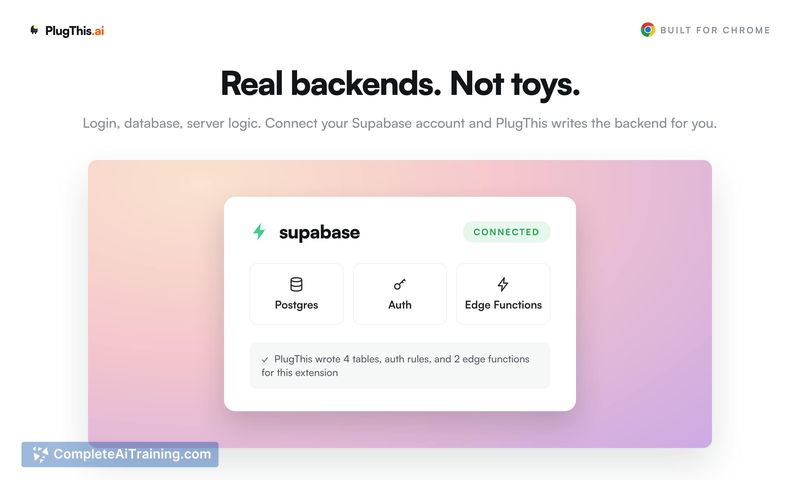
- Supabase integration wires up authentication and a database, persisting user sessions across popup closes and service worker restarts.
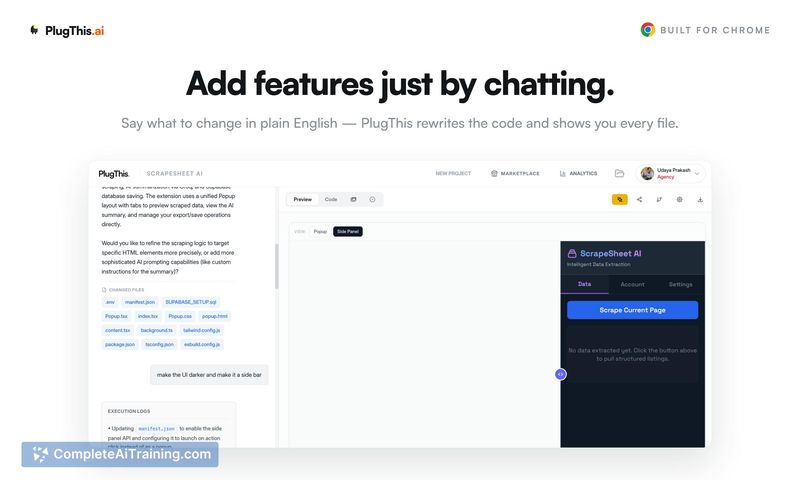
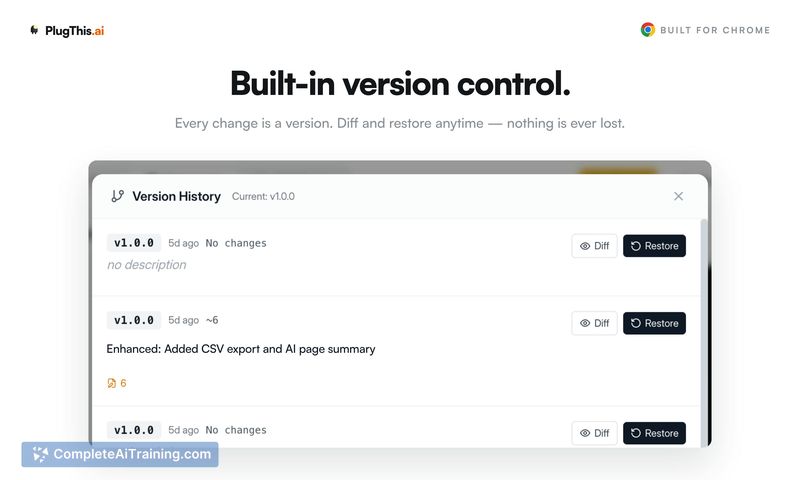
- Every change is saved as a version, and manual code edits stay in sync with the chat-based refinement - both modes read and write the same source.
- Scans generated code for permissions that are declared but never called, flagging them for removal before submission.
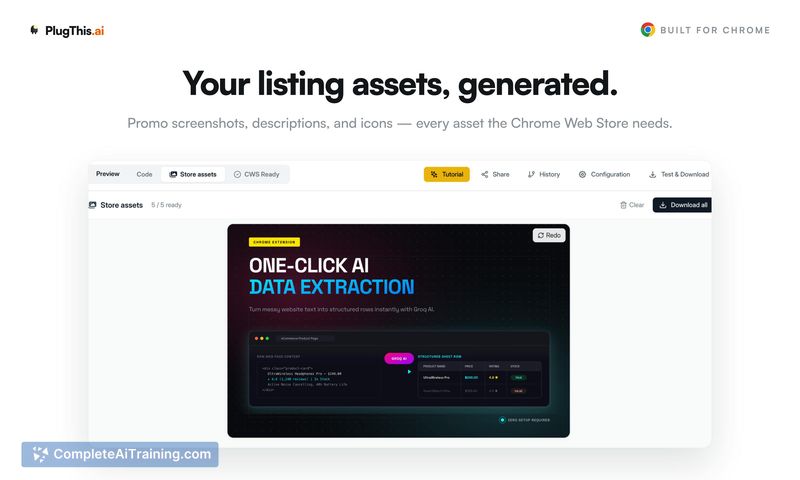
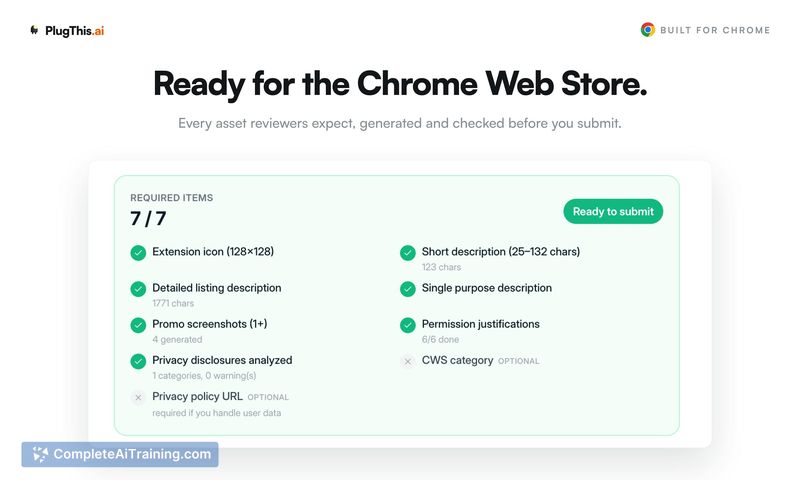
- Produces the listing copy, screenshots, and compliance justifications the Chrome Web Store requires, then uploads and publishes the extension via OAuth.
Pricing and Value
PlugThis has a free tier with unspecified limits. The Builder plan is normally $29.99 per month, but during the launch week it's discounted to $9.99 per month. No other pricing details have been published yet.
Pros
- Code output uses Manifest V3 and is not locked into the platform; you can download and modify it at any time.
- Versioning works bidirectionally - hand-editing a file creates a tracked version, and subsequent chat refinements build on top of those edits rather than overwriting them.
- Permission scoping happens at generation time, so the extension only requests host and API access that matches the described features.
- The store publishing flow generates descriptions, per-permission justifications, and privacy disclosures, then connects directly to your Chrome Web Store account to upload.
- State handling leans on chrome.storage.local by default, preventing data loss when the service worker sleeps, and bridges to Supabase for remote persistence.
Cons
- Teams needing extensions that work across Firefox, Safari, or other browsers won't find it useful - PlugThis builds only for Chrome's Manifest V3.
- The live preview renders popup, side panel, and options page UI, but it can't simulate content script behavior on real third-party pages. You still need to load the unpacked extension and test that part manually.
- AI-powered features require you to bring your own OpenAI or Gemini API key, adding a separate setup step and external cost.
PlugThis fits well for someone who has a repetitive browser task and wants a personal extension without hand-coding the manifest and scripts. It's less suited for teams that need cross-browser compatibility or complex offline-first sync with conflict resolution. The direct store publishing and permission auditing are practical additions for anyone planning to release an extension publicly.
Alternatives to PlugThis
Other tools that do the same main job. Our AI compared PlugThis with similar tools and kept the ones you could use instead.