AI tool
PopTask v2.0
PopTask v2.0 turns a quick shortcut or voice note into a scheduled task with reminders-no forms, no account, no cloud, no tracking. Syncs with Google Calendar, Apple Calendar and Reminders.
About PopTask v2.0
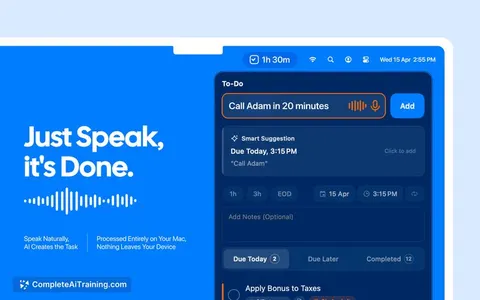
PopTask v2.0 is a lightweight macOS menu bar task manager for quickly capturing tasks using natural language entered by typing or voice. It automatically parses and schedules entries, syncs with calendars and reminders, and keeps most processing on-device for macOS 26 and later.
Review
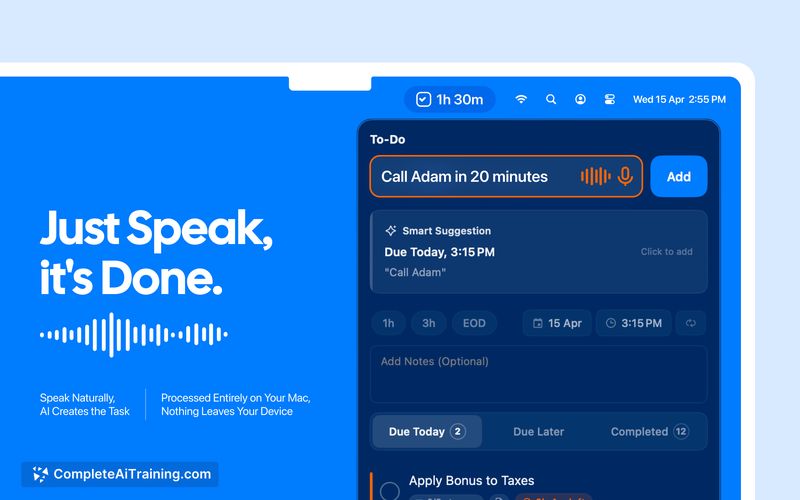
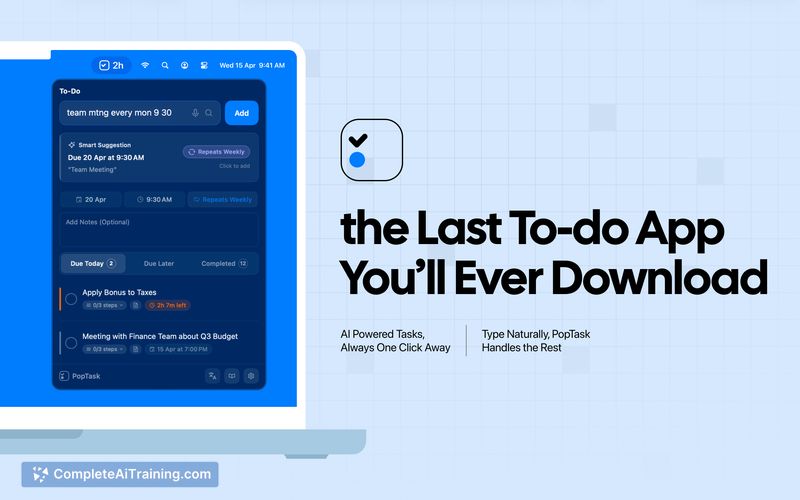
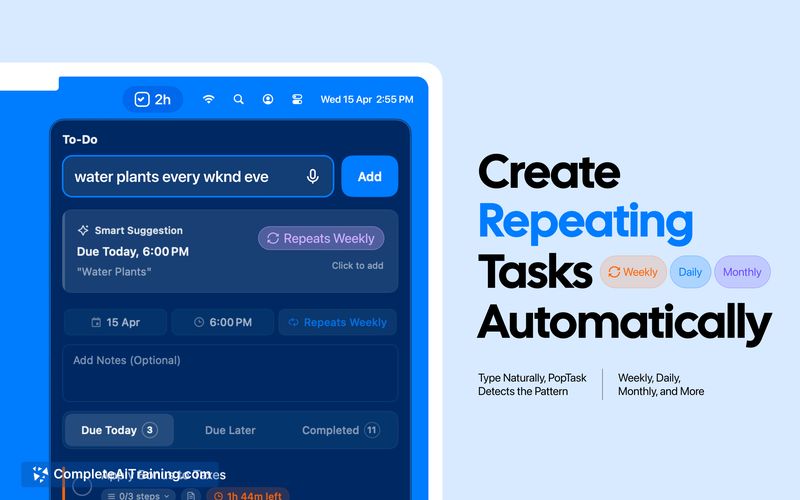
PopTask v2.0 focuses on speed and simplicity: use a global shortcut, type or speak a messy shorthand like "mtng wth boss in 2hr," and the task is scheduled without opening a full app window. The app combines on-device parsing with a cloud fallback for low-confidence cases, adds two-way calendar sync, and includes useful niceties such as follow-up suggestions and smart countdown alerts.
Key Features
- Fast capture from the menu bar with a customizable global keyboard shortcut (default: ⌃⌥P).
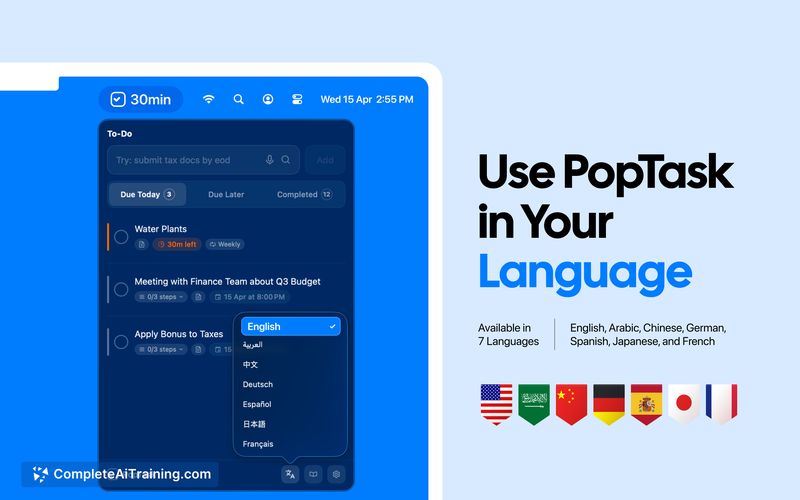
- Natural-language parsing for messy, shorthand, or slang input - supports multi-language parsing and offline operation on newer macOS builds.
- Voice dictation input that parses spoken schedules and phrases directly from the menu bar.
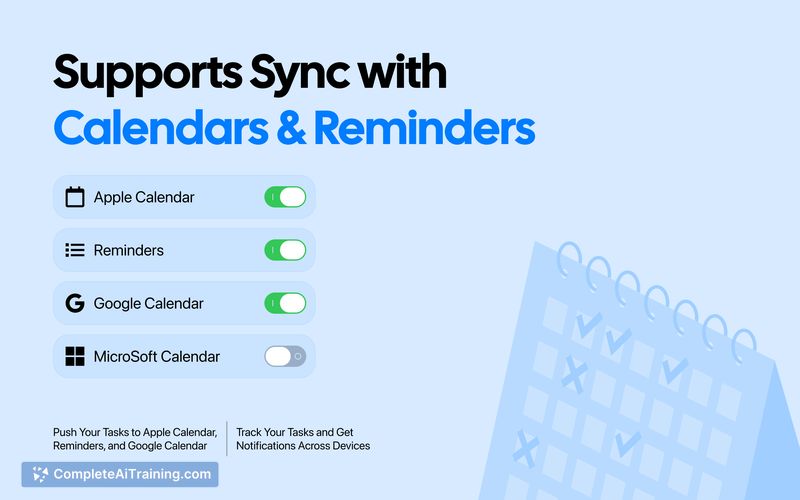
- Two-way sync with Google Calendar, Apple Calendar, and Reminders; edits propagate between devices.
- Smart countdown alerts and follow-up task suggestions to keep a task list moving.
Pricing and Value
PopTask offers a free tier that allows up to four active tasks indefinitely. For heavier use there is a subscription option at $1.99/month and an early-bird one-time purchase around $14.99 for a lifetime license (limited early availability). For users who want a lightweight, privacy-conscious capture tool that lives in the menu bar, the paid tiers are inexpensive compared with full-featured task-management suites.
Pros
- Nearly instantaneous task capture without switching apps or filling forms.
- On-device parsing for newer macOS versions preserves privacy and reduces cloud dependence.
- Convenient two-way calendar and reminders sync keeps entries consistent across devices.
- Voice input and a customizable hotkey make capture flexible for different workflows.
- Low-cost paid options for users who outgrow the free active-task limit.
Cons
- Full on-device features require macOS 26 or later; earlier macOS versions rely more on cloud support.
- The free cap of four active tasks may be too restrictive for power users or long task lists.
- Some users have reported occasional installation or launch problems; support responsiveness will be important as the app scales.
Overall, PopTask v2.0 is best suited for macOS users who want a fast, unobtrusive way to capture and schedule tasks from the menu bar, especially those who prioritize privacy and minimal friction. It's less appropriate for teams needing cross-platform parity or users who need large, shared project management features. For individuals looking to replace quick note-and-schedule steps with a single keystroke or voice command, PopTask is a strong, low-cost option.
Jobs PopTask v2.0 suits
We checked PopTask v2.0 against 500+ jobs; these get the most out of it.
Alternatives to PopTask v2.0
Other tools that do the same main job. Our AI compared PopTask v2.0 with similar tools and kept the ones you could use instead.