AI tool
Readr
Readr is a document reader for DRM-free EPUB, PDF, and Markdown files that lets you ask questions about selected passages. It is for readers who want to query their own books using their own AI keys and get cited, book-sourced answers without an a...
About Readr
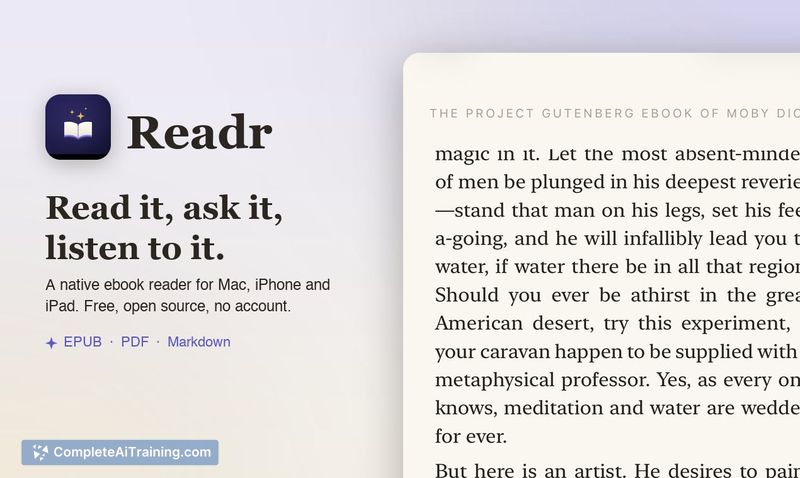
Readr is an ebook reader for EPUB, PDF, and Markdown files that adds a question-and-answer layer to the reading experience. You can select a passage, ask a question, and get an answer drawn from the full text of the book, with source passages cited. It also includes a Listen mode that reads the text aloud using an on-device neural voice, and it runs without accounts or external servers - you bring your own AI API key.
Review
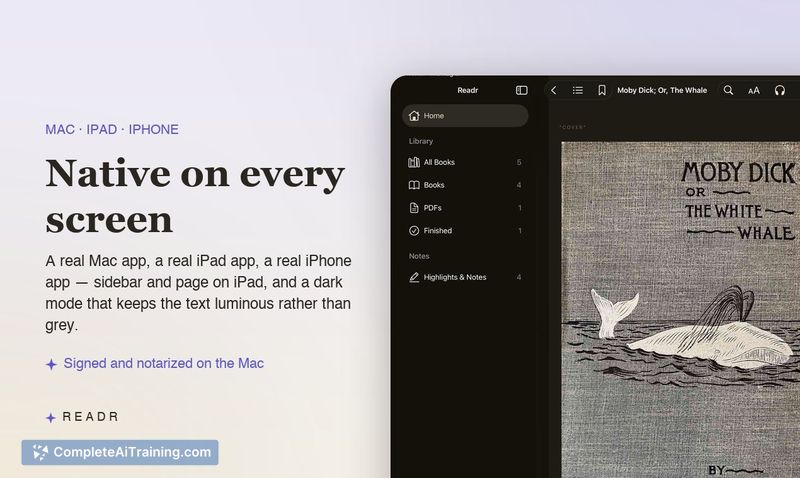
Readr takes a focused approach to a specific reading friction: interrupting your flow to look something up. Instead of switching to a browser or chat window, the question stays next to the text. The app is free, open source under the MIT license, and available on iPhone, iPad, and Mac.
Key Features
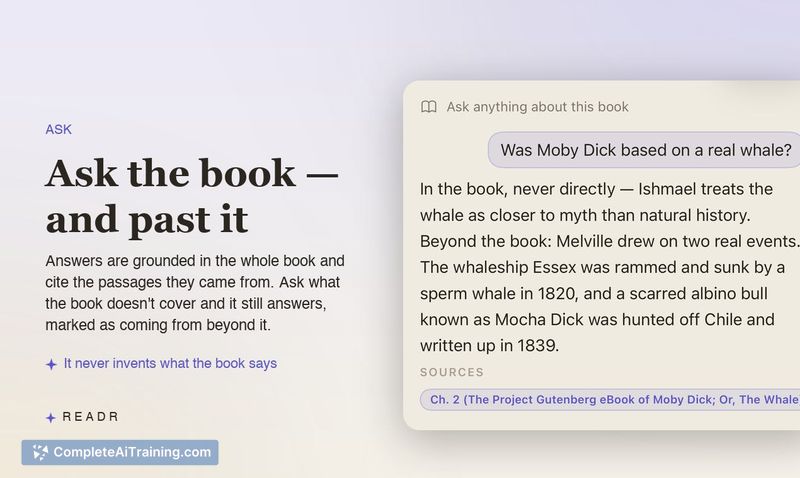
- In-book Q&A with source citations. Select a passage and ask a question. Readr pulls answers from the entire book and cites the relevant passages. If the book doesn't cover the topic, it tells you which part of the answer came from outside knowledge.
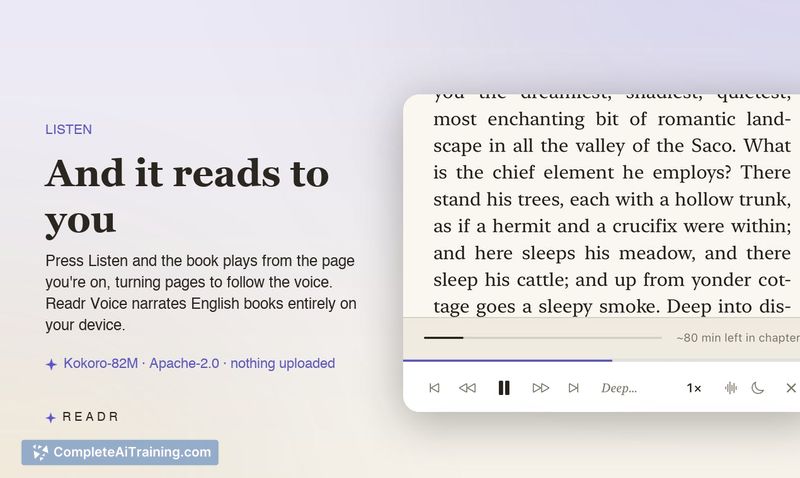
- On-device neural voice narration. Press Listen and the app reads from your current page, turning pages as it goes. It starts speaking immediately with a system voice, then switches to the Kokoro neural voice (Apache 2.0 license) after a one-time 104 MB download. English books use Readr Voice; other languages fall back to Apple's system voices.
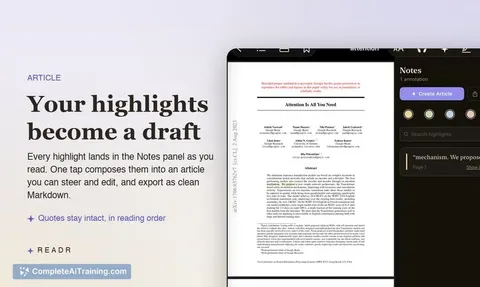
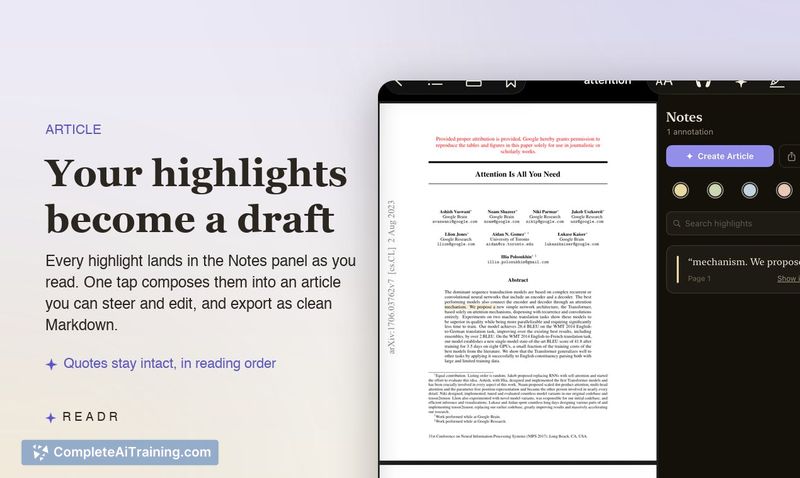
- Highlights and notes export. Marked passages and notes collect into an editable draft you can export as Markdown.
- Local-first, no-account design. No Readr server exists. AI features require your own API key from Anthropic, OpenAI, or OpenRouter. On Mac, you can point it at a local Ollama instance and stay completely offline. Keys are stored in the system Keychain. Without a key, the app still works as a reader with narration.
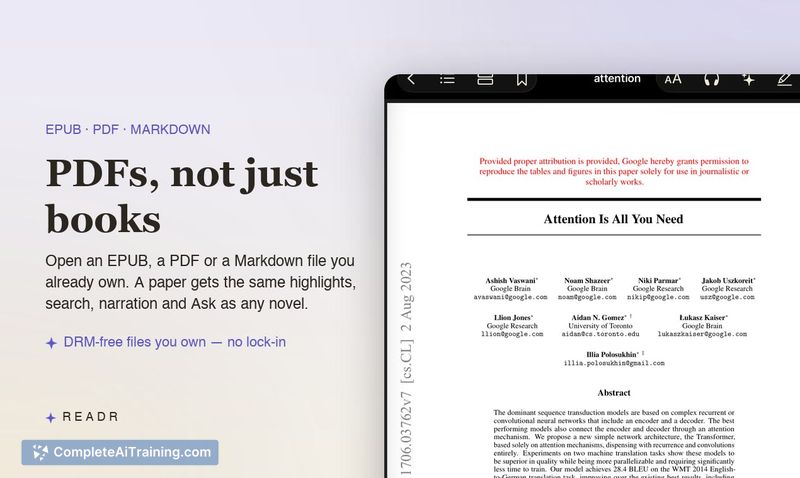
- DRM-free file support. Opens EPUB, PDF, and Markdown files you own. Kindle purchases and other DRM-protected files won't open.
Pricing and Value
Readr itself is free and MIT-licensed. The developer states there is no account and no Readr server. AI features incur whatever cost your own API key generates through Anthropic, OpenAI, or OpenRouter. Running the app with a local model via Ollama on Mac eliminates those per-query costs. Narration downloads a 104 MB model once, with no ongoing charges.
Pros
- Questions are answered in context, next to the passage you're reading, which reduces the need to switch apps.
- The app clearly distinguishes between answers sourced from the book and information drawn from outside the text.
- Neural voice narration runs entirely on-device after a single download, so no audio data leaves your device.
- Open source code and a no-server architecture mean you can inspect how it works and control where your data goes.
- Highlights and notes export as Markdown, fitting into existing note-taking workflows.
Cons
- DRM-free files only - it won't open books from Kindle, Apple Books, or other protected storefronts.
- AI features depend on you supplying and paying for your own API key; there's no bundled or free tier for the Q&A functionality.
- Readr is not well suited for readers who primarily consume audiobooks or rely on streaming narration services, since the Listen mode starts from the current page position and only supports English for the neural voice.
Readr fits readers who own DRM-free ebooks and want to ask questions without leaving the page. It's also a practical option for Mac users running local models who prefer to keep their reading activity entirely offline. If you read mostly Kindle purchases or need cross-platform sync, the DRM limitation and Apple-only availability will be blockers.
Jobs Readr suits
We checked Readr against 500+ jobs; these get the most out of it.
Alternatives to Readr
Other tools that do the same main job. Our AI compared Readr with similar tools and kept the ones you could use instead.