AI tool
Recast Studio
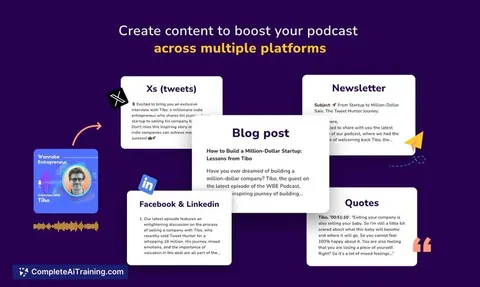
Recast Studio uses AI to transform podcast episodes into short videos and generates show notes, blog posts, and social media content quickly, helping creators save time and expand their audience with minimal effort.
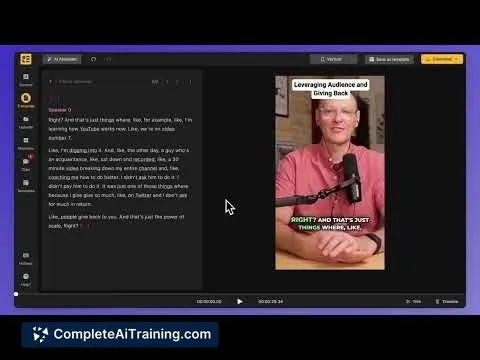
About Recast Studio
Recast Studio is an AI-powered tool designed to simplify video creation by converting text into engaging video content. It offers users an intuitive platform to produce videos quickly without requiring advanced editing skills.
Review
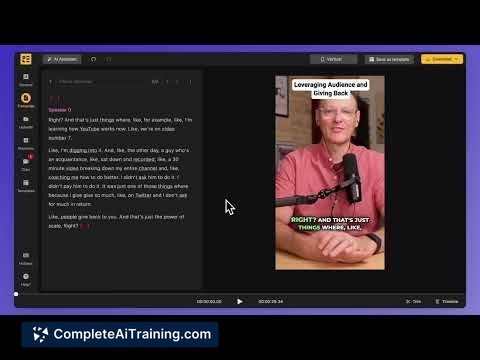
Recast Studio provides a straightforward approach to video production, making it accessible for marketers, content creators, and educators alike. Its user-friendly interface and AI capabilities help streamline the process of turning scripts into dynamic videos. While it offers a solid set of features, there are some limitations to consider depending on your specific needs.
Key Features
- Text-to-video conversion with AI-generated voiceovers
- Customizable video templates suited for various content types
- Support for multiple languages and voice options
- Easy editing tools for adding images, subtitles, and background music
- Export options optimized for social media platforms
Pricing and Value
Recast Studio offers several pricing tiers, including a free plan with basic features and paid subscriptions that unlock advanced options such as higher video resolution, additional templates, and extended export capabilities. The pricing is competitive for users who regularly produce video content without the need for complex editing software. Overall, it delivers good value for individuals and small teams looking for efficient video creation.
Pros
- Easy to use with minimal learning curve
- AI voiceovers help speed up video production
- Variety of templates suitable for different content formats
- Multi-language support broadens audience reach
- Affordable pricing plans for different user needs
Cons
- Limited customization compared to professional video editors
- AI voices can feel somewhat synthetic in certain contexts
- Occasional restrictions on video length and export quality in lower-tier plans
Recast Studio is ideal for users who need to create engaging videos quickly without extensive editing experience. It works well for social media posts, marketing content, and educational videos. For advanced video projects requiring high customization, users might find it somewhat limited but still useful as a fast solution.
Jobs Recast Studio suits
We checked Recast Studio against 500+ jobs; these get the most out of it.
Alternatives to Recast Studio
Other tools that do the same main job. Our AI compared Recast Studio with similar tools and kept the ones you could use instead.