AI tool
AutoEdit
AutoEdit automatically removes silences, filler words, bad takes, and repeated sections from long-form footage. Built inside Adobe Premiere Pro, this AI tool helps creators, podcasters, and content teams structure a cleaner rough cut.
About AutoEdit
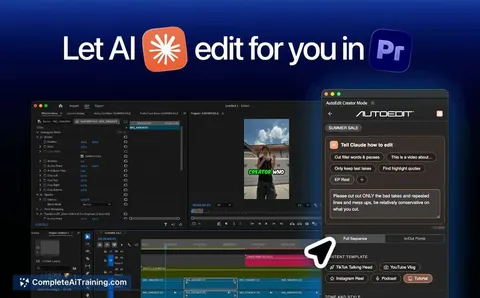
AutoEdit is an AI workflow automation tool built as a plugin for Adobe Premiere Pro. It processes raw video footage to generate a clean rough cut by identifying and removing silences, filler words, bad takes, restarts, and repeated sections. The system uses Claude AI to interpret the content context, allowing editors to remain in their native timeline while the software handles repetitive cleanup tasks.
Review
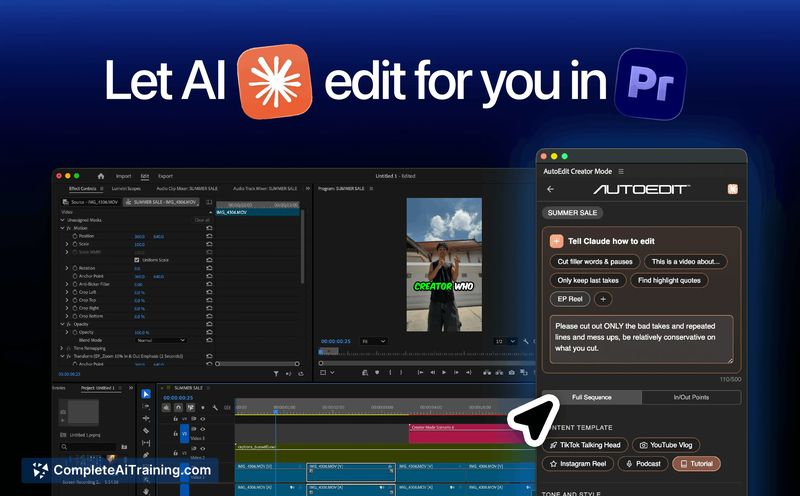
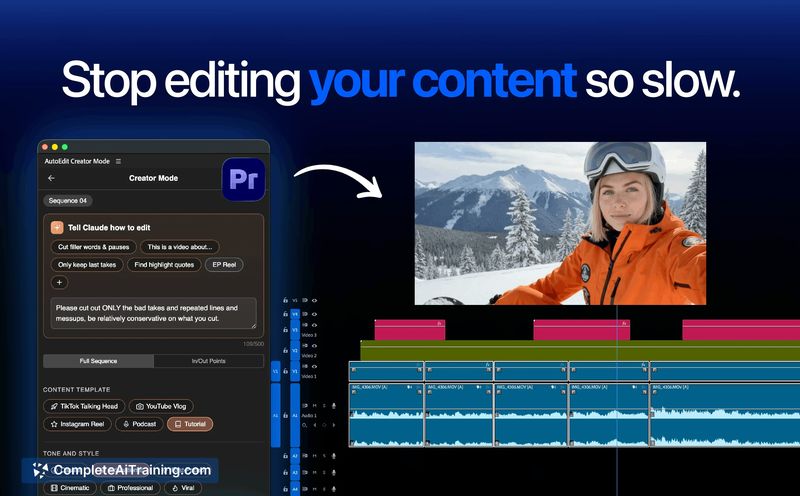

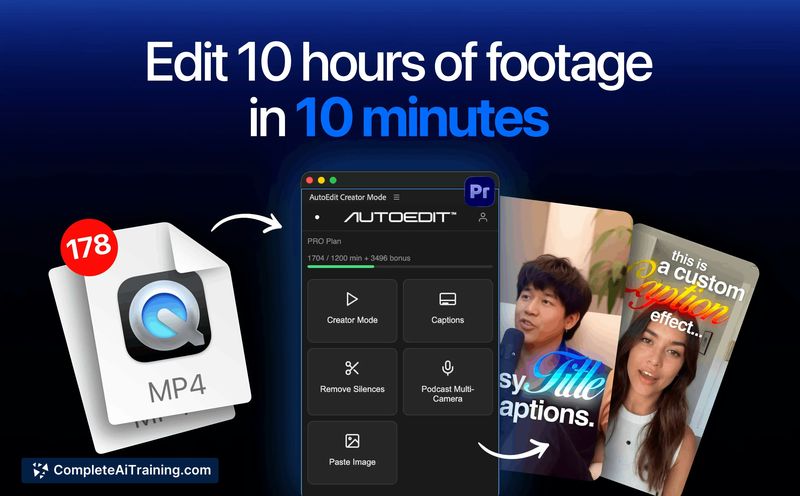

Video editors frequently spend a significant portion of their time performing mechanical cleanup before applying creative adjustments. AutoEdit addresses this specific bottleneck by operating directly within the Adobe Premiere Pro environment. The tool focuses on automating the initial rough cut phase rather than attempting to replace human creative decision-making.
Key Features
- In-App Premiere Pro Integration: The tool functions as a native plugin, keeping the editing workflow inside the software editors already use.
- Context-Aware Silence Removal: Claude AI evaluates pauses to distinguish between intentional dramatic beats and dead air before executing cuts.
- Adjustable Cut Precision: A slider setting allows users to specify the exact milliseconds removed around edits to control pacing.
- Final Pass Review Page: The interface includes a dedicated screen to verify and approve the AI-generated cuts before finalizing the timeline.
Pricing and Value
The tool currently advertises a 1 Month Free trial for new users. Specific details regarding subscription tiers or long-term pricing models are not yet defined in the available documentation.
Pros
- Operates natively within Adobe Premiere Pro, eliminating the need to export footage to external browser-based editors.
- Retains creative control for the user through a final pass review system and adjustable cut parameters.
- Reduces the time spent on mechanical timeline cleanup for long-form talking head videos.
Cons
- Processes all video information on the cloud, making it unsuitable for editors handling client work bound by strict Non-Disclosure Agreements (NDAs).
- Compatible exclusively with Adobe Premiere Pro at launch, leaving users of DaVinci Resolve or other software unable to use the tool currently.
- While it supports Premiere versions back to 2022, the developers note that versions older than 2025 may experience minor bugs or slower processing speeds.
AutoEdit fits best into the workflow of content creators, podcasters, and agency teams who regularly process long-form video footage. It serves editors who want to automate the initial rough cut phase while maintaining direct oversight of the final timeline. Users requiring local, on-device processing or those working outside the Adobe ecosystem will need to wait for planned future updates.
Jobs AutoEdit suits
We checked AutoEdit against 500+ jobs; these get the most out of it.
Alternatives to AutoEdit
Other tools that do the same main job. Our AI compared AutoEdit with similar tools and kept the ones you could use instead.