About Rephrase
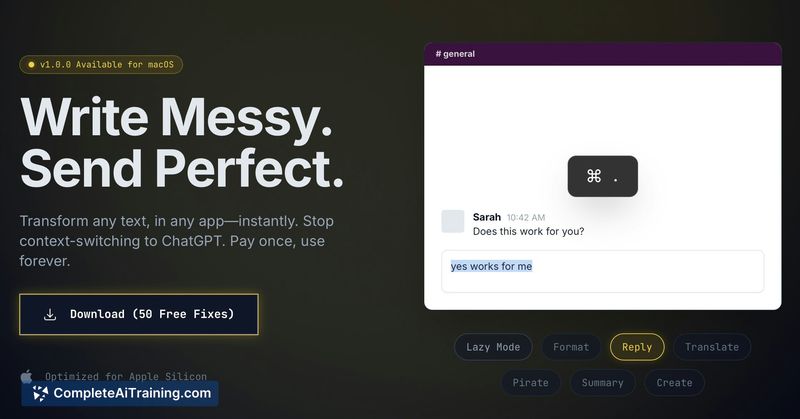
Rephrase is a native macOS utility that fixes grammar, formats text, translates languages, and adjusts tone directly inside any application. Select text, press a keyboard shortcut, and the text is transformed instantly without switching to a browser or separate editor.
Review
Rephrase focuses on removing the friction of correcting or rewording text while you work on macOS. By operating as a system-level tool, it promises instant edits across apps like Slack, Mail, Notes, and development environments, with a one-time purchase model instead of a subscription.
Key Features
- System-wide text edits: select text in almost any macOS app and apply fixes or rewrites in place.
- Quick trigger: default hotkey (Cmd + .) applies transformations instantly, with the option to customize the shortcut and prompts.
- Grammar, formatting, tone, and translation options to suit different needs-from casual messages to more formal copy.
- Native macOS implementation for minimal latency and fast response times.
- Free trial credits (50 fixes) to evaluate the app without payment.
Pricing and Value
Rephrase is offered as a lifetime license rather than a subscription, with an initial launch discount (example: 50% off for a limited time at $29.99). The value proposition centers on paying once for continued use, which is attractive for users who prefer ownership over recurring fees. The free trial allowance lets you test functionality before buying.
Pros
- Very fast, native edits that avoid context switching to a browser-based editor.
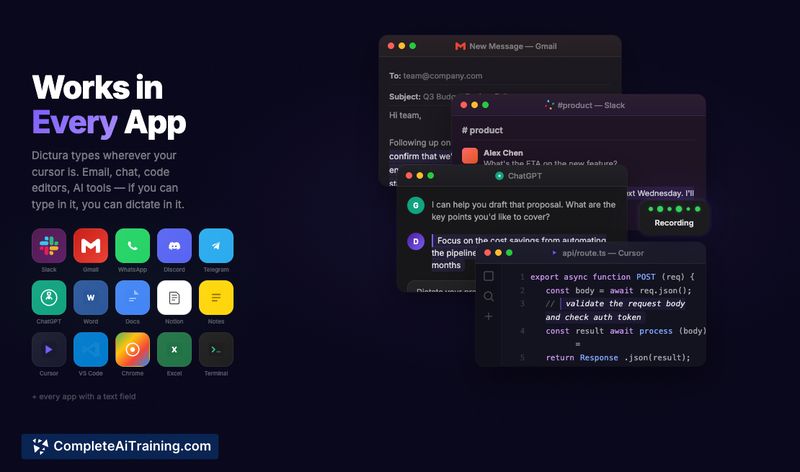
- Works across a wide range of macOS apps, making small edits convenient during regular workflows.
- One-time purchase model can be more economical than monthly fees for long-term use.
- Customizable hotkey and prompt options allow some personalization of behavior.
Cons
- macOS-only, so it won't help users on Windows or Linux devices.
- Not aimed at heavy batch processing or large-document workflows-best for quick, in-place fixes.
- Because it operates at the system level, initial setup may require granting accessibility or clipboard permissions (common for this type of tool).
Rephrase is best for macOS users who frequently make small edits across different apps and want to reduce interruptions to their flow. It suits individuals and small teams that prefer a one-time purchase and need fast, in-context text fixes rather than full-featured document editing or enterprise collaboration features.
Open 'Rephrase' Website
Your membership also unlocks: