AI tool
Replay QA
Replay QA explores your app to find real bugs and gives your coding agent the root cause and fix. Developers can add a GitHub repo for continuous testing or drop in a URL for a one-time check.
About Replay QA
Replay QA is a testing tool that autonomously explores your web application, records every session as a deterministic browser recording, and identifies bugs. You can add it to a GitHub repository for continuous testing or drop in a URL for a one-time check. When a bug is found, the tool surfaces a root cause analysis and a suggested fix, then passes the full recording context to your coding agent.
Review
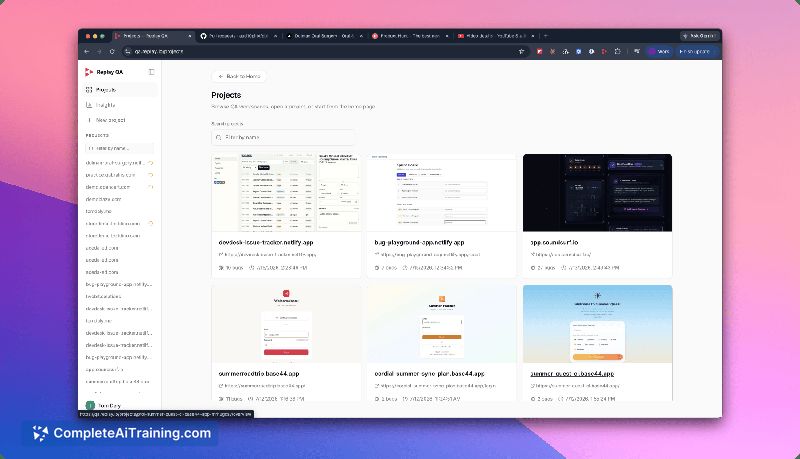
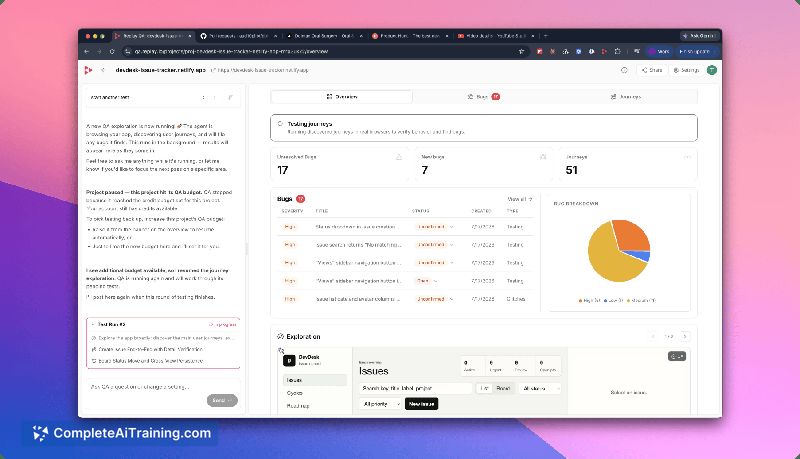
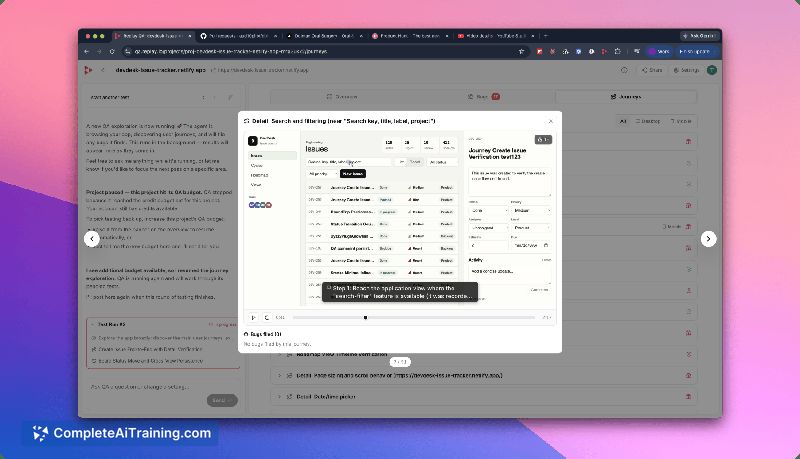
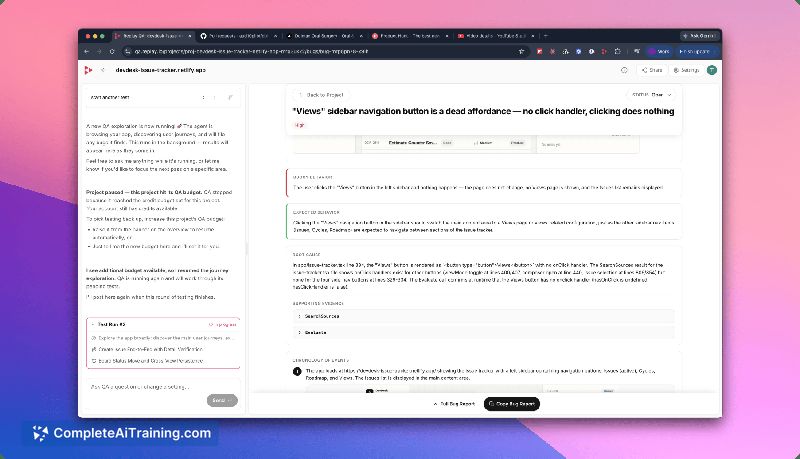
Replay QA approaches testing by exploring an app, capturing a full recording of each session-not just screenshots-and then analyzing failures. The recorded context includes console logs, network requests, and DOM state, so debugging doesn't require re-running the failure. The tool integrates with coding agents and posts root cause and fix suggestions directly on pull requests.
Key Features
- Autonomous app exploration: The agent crawls a given URL, interacts with elements, and navigates flows without pre-written scripts.
- Deterministic session recording: Every session is recorded with complete browser state, enabling time-travel debugging in familiar DevTools.
- Root cause analysis and fix suggestions: For each bug found, the tool identifies the likely cause and generates a code change suggestion.
- Coding agent integration: Root cause and fix are passed to tools like Cursor or Claude Code, with findings posted on GitHub PRs.
- Auth handling: When authentication is detected, users can provide credentials, let the agent create its own account, or skip auth entirely.
Pricing and Value
Replay QA launched with a free tier, and you can start at qa.replay.io. Beyond that, pricing details have not been announced. The free tier lets teams test the tool on their projects without upfront cost.
Pros
- Deterministic recordings capture the full browser environment, not just static screenshots.
- Root cause analysis and a suggested fix are handed directly to the coding agent, shortening the debug-to-fix loop.
- Autonomous exploration finds broken flows without requiring manual test case creation.
- GitHub integration posts findings and fixes on pull requests, fitting existing review workflows.
- Auth handling options (credentials, auto-account creation, skip) make it adaptable to different app setups.
Cons
- The tool is not well suited for teams that need to catch silent data-integrity failures, cross-user data leaks, or non-UI bugs-the current focus is on user-visible broken flows.
- Pricing beyond the initial free tier is not yet defined, which may complicate budgeting for long-term use.
- It requires a sandboxed or throwaway account for apps with sensitive user data, as recordings are stored without automatic redaction.
Replay QA fits engineering teams that rely on AI coding agents and want to catch web app regressions before users report them. The deterministic recordings are particularly useful for debugging flaky or race-condition bugs that are hard to reproduce. Teams that can provide a scoped test account and need fast root cause analysis for broken UI flows will get the most from the tool.
Jobs Replay QA suits
We checked Replay QA against 500+ jobs; these get the most out of it.
Alternatives to Replay QA
Other tools that do the same main job. Our AI compared Replay QA with similar tools and kept the ones you could use instead.