AI tool
Scape
Scape runs Claude Code, Codex, or OpenCode across multiple isolated git worktrees on your Mac. It is for developers who want to build and own their automations while letting Argus orchestrate the fleet.
About Scape
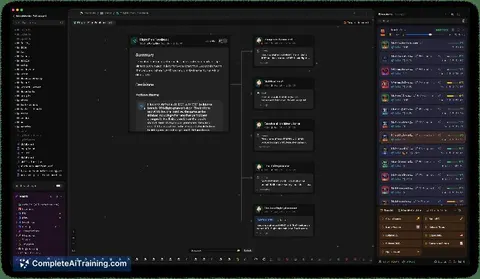
Scape is a macOS application for building automations that let AI coding agents handle parts of your work. It runs Claude Code, Codex, or OpenCode across multiple isolated git worktrees on a single Mac. An orchestrator agent called Argus coordinates those agents, while features like Playbooks, databases, and in-app browser tabs support more complex workflows.
Review
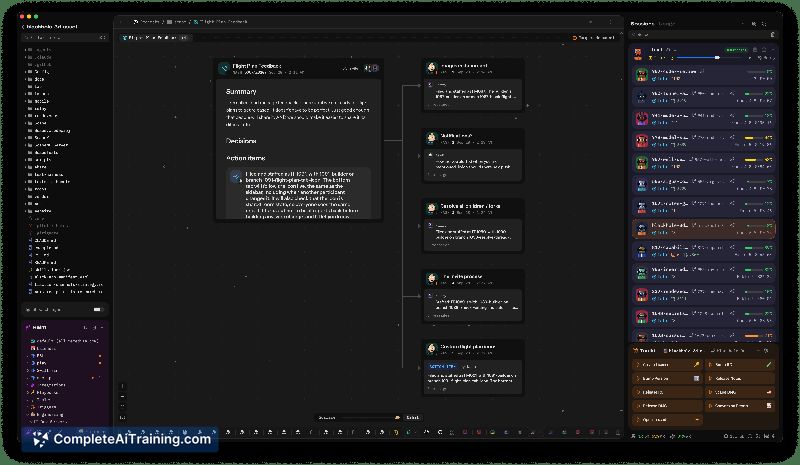
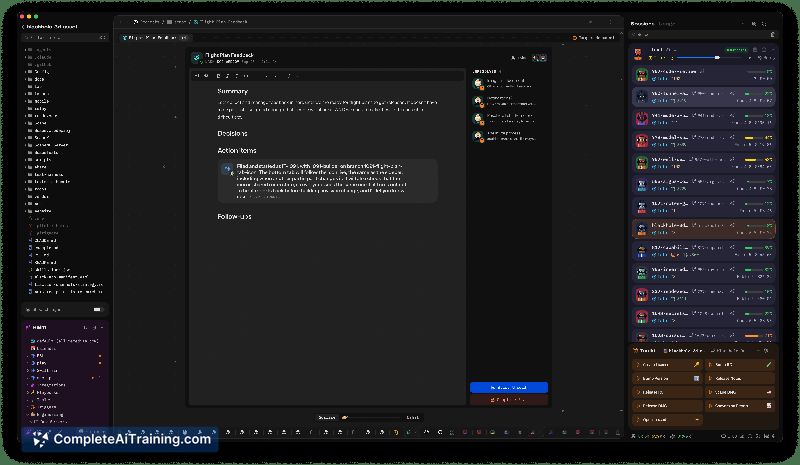
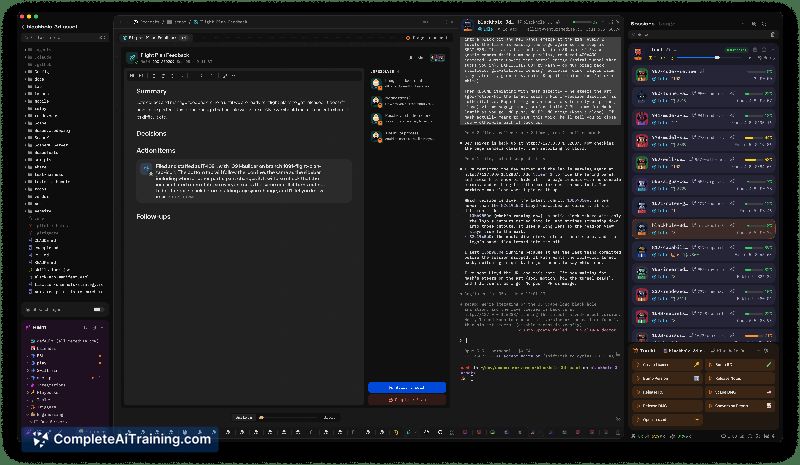
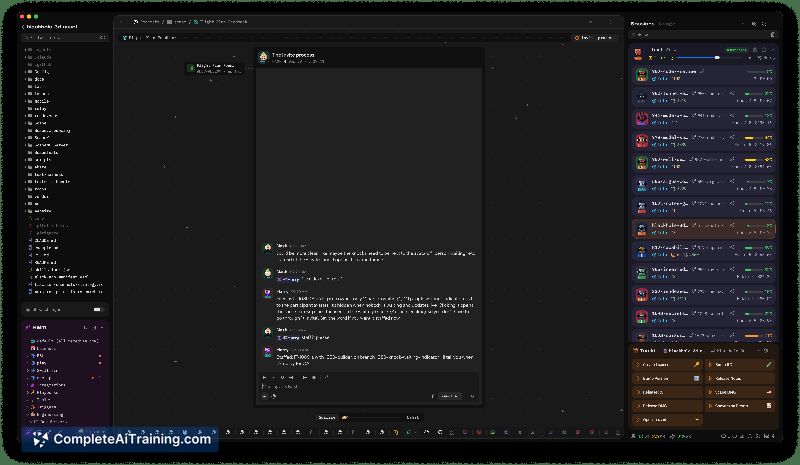

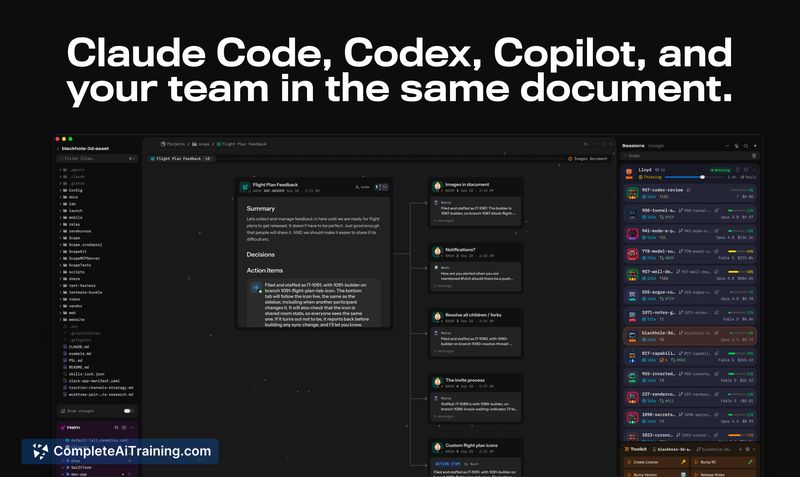
Scape targets people who already use terminal-based AI coding agents and want to scale that approach. It doesn't replace your IDE - it layers a management and orchestration system on top of your existing tools. The app is still in active development, with new features shipping frequently.
Key Features
- Argus orchestrator agent - acts as a dev team lead, breaking down high-level goals, assigning tasks to child agents, and replanning sprints based on feature requests. Users report walking away and returning to find multiple new features ready for testing.
- Parallel agent execution - runs multiple agents simultaneously in isolated git worktrees. One reviewer described running 8 agents at once on tasks generated by Argus.
- Playbooks - automate multi-step workflows where some steps don't need agent involvement, which conserves token usage.
- Built-in databases and memory - store project data, ticket pipelines, and agent learnings so context persists across sessions rather than living in prompts.
- In-app browser tabs - let an agent drive a QA pass on a feature directly within Scape before code review begins.
Pricing and Value
Scape is listed with a Free Options tag. One user review mentions paying $9 per month, though the official pricing model isn't detailed on the product page. The free tier appears sufficient to evaluate the core orchestration features before committing.
Pros
- Argus handles sprint planning and task delegation, reducing the need to manually manage git worktrees and agent assignments.
- Memory and database systems give agents durable context that doesn't evaporate between sessions.
- Frequent updates - one user noted new features arriving every 2-3 days.
- Runs locally on your Mac, so code and data stay under your control.
- Works with multiple terminal agents (Claude Code, Codex, OpenCode) rather than locking you into one.
Cons
- macOS only - Windows users cannot run the tool, which limits workplace recommendations for cross-platform teams.
- Initial setup can take time, especially for people without a development background. One reviewer compared the learning curve to setting up VS Code.
- Not well suited for developers who prefer a traditional IDE workflow. The code view doesn't replicate the full IDE experience, and users who are deeply integrated with JetBrains tools or similar may find the adjustment jarring.
Scape fits developers and technical founders who already use terminal agents and want to multiply their output through orchestration and parallel worktrees. It's also usable by non-developers willing to climb the setup learning curve - one reviewer with no prior coding experience built a complex iPhone app by writing feature requests and letting Argus handle the rest. Teams that need Windows support or prefer working entirely inside a conventional IDE won't find what they're looking for here.
Jobs Scape suits
We checked Scape against 500+ jobs; these get the most out of it.