AI tool
Shepherd Terminal
Shepherd Terminal manages multiple coding agents across tabs and remote machines. It allows developers to monitor agent status, resume sessions, and provide visual feedback. The tool is available for macOS 14 or later on Apple silicon.
About Shepherd Terminal
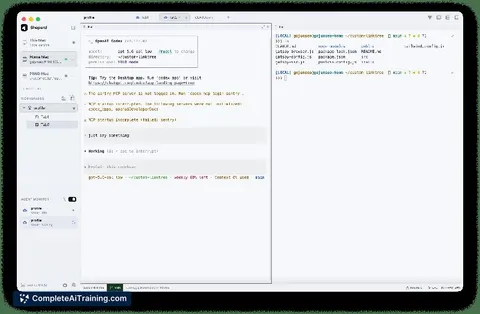
Shepherd Terminal is a persistent macOS workspace designed to manage multiple coding agents, specifically Claude Code and OpenAI Codex CLI. It allows users to run agents across tabs, panes, and remote machines while keeping terminal sessions alive even after the application closes.
Review
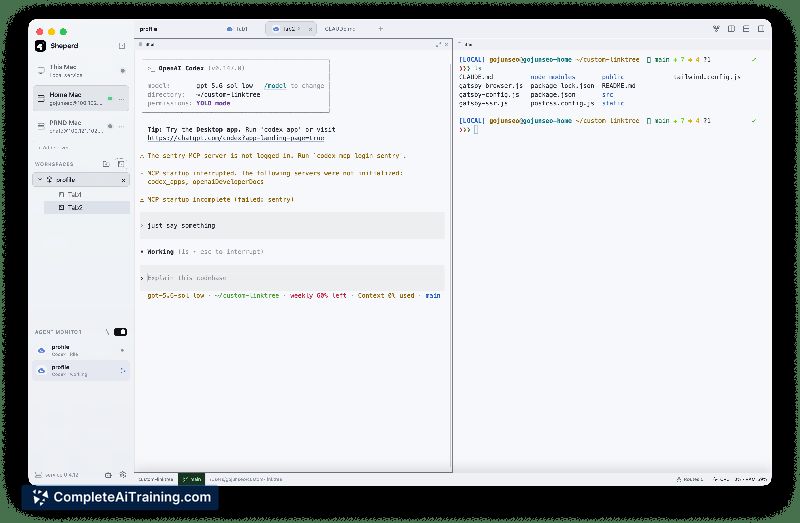
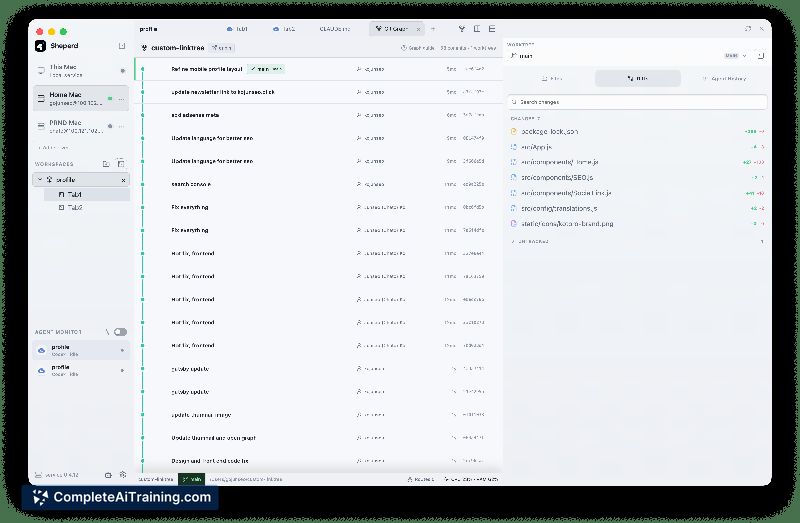
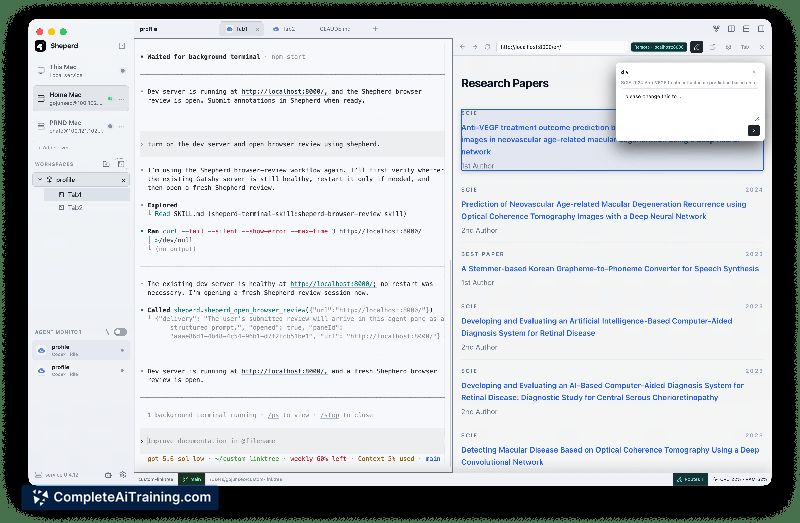
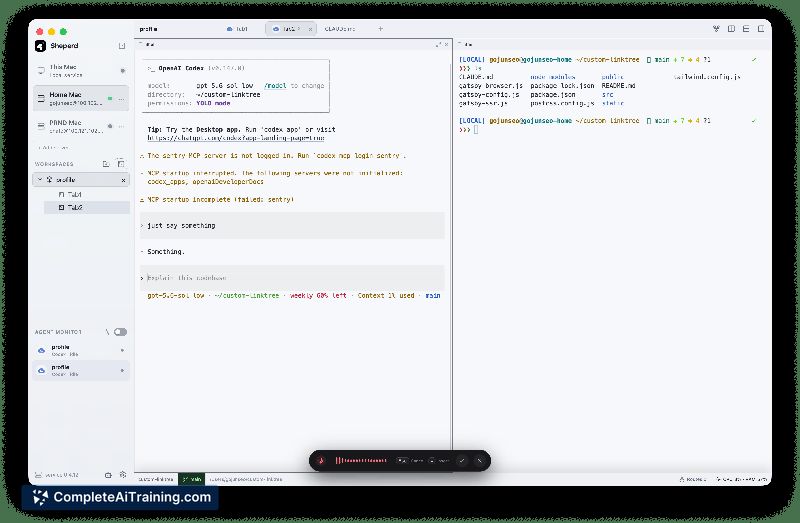
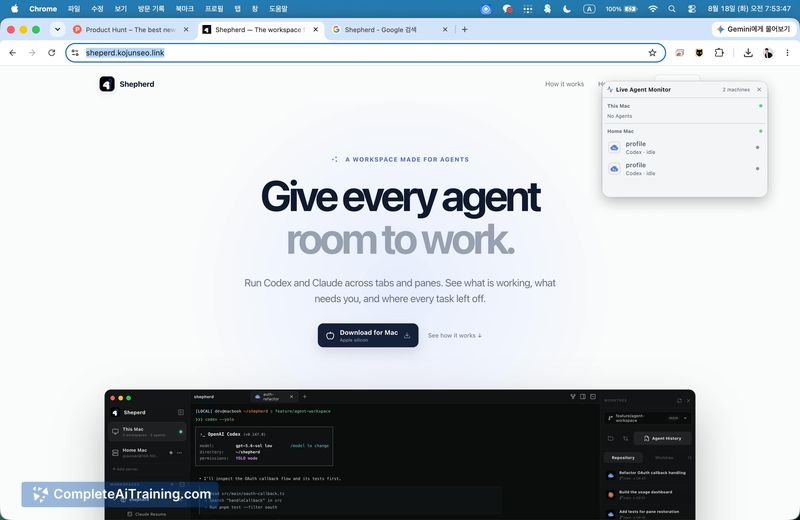
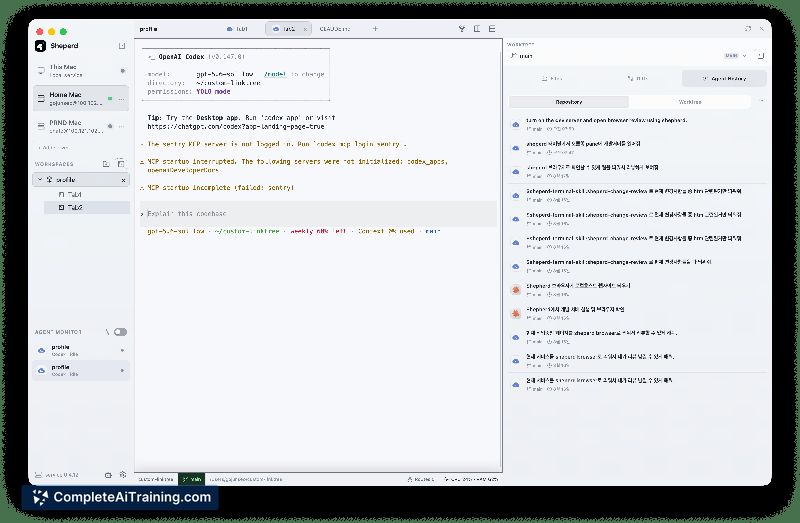
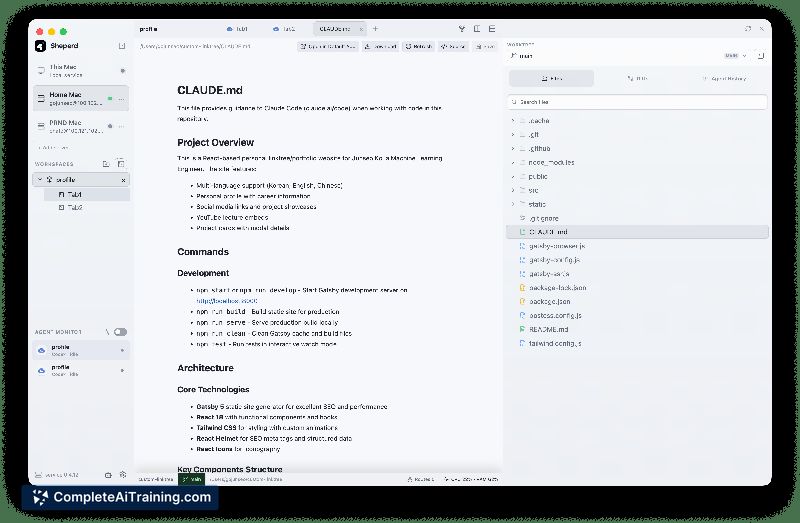
This tool addresses the fragmentation common in multi-agent workflows by centralizing session management and status monitoring. It functions as a container for agent processes rather than an agent itself, focusing on persistence and contextual continuity.
Key Features
- Persistent Sessions: Terminal processes continue running on remote or local machines via a lightweight Rust service, surviving SSH drops or app closures.
- Agent Control Surface: Agents can inspect sibling panes and interact with the workspace when explicitly instructed, with control scoped to the Shepherd environment.
- Context Preservation: Users can resume previous agent sessions to inspect files, diffs, and Git history without losing context.
- Remote Connectivity: Supports SSH connections to access terminals, files, and local services on remote development machines.
- Local STT Model: Includes a speech-to-text model for voice-based coding input.
Pricing and Value
The tool is listed as Free. No specific tiered pricing or paid plans are defined in the current release information.
Pros
- Maintains agent state across connection interruptions, which reduces data loss during network instability.
- Structures sibling-pane content as tool output with provenance labels, reducing the risk of agents misinterpreting other sessions' logs as instructions.
- Integrates Git history directly alongside agent context, allowing developers to review changes without switching tools.
Cons
- Cross-pane interaction relies on explicit instruction and tool mediation; agents do not automatically read or control sibling sessions by default.
- Currently limited to Apple silicon Macs running macOS 14 or later, excluding Windows and Linux users.
- Not well suited for users who require cross-platform compatibility or operate primarily within non-macOS environments.
Shepherd Terminal is best used by developers managing parallel coding tasks on macOS who need reliable session persistence. It fits workflows where tracking multiple agent states and preserving context across reconnections is critical.
Jobs Shepherd Terminal suits
We checked Shepherd Terminal against 500+ jobs; these get the most out of it.
Alternatives to Shepherd Terminal
Other tools that do the same main job. Our AI compared Shepherd Terminal with similar tools and kept the ones you could use instead.