AI tool
ShotSolve
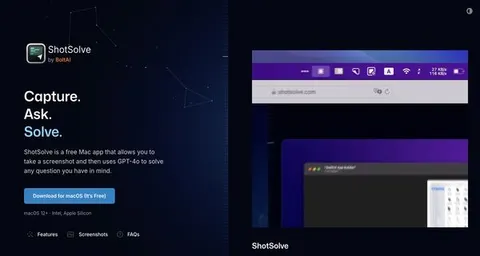
ShotSolve is a free macOS menubar app that leverages GPT-4 Vision to answer questions from your screenshots. With customizable API settings and seamless integration, it offers a familiar UI and quick performance on Apple M1/M2 devices, making problem-solving effortless.
About: ShotSolve
ShotSolve is a powerful macOS menubar application designed to efficiently answer questions derived from user-provided screenshots by leveraging the capabilities of GPT-4 Vision. This innovative tool seamlessly integrates with OpenAI, enabling users to tap into advanced AI functionalities. Users can customize their experience with options such as setting a custom API host, adjusting the context limit, specifying system instructions, and fine-tuning GPT parameters according to their needs.
The app boasts a user-friendly interface familiar to macOS users, ensuring a smooth and intuitive experience. It supports universal shortcuts for quick access and delivers rapid performance optimized for Apple M1 and M2 chipsets. ShotSolve is particularly valuable for professionals, students, and researchers who need to extract information from visual content efficiently, making it ideal for tasks such as studying diagrams, analyzing charts, or gathering insights from images. Its unique combination of accessibility and flexibility makes ShotSolve an indispensable tool for anyone looking to enhance their productivity on macOS. Best of all, it is completely free to use.
Review: ShotSolve
Introduction
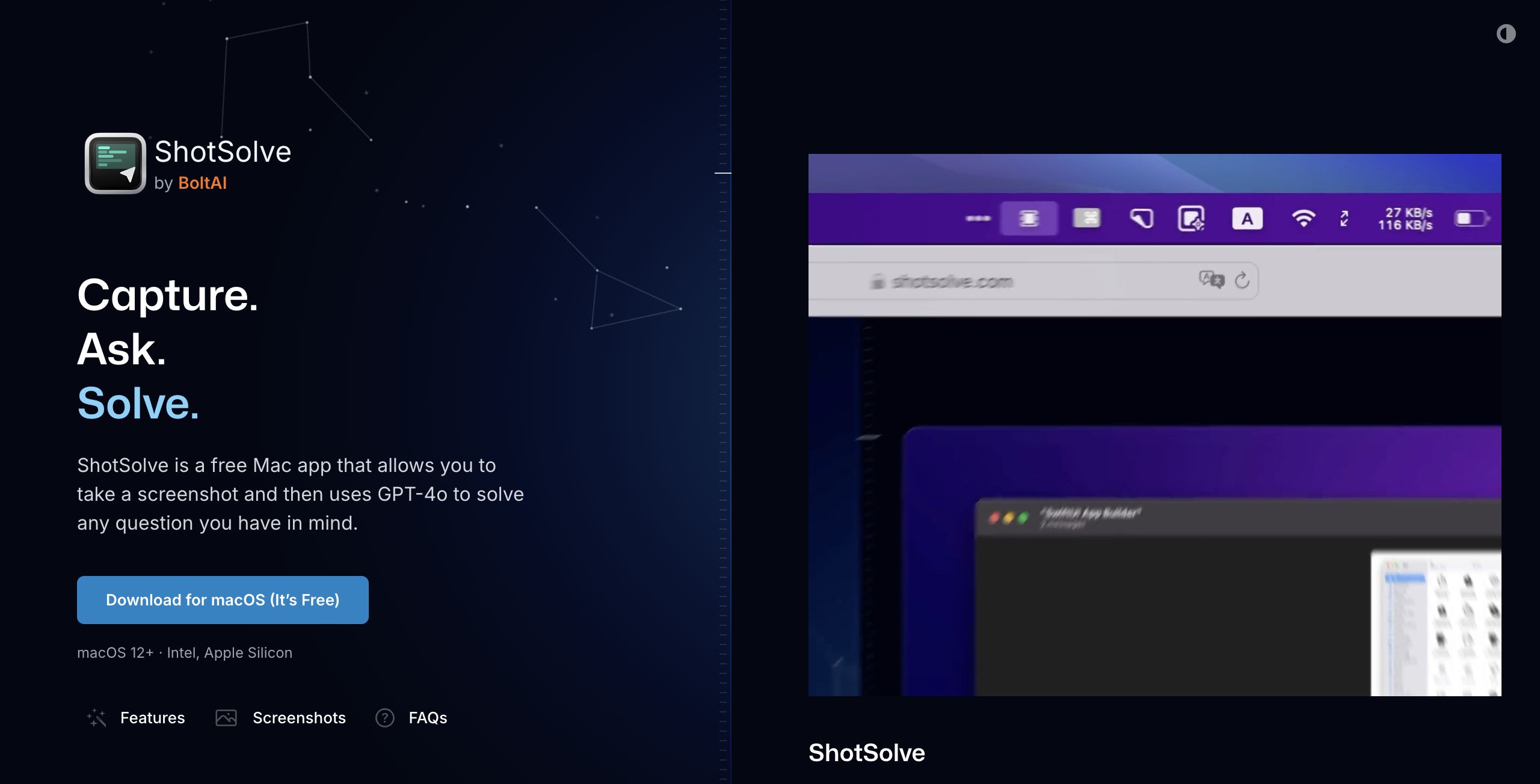
ShotSolve is a free macOS menubar application designed to solve questions from screenshots using GPT-4 Vision. Developed by BoltAI, it is tailored for macOS users who frequently need to process and solve queries based on visual data. In an age where visual content is abundant, ShotSolve offers a timely solution by leveraging AI to interpret and respond to visual input, making it an exciting tool to review.
Key Features
ShotSolve distinguishes itself with several powerful features:
- GPT-4 Vision Integration: Utilizes advanced AI for interpreting screenshot data and generating responses.
- Advanced Configuration Options: Users can customize API Host, set context limits, and adjust GPT parameters such as temperature and penalties.
- Native macOS App: Built specifically for macOS, offering a familiar user interface and optimized performance, particularly for Apple M1/M2 chips.
- Privacy and Security: Ensures user data security by storing API keys in Apple Keychain and not analyzing user input.
- Universal Shortcuts and Fast Performance: Enhances usability with intuitive shortcuts and optimized speed for modern hardware.
Pricing and Value
ShotSolve is offered for free, requiring no account creation. Users simply need to set up their OpenAI API key to use the app. This pricing structure provides excellent value, especially considering the advanced features and the integration with GPT-4 Vision. As a free tool, it stands out in its ability to offer sophisticated AI functionalities without a financial barrier, making it competitive against other tools that might charge for similar capabilities.
Pros and Cons
- Pros:
- Free to use without requiring an account
- Powerful integration with GPT-4 Vision
- Customizable settings for advanced users
- Native app with superior performance on Apple Silicon
- Strong emphasis on privacy and security
- Cons:
- Requires OpenAI API key, which needs a valid payment method on file
- Limited to macOS users, excluding other operating systems
- Dependency on external API service for full functionality
Final Verdict
ShotSolve is a robust solution for macOS users looking to leverage AI to interpret and solve questions based on screenshots. It's particularly beneficial for professionals and enthusiasts who work with visual data and need quick, AI-generated insights. However, users outside the macOS ecosystem or those who do not have an OpenAI API key might find it less accessible. Overall, ShotSolve offers significant value for a free tool, backed by sophisticated AI technology and thoughtful design.
Jobs ShotSolve suits
We checked ShotSolve against 500+ jobs; these get the most out of it.