
AI tool
sidebranch
Sidebranch is a browser extension and local daemon that lets developers switch between git worktrees in a running app and compare branches side by side. It is for teams who want to personally preview feature UI changes before merging.
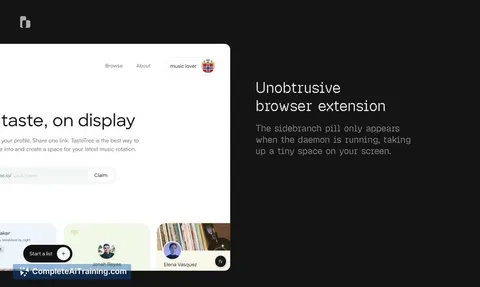
About sidebranch
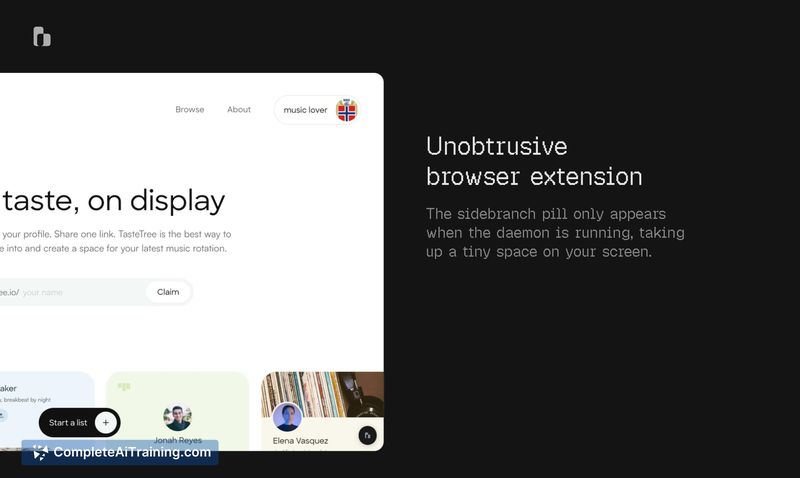
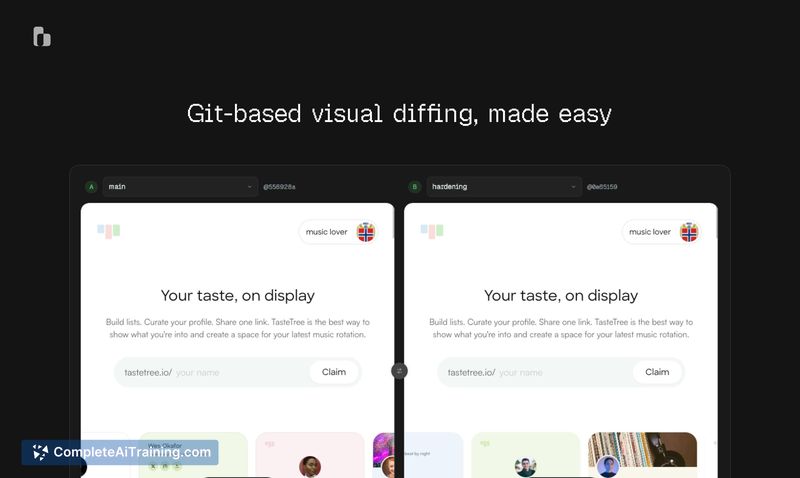
sidebranch is a browser extension paired with a local sidecar daemon that lets developers review pull requests from inside a running application. It switches between git worktrees via an in-page widget and displays side-by-side comparisons of different branches within a dedicated diff shell. The tool operates loopback-only and uses zero external dependencies, relying entirely on Node builtins.
Review
sidebranch addresses a narrow but persistent friction point in code review: the need to check out a branch, rebuild, and restart just to see how a UI change actually looks and behaves. The extension and its companion daemon keep your working tree untouched while spinning up isolated worktrees on separate dev servers. This is a focused utility - it doesn't attempt to replace CI, linting, or automated checks, and it currently works only with local HTTP servers.
Key Features
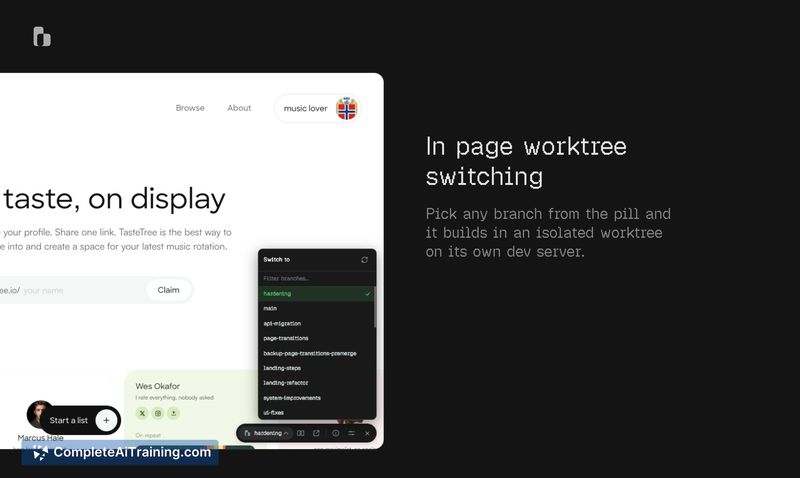
- In-page branch switching: A pill widget inside the browser lets you pick any branch. The daemon builds that branch in an isolated worktree and serves it on its own dev server.
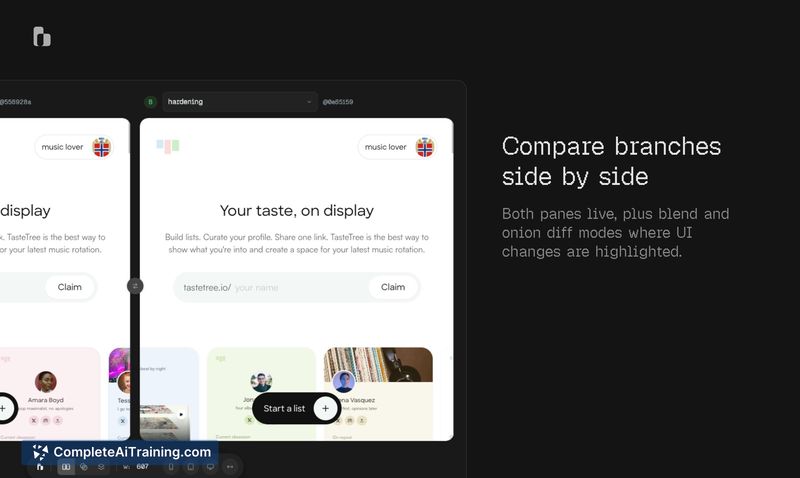
- Side-by-side diffs: Both panes run live. The tool also includes blend and onion diff modes where UI changes get highlighted for visual comparison.
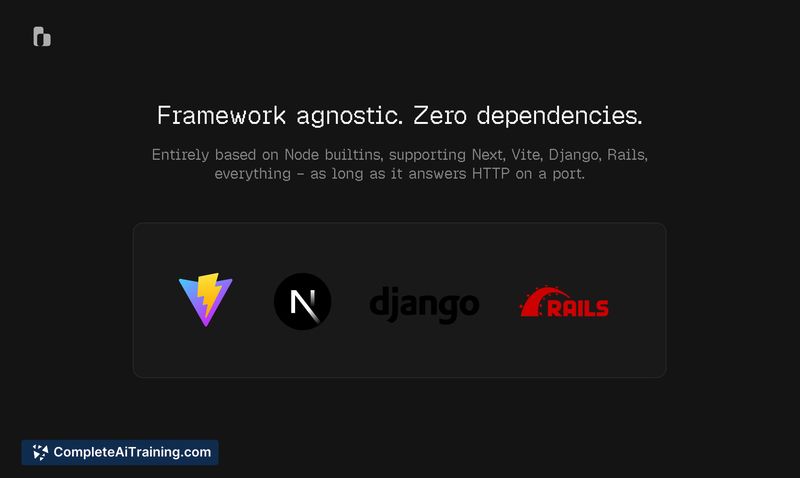
- Framework agnostic: Works with Next, Vite, Django, Rails, or any stack that answers HTTP on a port - no framework-specific adapters required.
- Zero dependencies: The entire codebase uses only Node builtins. No external packages are pulled in, which simplifies security review for loopback-only use.
Pricing and Value
sidebranch is listed as free. The product page does not detail any paid tiers, subscription models, or future pricing changes. The source code and license terms are not specified on the current page.
Pros
- Switching branches happens without touching the developer's working tree or uncommitted changes.
- Loopback-only architecture means the daemon doesn't expose anything to the internet.
- Builds on isolated worktrees, so multiple branches can run concurrently without conflicting with each other.
- Blend and onion diff modes surface pixel-level UI shifts that text diffs would miss.
- No external dependencies keeps the install surface small and the supply chain simple to audit.
Cons
- The daemon listens on a local port, and the current documentation does not describe access controls - other local processes or browser tabs on the same machine could potentially reach that port.
- No route-level change detection exists yet; you must manually open each screen to spot visual differences, which becomes impractical across large applications with many views.
- Teams working with remote development environments or cloud-based dev servers won't find this useful, since sidebranch depends on a local loopback connection.
sidebranch fits solo developers and small teams who review UI-heavy pull requests on their own machines and want to skip the rebuild cycle. It's less suited for projects with dozens of click flows, where manually hunting for visual regressions would take too long. The maker has mentioned a potential agent-accessible diff mode on the roadmap, but that capability isn't available yet.
Jobs sidebranch suits
We checked sidebranch against 500+ jobs; these get the most out of it.



