AI tool
SKI
SKI is a local voice interface for coding agents that lets developers speak commands and hear spoken responses. It runs offline on Mac and Windows, allowing users to control sessions hands-free or send the agent to meetings.
About SKI
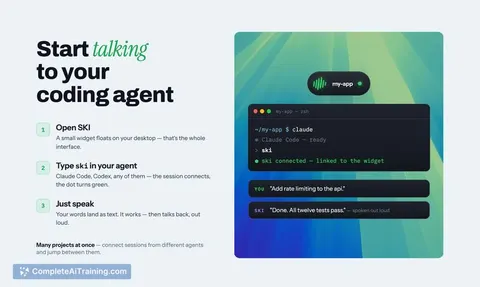
SKI is a desktop application that adds voice interaction to coding agents like Claude Code and Codex. It runs locally on Mac and Windows, with a Linux version on the roadmap. Instead of typing prompts, you hold a key, speak, and the agent responds out loud - the tool closes the loop between voice input and spoken output.
Review
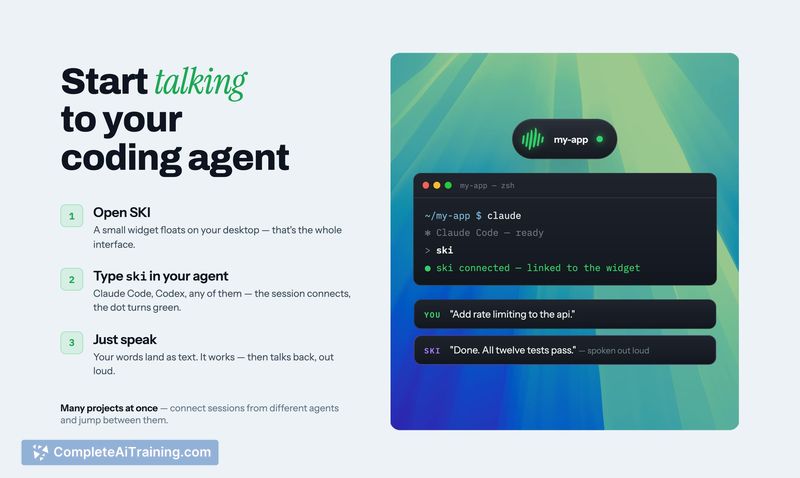
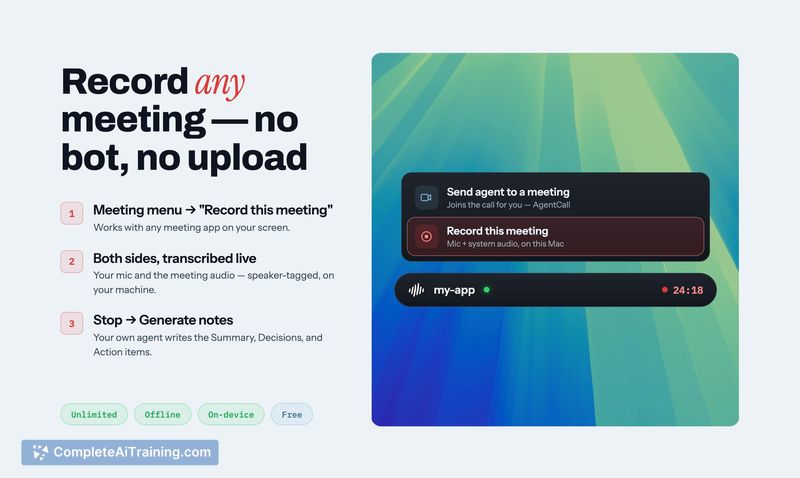
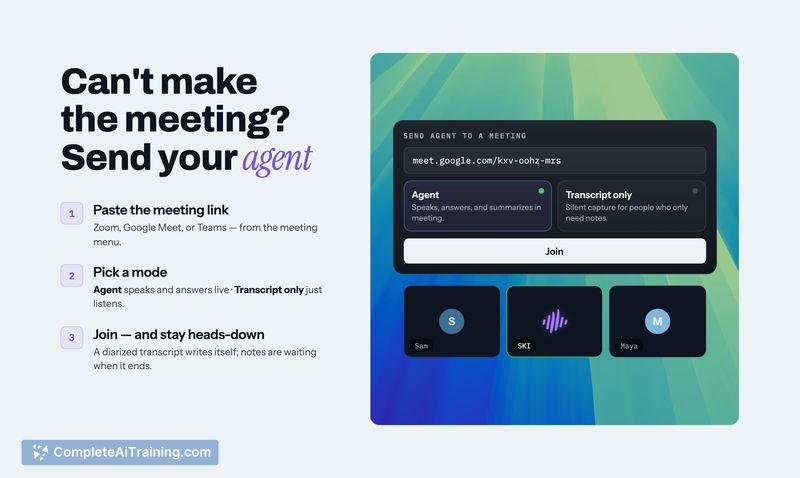
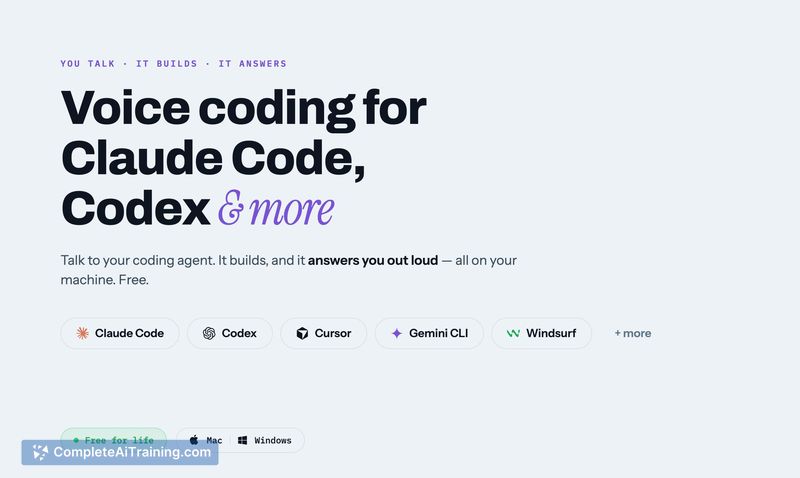
SKI approaches voice coding as a two-way conversation. The tool sits in the system notch or widget area and activates with a push-to-talk key, sending your spoken request to the coding agent and then playing the agent's reply as audio. All local processing happens on-device, and there's an optional cloud feature for letting the agent join meetings as a participant.
Key Features
- Local speech-to-text and text-to-speech run on the user's machine, no cloud required for standard use.
- Agents can speak back out loud, summarizing results or asking for input instead of just displaying text.
- A "review before send" option lets you inspect and edit the transcript before it reaches the agent.
- Meeting call integration allows the agent to participate as a separate voice in calls, speaking on your behalf.
- Screenshot sharing via hotkey lets the agent see your screen when you describe a visual issue.
Pricing and Value
Local voice features are free for life. There's no card or payment required for on-device functionality. The optional cloud agent calling feature - where the agent attends a meeting - uses per-minute billing. New accounts get free credits, and once those run out, you can manually add credits. The exact per-minute rate isn't listed on the page, but a user comment mentions seeing $2.50 in their account status, which the maker confirmed relates to the cloud call feature.
Pros
- Voice loop is bidirectional - the agent talks back, which is absent in voice-to-text-only tools.
- Works entirely offline for local use; no internet connection needed for speech processing.
- Push-to-talk and hotkeys are configurable, with a mute option built into the widget.
- Agents can take screenshots on command, making visual debugging faster to describe.
- Transcript review step can catch mishearings before destructive commands execute.
Cons
- No in-app output device selection yet; you can't route agent speech to a headset separately from system audio.
- Fluent ASR errors on similar-sounding phrases pose a risk - "delete test file" vs "delete rest of file" - and the safety gate is in the same voice channel, unless you enable global review which slows every interaction.
- Not well suited for developers who prefer reading long code diffs or verbose agent output; the agent speaks only brief summaries by default, and reading code aloud isn't practical.
SKI fits teams that already use CLI coding agents and want to reduce typing during fast iteration or live collaboration. It's less helpful if you rely on carefully reading every agent response or need granular audio routing. The tool's local-first design keeps it usable offline, while the meeting feature adds a novel way to involve an agent in real-time discussions.
Jobs SKI suits
We checked SKI against 500+ jobs; these get the most out of it.
Alternatives to SKI
Other tools that do the same main job. Our AI compared SKI with similar tools and kept the ones you could use instead.