AI tool
Skim Recap
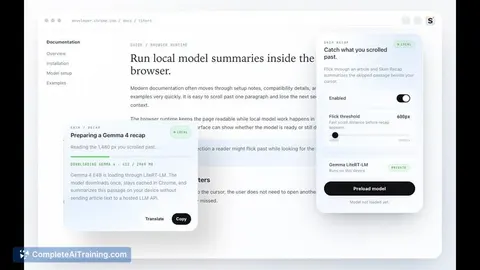
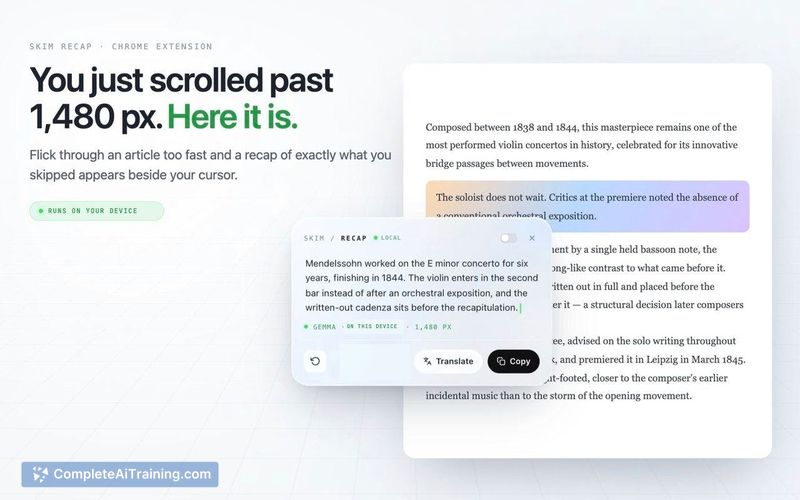
Skim Recap generates summaries of web articles you scroll past quickly. It is designed for readers who want to review skipped content without rereading the entire page. The tool runs locally in your browser using WebGPU.
About Skim Recap
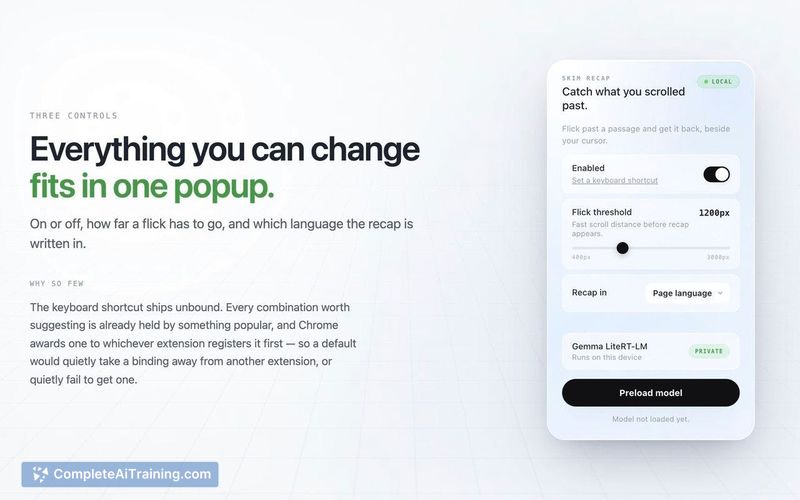
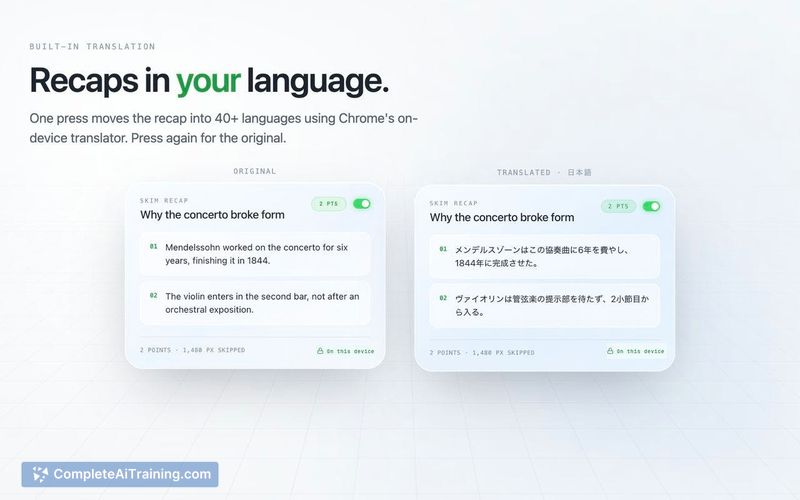
Skim Recap is a Chrome extension designed to capture content skipped during rapid scrolling. It displays a summary card next to the cursor for the missed passage and offers local explanation capabilities for specific terms. The tool operates entirely on-device using WebGPU and LiteRT-LM, requiring no user accounts or external API connections.Review
Key Features
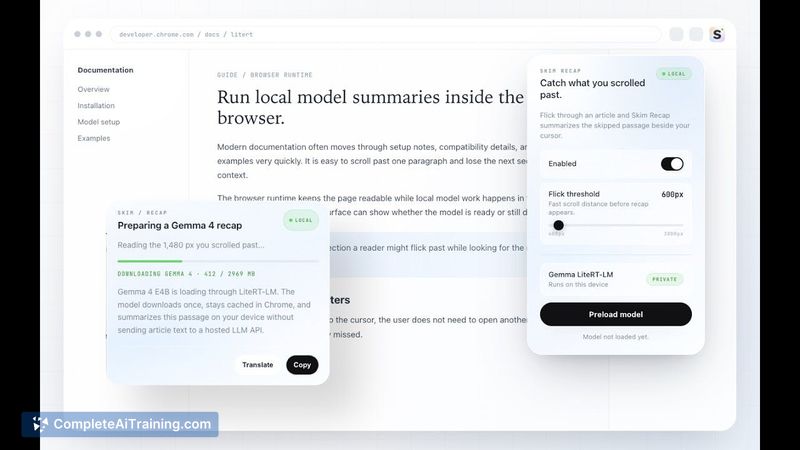
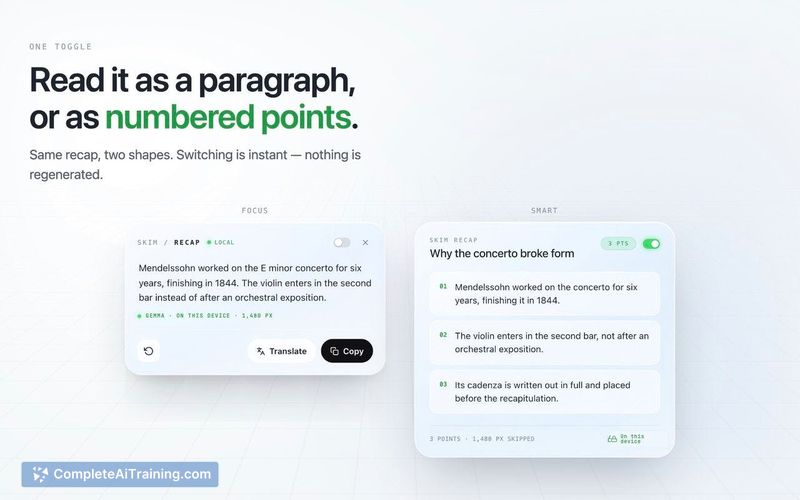
- Fast Scroll Detection: Identifies rapid scrolling activity and generates a recap of the specific text passage that was bypassed.
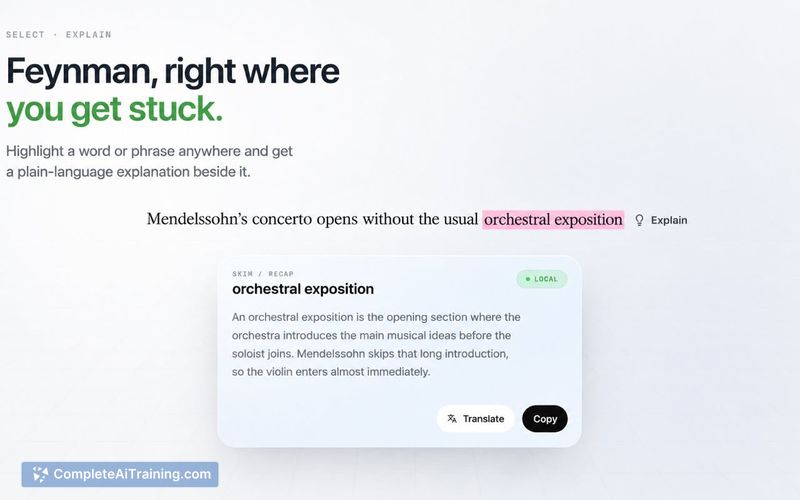
- Feynman Explanation: Allows users to select a word or phrase within the article or the recap card to receive an explanation based on surrounding context, headings, and page titles.
- Local Processing: Runs entirely via Gemma 4 E4B, LiteRT-LM, and WebGPU without sending data to hosted LLM APIs.
- Shadow Root Rendering: The recap card utilizes a shadow root to prevent host-page CSS from altering its appearance.
Pricing and Value
The extension is free to use. Users must download a one-time model file of approximately 2.97 GB. This size reflects the trade-off for running complex language models locally without subscription fees. System requirements include WebGPU support and sufficient local disk and memory resources.Pros
- Recaps are limited strictly to the skipped passage, maintaining fidelity to the original text.
- The Feynman feature adapts explanations based on specific document context, such as distinguishing between different meanings of "Argument."
- No account creation or internet connection is required for core functionality after the initial model download.
Cons
- The 2.97 GB model download requires substantial local storage space.
- Performance depends heavily on hardware supporting WebGPU and having adequate memory.
- The tool is not well suited for users with older devices lacking modern GPU acceleration or those who prefer cloud-based solutions to save local disk space.
Jobs Skim Recap suits
We checked Skim Recap against 500+ jobs; these get the most out of it.
Alternatives to Skim Recap
Other tools that do the same main job. Our AI compared Skim Recap with similar tools and kept the ones you could use instead.