AI tool
Sider Omni Sidebar
Sider Omni Sidebar is an AI assistant that integrates into your browser sidebar to summarize web pages and chat with PDFs or images. It is built for professionals and students who want to handle research and reading tasks without switching tabs.
About Sider Omni Sidebar
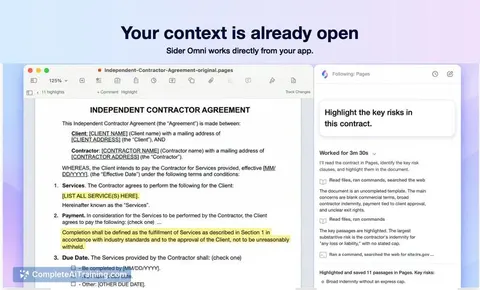
Sider Omni Sidebar is a Mac application that places an AI agent panel beside any open app. The tool reads what's on screen-text, buttons, and screenshots-and acts on that content directly within the workspace, using the current window as context. It runs on GPT-6 Astra and can operate with existing ChatGPT or Codex credits.
Review
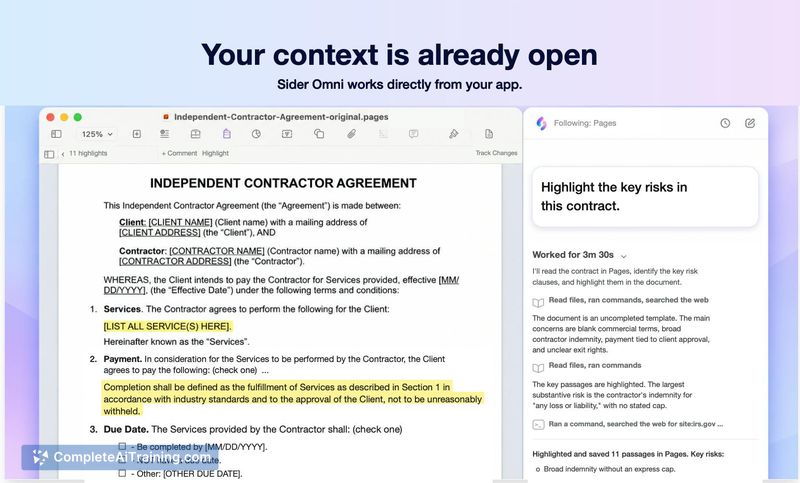
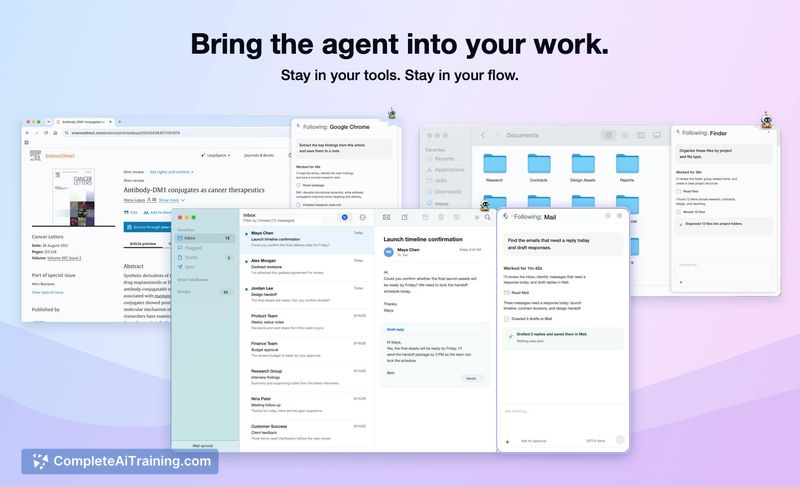
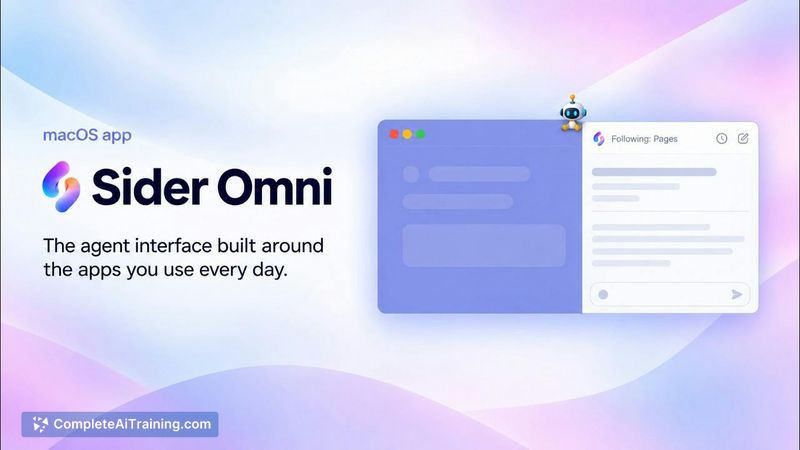
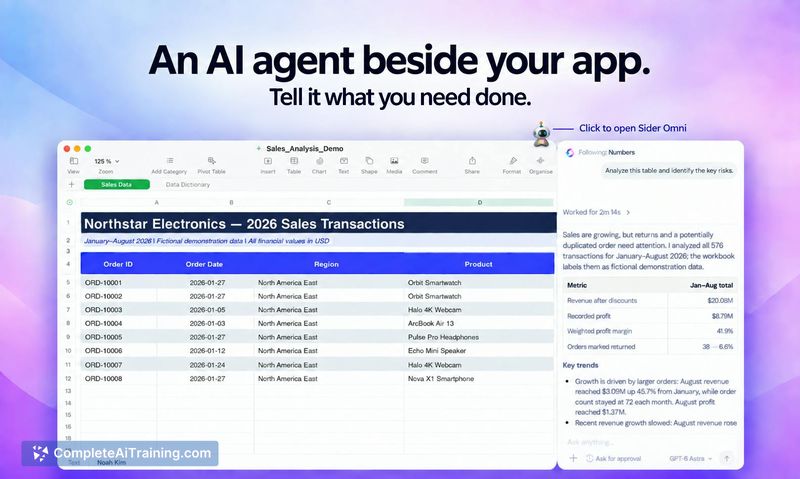
Sider Omni Sidebar takes a different approach from standalone AI chat windows by embedding the agent right where you're working. Instead of copying data between apps, you ask the sidebar to work with what it sees on screen. The tool was built by a four-person team and launched with support for browser actions, desktop app control, file handling, and terminal commands.
Key Features
- Screen-aware context that reads text, buttons, and screenshots from the active window-but only after you ask a question or start a task that needs that context
- Direct in-app actions across Mac applications, such as creating charts in Numbers from a table already on screen, without exporting data or switching windows
- Model selection that lets users pick from supported AI models, including GPT-6 Astra, while the sidebar automatically chooses the appropriate tools for each task
- Ask for approval mode that requires confirmation before reading sensitive information or private code from the active window
- Companion icon that follows across apps, with configurable settings for the agent's behavior
Pricing and Value
Pricing details are not yet defined in the available reference content. The product page notes that users can run the sidebar on their existing ChatGPT or Codex credits, and there is a free option listed. The team has not published specific pricing tiers or subscription models at this stage.
Pros
- Eliminates copy-paste workflows by acting on screen content directly in the host application
- Works across multiple Mac apps rather than being confined to a single program or browser tab
- Users can refine outputs iteratively-ask for a chart, inspect it, then request changes without restarting the process
- Default approval gate gives users control over what screen data gets sent to the AI service
- Compatible with existing OpenAI credits, so some users may avoid additional subscription costs
Cons
- Limited to macOS-Windows and Linux users cannot use the sidebar at this time
- Sensitive data handling relies on user discretion; the maker's advice for windows with private data is simply not to launch the tool
- Not well suited for users who need strict data isolation, since screen content is sent to external AI services for processing
Sider Omni Sidebar fits professionals who spend most of their day in Mac desktop apps and want to reduce context-switching when getting AI assistance. It's less practical for those working across multiple operating systems or handling highly sensitive information where any screen sharing with external services raises compliance concerns. The tool's approach to embedding an agent alongside existing workflows rather than in a separate window may appeal to users who find standalone chat interfaces disruptive to their work rhythm.
Jobs Sider Omni Sidebar suits
We checked Sider Omni Sidebar against 500+ jobs; these get the most out of it.
Alternatives to Sider Omni Sidebar
Other tools that do the same main job. Our AI compared Sider Omni Sidebar with similar tools and kept the ones you could use instead.