AI tool
Smart Dictation
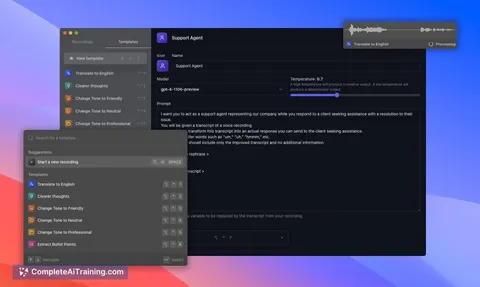
Smart Dictation uses OpenAI’s GPT-4o transcription model for fast, accurate speech-to-text conversion. It offers seamless translation and summarization, providing an efficient all-in-one dictation solution optimized for macOS simplicity.
About Smart Dictation
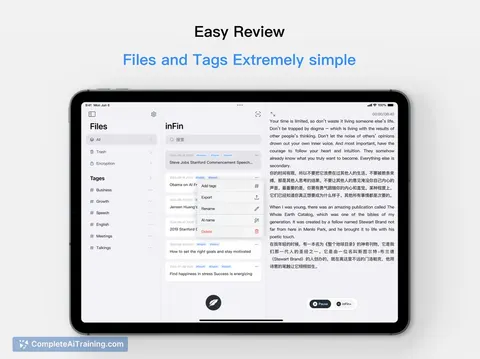
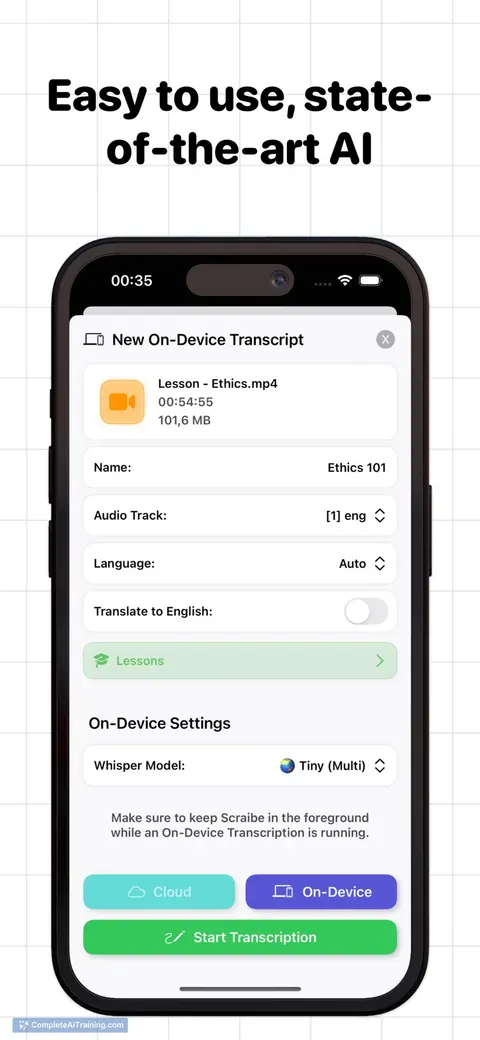
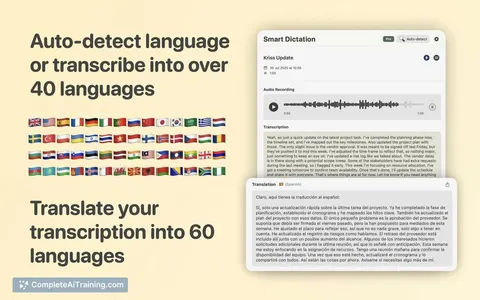
Smart Dictation is a macOS application that uses AI to transcribe, translate, and summarize audio recordings. It is suitable for a variety of audio content including meetings, interviews, lectures, and voice notes, offering quick and accurate text output.
Review
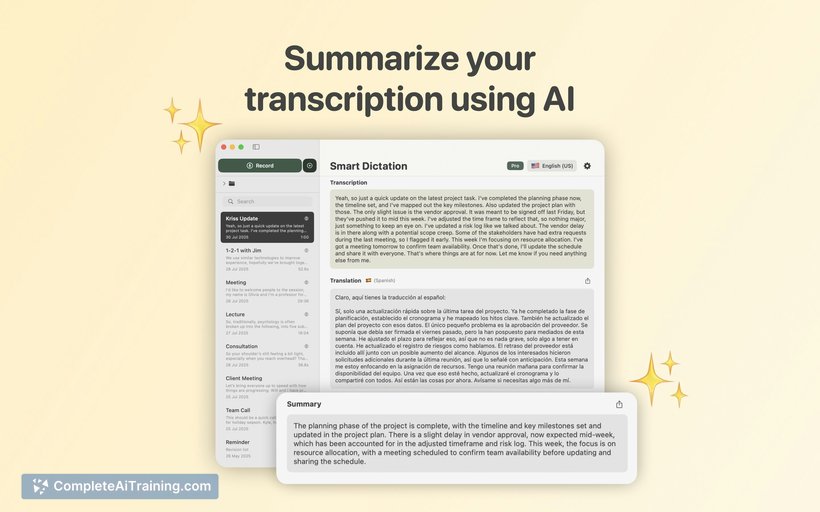
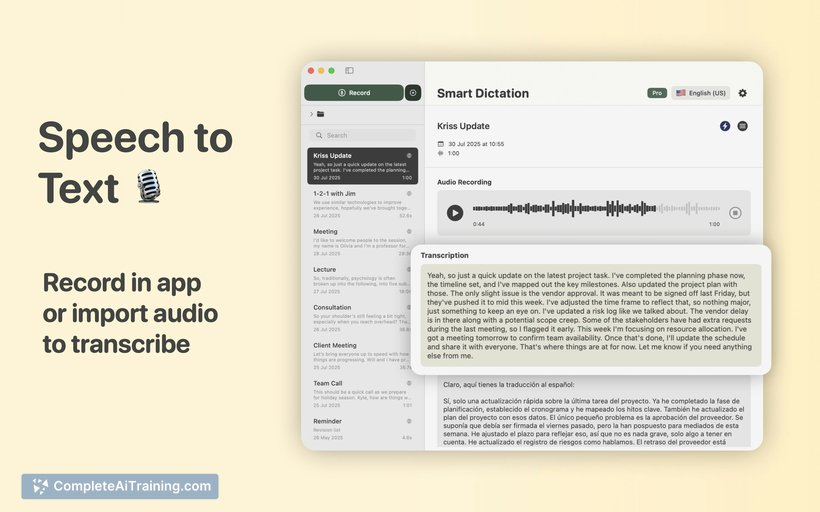
Smart Dictation delivers a streamlined experience for users needing fast and reliable transcription services. Its integration of transcription, translation, and summarization into a single app makes it a convenient tool for managing audio content on Mac devices.
Key Features
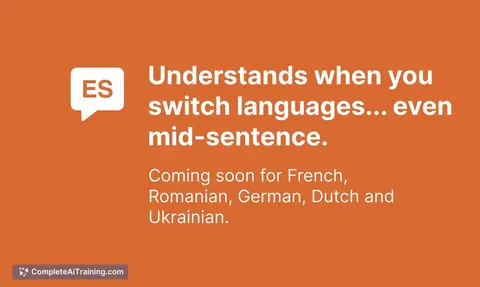
- Multilingual transcription with auto-detection of multiple languages within a single audio file
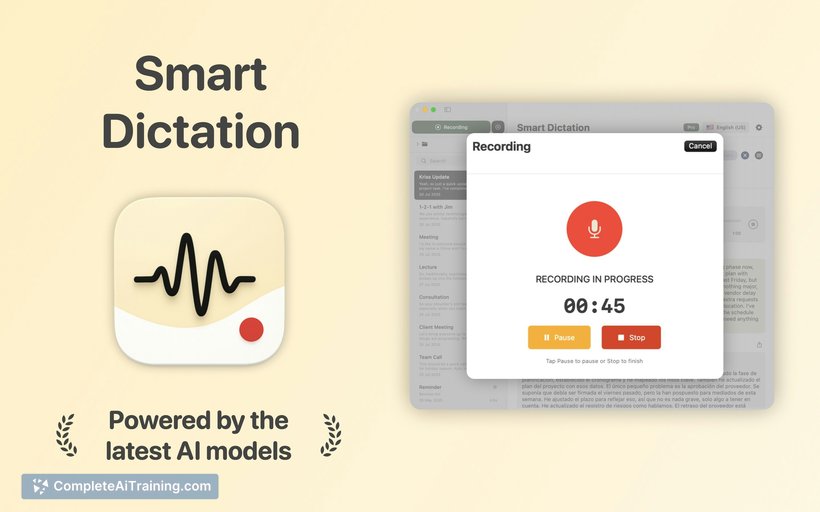
- In-app recording and direct file import for immediate transcription
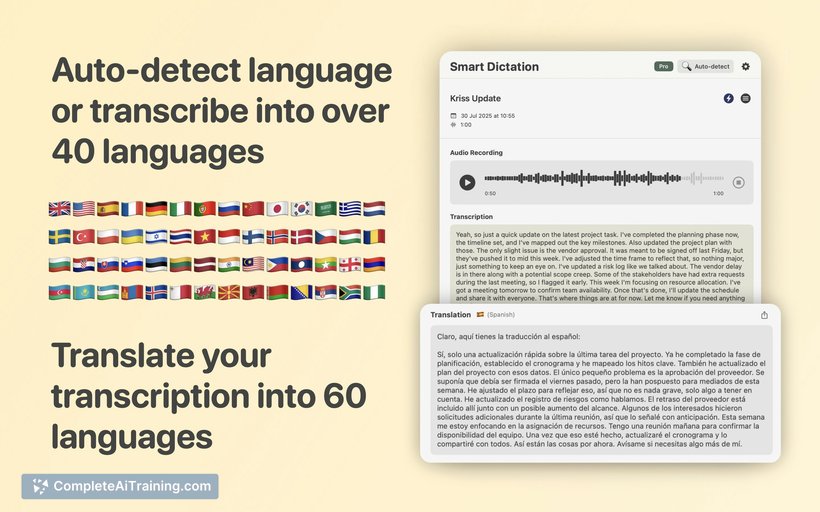
- Translation of transcriptions into over 60 languages
- Summarization of long audio content to highlight key points
- Noise filtering capability that handles background sounds such as café chatter
Pricing and Value
Smart Dictation is currently available as a free app, which provides substantial value given its range of features. The inclusion of advanced AI models for transcription and translation without upfront cost makes it accessible for users looking to enhance productivity without a financial commitment. Future premium features or subscription plans have not been detailed yet.
Pros
- Fast and accurate transcription powered by an advanced AI model
- Seamless handling of mixed-language audio recordings
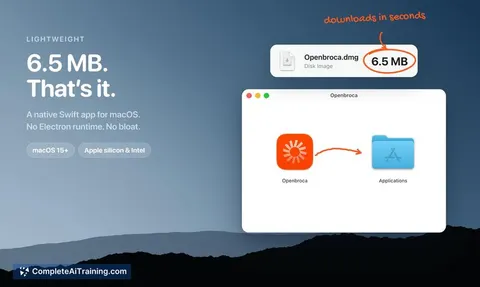
- Simple and intuitive interface optimized for macOS users
- Ability to translate and summarize text within the same app
- Effective noise reduction improves transcription quality in noisy environments
Cons
- Does not currently support automatic speaker identification or tagging
- Limited to macOS, which restricts accessibility for users on other platforms
- Some advanced features, such as detailed language switching, may require manual configuration
Overall, Smart Dictation is well suited for professionals, students, and content creators who frequently work with audio recordings and need quick, multilingual transcription and translation. It is particularly beneficial for those who prefer an all-in-one tool on macOS without juggling multiple applications.
Jobs Smart Dictation suits
We checked Smart Dictation against 500+ jobs; these get the most out of it.
Alternatives to Smart Dictation
Other tools that do the same main job. Our AI compared Smart Dictation with similar tools and kept the ones you could use instead.