
Learning path
Learning AI as a Journalist
AI can help journalists find sharper angles, prepare interviews, and verify facts faster. This path shows how to use it with care, clear steps, and your own editorial judgment.

Your path
Everything in the Journalist AI kit, in the order that makes sense. Members tick off each step and see their progress.
Set up your AI
We guide you through each click.
Let skills do your everyday tasks
Connect your apps and pick your AI apps
Hand whole tasks to AI agents
Build your own tools
Keep growing
Everything for journalists
All the courses, certifications, AI tools, MCP servers and apps for journalists, most relevant first. Open any list to see more.
Take the prompt courses
A short framework course to learn how to ask, then 9 lessons with ready-to-use prompts for journalists.
Start with this framework: how to talk to AI
RACE fits journalism because you define role, action, context, and expected quality, such as a fair court report with verified facts.
Then your prompt course for journalists- 1Story Ideas and Pitches3 prompts
- 2Interview Preparation3 prompts
- 3Transcripts and Source Notes2 prompts
- 4Fact-Checking and Verification3 prompts
- 5Drafting News Articles3 prompts
- 6Editing and Headlines3 prompts
- 7Live Coverage and Breaking News3 prompts
- 8Documents and Data2 prompts
- 9Beat Admin and Audience2 prompts
Watch the video courses or add them to your Favorites for later
105 video courses our AI picked for journalists, most useful first. Save the ones you want to watch later with the heart.
Favorites are saved to your account: sign in or get your AI kit first.
Show all 105 video courses
Get certified, or add certifications to your Favorites
Every course ends in an exam and a certificate you can add to LinkedIn. Save the certifications you are aiming for with the heart.
Favorites are saved to your account: sign in or get your AI kit first.
More certifications for journalistsShow all 24 certifications
Try the AI tools for journalists
24 AI tools our AI matched to the work of journalists, best fit first. Each review shows what it does, its alternatives and the jobs it suits.
Favorites are saved to your account: sign in or get your AI kit first.
Show all 24 AI tools
Connect your AI to the apps journalists use
MCP servers let ChatGPT, Claude or Copilot look things up and get work done in other apps, like your email, calendar or bookkeeping software. These 12 fit the work of journalists best, well-known apps first.
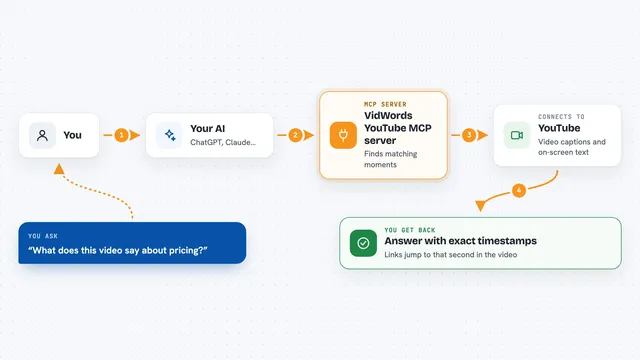
VidWords YouTube MCP server
by haljishiLet your AI read YouTube videos and answer with the exact second it found the answer.
Research Official
Bing Search MCP server
by leehanchungLets your AI search the web, news, and images through Microsoft Bing while you chat.

Google Search MCP server (AceDataCloud)
by AceDataCloudLets your AI run Google searches for web, images, news, videos, places and maps, and hand you the results.
ResearchNo install
Veezee MCP server
by veezeehqLets your AI look up LinkedIn, Reddit and X profiles, companies, posts and search results for you.
Social mediaResearch Official
Brave Search MCP server
by braveLets your AI search the web, news, images, and places through Brave Search.

DuckDuckGo Search MCP server
by nickclydeLets your AI search the web with DuckDuckGo and read the pages it finds.
Show all 12 MCP servers

Web Search MCP server
by pskill9Lets your AI search the web through Google and bring back titles, links, and short descriptions.

Web Researcher MCP server
by zoharbabinLets your AI search trusted sites, read full articles, and give you real, clickable sources.

Google Custom Search MCP server
by A1-x-TechLets your AI search the web and images through your own Google Programmable Search Engine.

tube-bridge MCP server
by TheWhiteWaterSearch YouTube, read transcripts and comments, and build a private searchable library of video content.

Google Trends MCP server
by dariomoryAsk your AI about Google Trends: what people search for, where, and what is rising right now.

Scribefy MCP server
by MKirovBGLet your AI pull YouTube transcripts, search videos, and check video details for you.
Research OfficialBuild your own AI apps for journalists
Apps you build yourself with your own AI, no coding needed and no monthly fee. Our AI picked the 12 that fit the work of journalists.
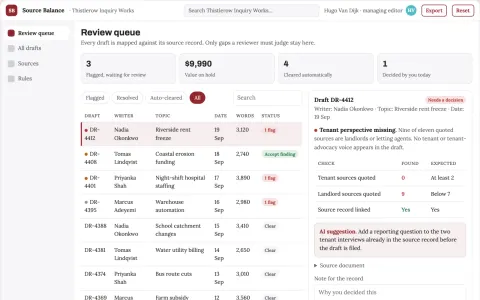
Long-form article source balance desk
Transparent coverage gaps without forced equivalence.
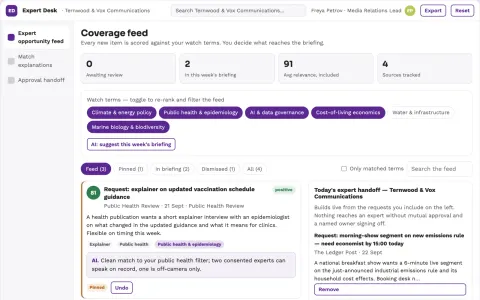
Newsroom expert availability exchange
Create useful evidence-based expert access under time constraints.
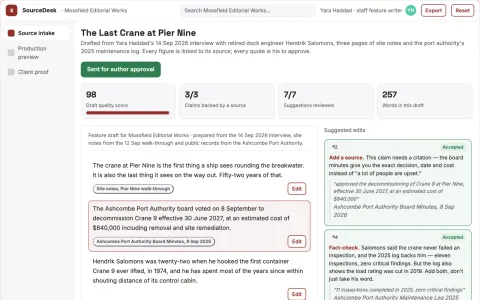
Source-based content workspace with editorial delivery
Reduce manual copying between transcription, summarization, drafting and storage while keeping the writer's voice.
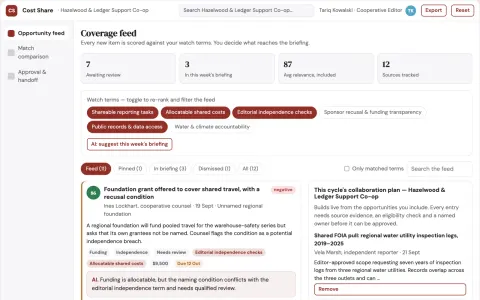
Collaborative reporting cost-sharing cooperative
Fund useful evidence collection through transparent cooperation.
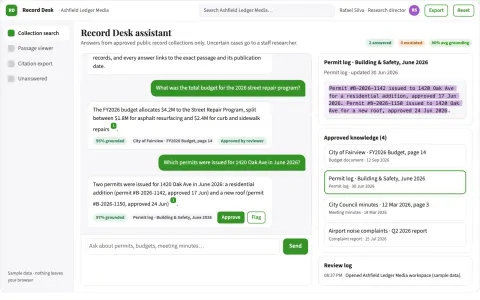
Public records search assistant
Search results retain page-level provenance and publication context.
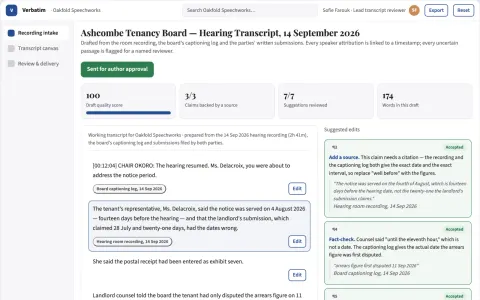
Source recording to reviewed transcript workspace
Reduce the time from raw recording to a reviewed, attributable transcript while keeping the recording and its text inside the owner's workspace.
Show all 12 apps
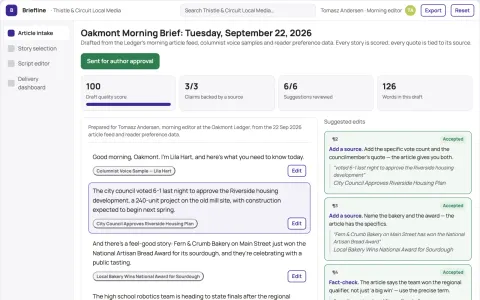
Morning Local Brief
A daily video briefing that uses the paper's own columnist voice and local story selection, creating a personal connection no generic news aggregator can match.
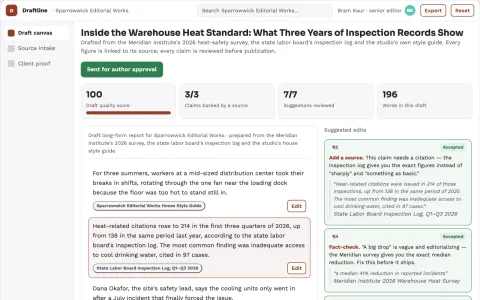
Source-based editorial writing assistance workspace
Reduce editing cycles while keeping the writer's voice and source accuracy.
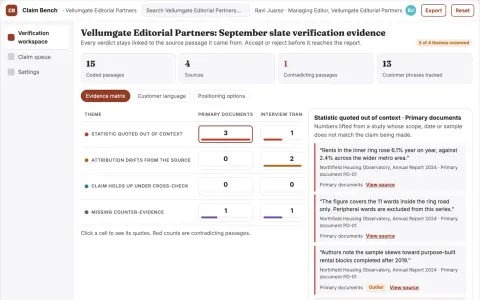
Claim verification and source evidence workbench
Reduce verification time while keeping a defensible evidence trail.
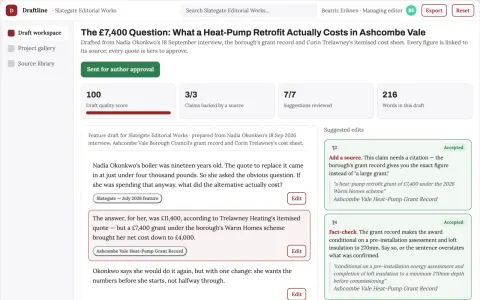
Source-based writing and editorial delivery workspace
Reduce editorial revision cycles while keeping every claim traceable to its source.
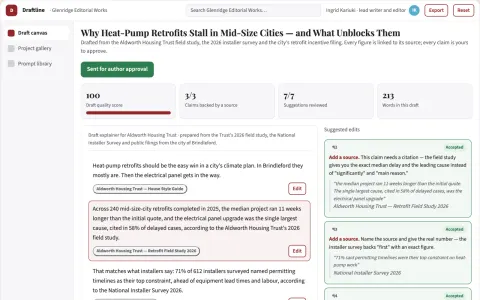
Source-based writing and editorial delivery workspace
Reduce tool switching and revision cycles while keeping the writer's voice and source traceability.
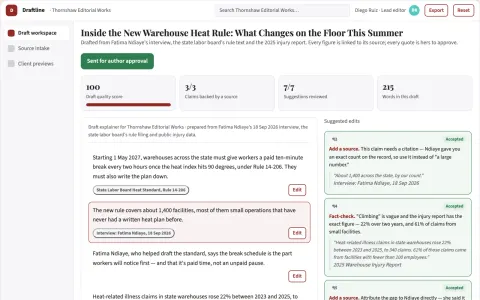
Source-based writing and editorial delivery workspace
Reduce tool switching while keeping sources, drafts and approvals in one owned workspace.









































































































About this learning path
6 topicsAI skills for journalists who report on deadline
Your beat moves fast. A tip arrives, a meeting runs long, and the story still needs to be clear, fair, and checked before it goes out.
AI can help with the parts that slow you down, like sorting notes, shaping questions, and comparing claims with documents. You stay in charge of the reporting, the ethics, and the final call.
Why AI matters now
Newsrooms are using AI for research, transcripts, and early drafts. Editors expect reporters to know what these tools can and cannot do.
The journalists who benefit most are not the ones who trust every answer. They are the ones who ask good questions and verify what comes back.
What the path includes
You start with setup questions and a simple way to connect your AI tool. Then you add skills for your job inside the AI, so it knows your beat, your style, and your standards.
The path includes this prompt course, video courses chosen for journalists, and the certifications that come with those courses. You can move at your own pace and return when a story needs a new approach.
How it saves time
AI can turn a long interview into a short summary, pull key lines from a document, and suggest headline options while you keep reporting. It also helps you prepare for interviews and live coverage without starting from a blank page.
The time you save goes back into source calls, careful verification, and the parts of the story only you can do.
How it protects your career
Using AI well is becoming part of the job. Knowing how to check its work, protect sources, and avoid publishing unverified claims keeps your reputation strong.
This path teaches habits that fit newsroom standards, so you can use these tools without risking trust or accuracy.
How to start
Begin with the setup questions, then connect one AI tool you already use. Try the first prompt lesson on a real story idea, and keep your editor in the loop.
Pick one video course that matches your beat, finish its certification, and build from there. Small steps each week are enough.
Frequently asked questions
Do I need technical skills to use this path?
No. The path starts with plain setup questions and simple examples from news work. If you can write an email and use a search engine, you can follow along.Will AI write my stories for me?
AI can help you draft, organize, and check, but it does not replace your reporting or judgment. You decide what is true, what is fair, and what gets published.How does this protect source privacy?
The path covers safety and privacy for journalists, including what not to paste into an AI tool. You will learn habits that keep confidential material and source identities out of the wrong place.What if my newsroom has its own AI rules?
Follow your newsroom rules first. This path helps you ask better questions about tools, data, and disclosure so you can work within your organization's standards.