AI tool
Syncly (YC W23)
Syncly (YC W23) delivers real-time product and operations insights from daily customer feedback across channels, enabling full visibility of the user experience and proactive actions to reduce churn.
About Syncly (YC W23)
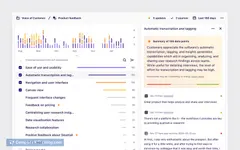
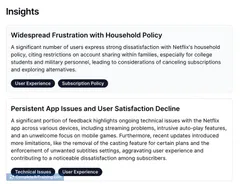
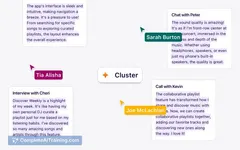
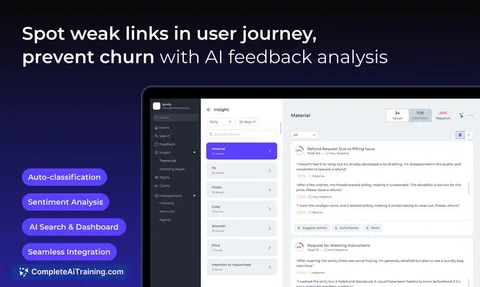
Syncly (YC W23) is an AI-powered platform that centralizes customer feedback from multiple channels such as chats, emails, surveys, and reviews. It provides real-time insights into user behavior and sentiment, helping teams identify weak points in the customer journey to reduce churn and improve overall experience.
Review
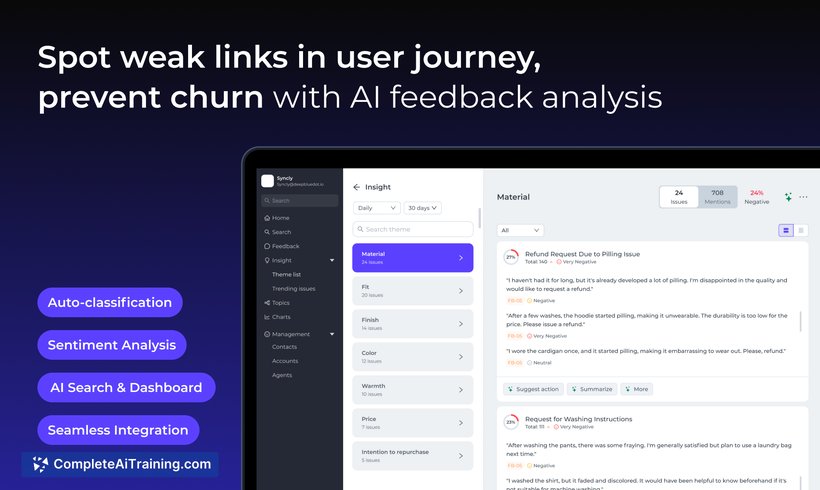
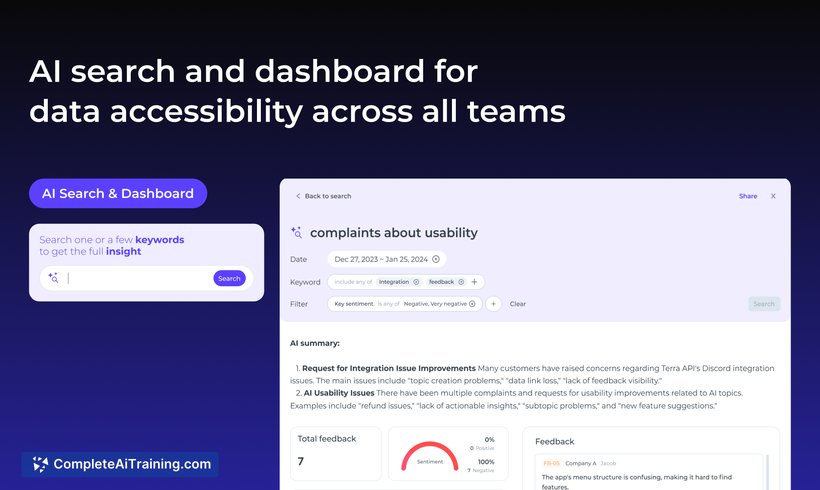
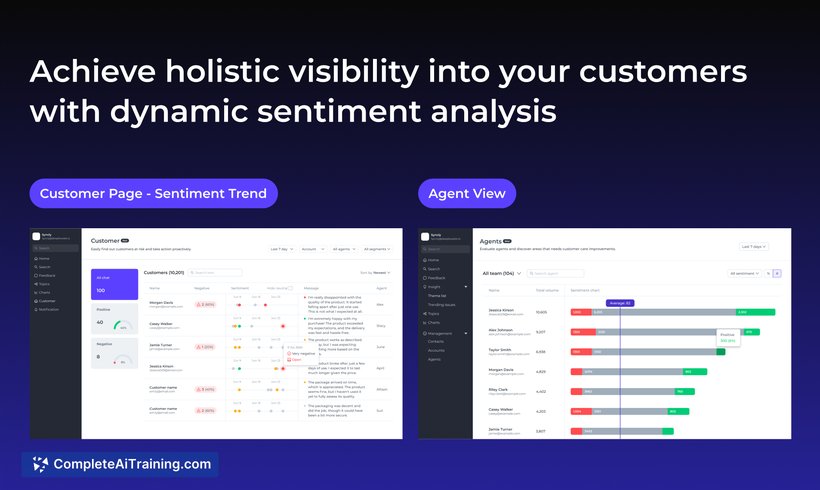
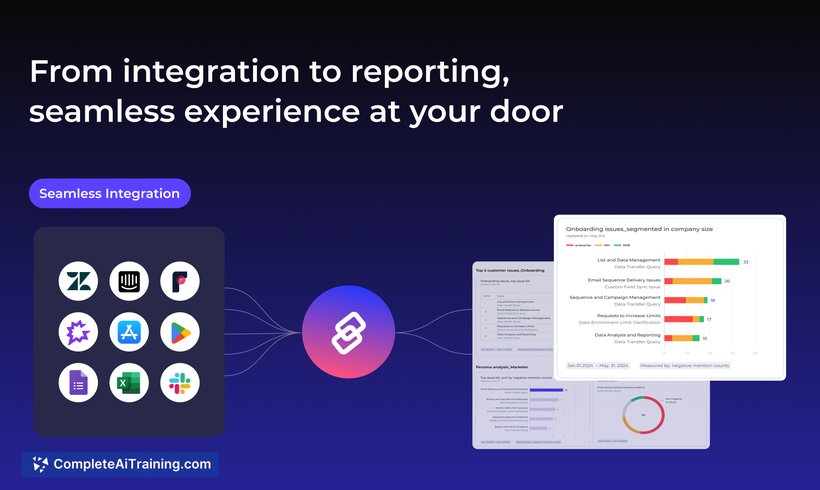
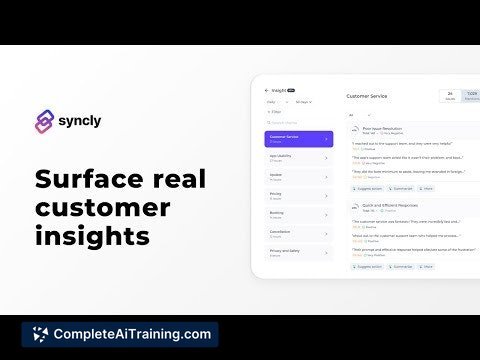
Syncly offers a streamlined approach to managing and analyzing vast amounts of customer feedback without manual tagging. Its AI-driven capabilities enable product and customer experience teams to quickly uncover actionable insights, making it easier to respond proactively to customer needs. The platform is especially useful for organizations handling diverse feedback sources across various industries.
Key Features
- Automated Feedback Categorization: Syncly uses AI to auto-categorize feedback by user intent, eliminating the need for manual tagging and speeding up analysis.
- Dynamic Sentiment Analysis: The tool tracks sentiment changes throughout the user journey, highlighting negative experiences early to help prevent customer churn.
- AI-Powered Search: Users can ask specific business questions and receive instant answers based on aggregated feedback data.
- Customizable Dashboards and Charts: Teams can tailor visual reports to showcase key metrics and share insights easily across departments.
- Multi-Channel Feedback Integration: Syncly consolidates data from chats, emails, surveys, reviews, and more, creating a unified view of customer opinions.
Pricing and Value
Syncly offers a free trial option, allowing potential users to explore its features before committing. While detailed pricing information is not explicitly stated, the platform’s value lies in saving time through automation and providing actionable insights that can reduce churn and improve product decisions. For teams overwhelmed by feedback volume, the investment in Syncly can translate into enhanced customer retention and operational efficiency.
Pros
- Automates feedback analysis, reducing manual effort significantly.
- Provides clear visibility into customer sentiment trends over time.
- AI search functionality enables quick retrieval of critical business insights.
- Supports multiple feedback channels, offering a comprehensive perspective.
- Customizable dashboards facilitate effective team collaboration and alignment.
Cons
- Pricing details are not fully transparent upfront, requiring direct inquiry or demo to understand costs.
- Some advanced AI customization, such as taxonomy setup, may require initial training and adjustment.
- The accuracy of AI classification depends on the volume and quality of available feedback data.
Overall, Syncly is well-suited for product managers, customer experience teams, and businesses that receive large volumes of customer feedback from multiple sources. It is particularly beneficial for tech-enabled service companies and B2B SaaS providers seeking to proactively identify issues and improve retention. Organizations looking for a centralized, AI-driven feedback analysis tool will find Syncly a practical and time-saving choice.
Jobs Syncly (YC W23) suits
We checked Syncly (YC W23) against 500+ jobs; these get the most out of it.
Alternatives to Syncly (YC W23)
Other tools that do the same main job. Our AI compared Syncly (YC W23) with similar tools and kept the ones you could use instead.