AI tool
Szept
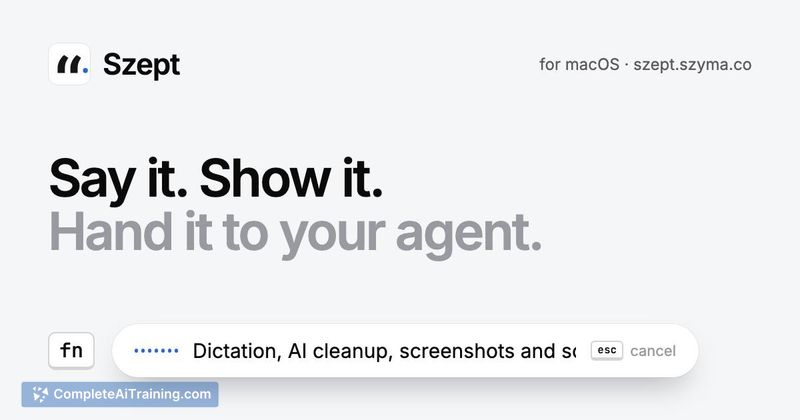
Szept is a macOS dictation tool for developers who switch between Polish and English while talking to coding agents. It streams speech via Soniox, pastes transcribed text into any app, and attaches screenshots when returning to the terminal.
About Szept
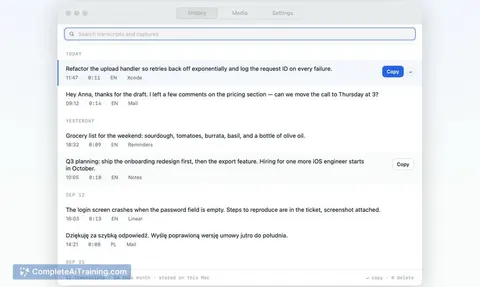
Szept is a macOS desktop application for dictating speech to AI agents. It converts spoken input in over 60 languages into text, applies an AI cleanup step, and can capture screen content to hand off to tools like Claude Code. The app ships with its Swift source code and operates on a one-time payment model.
Review
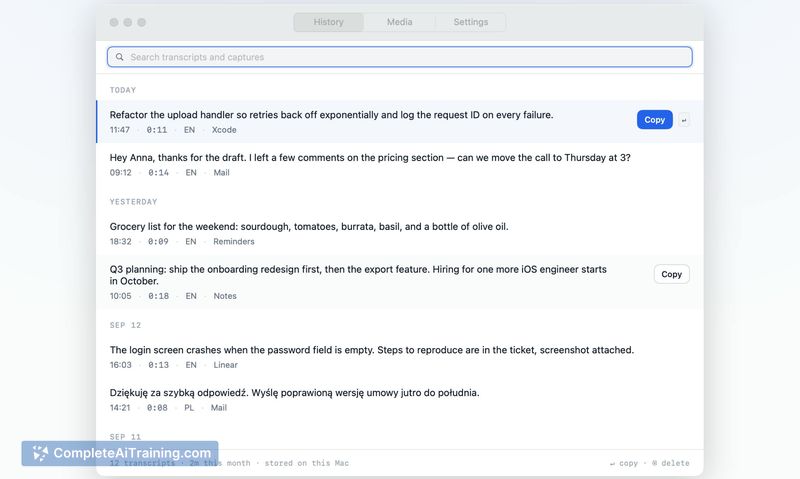
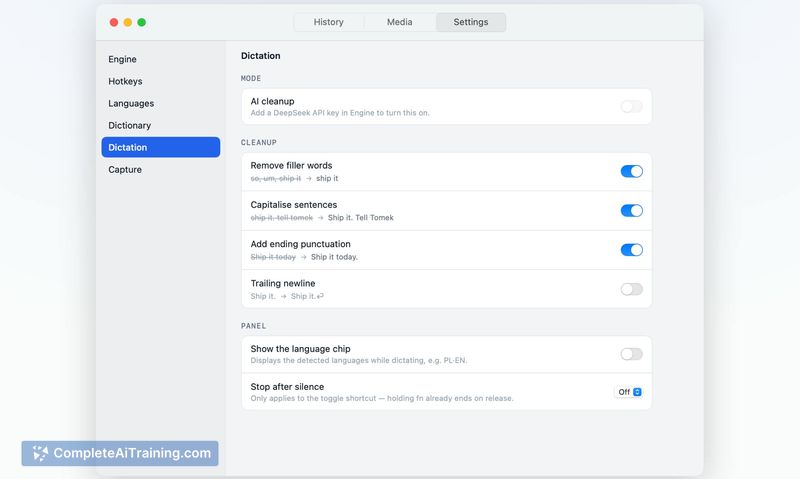

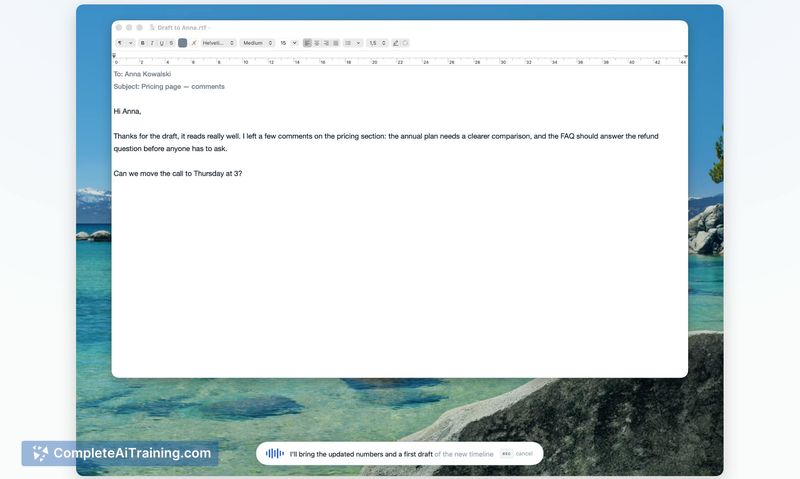
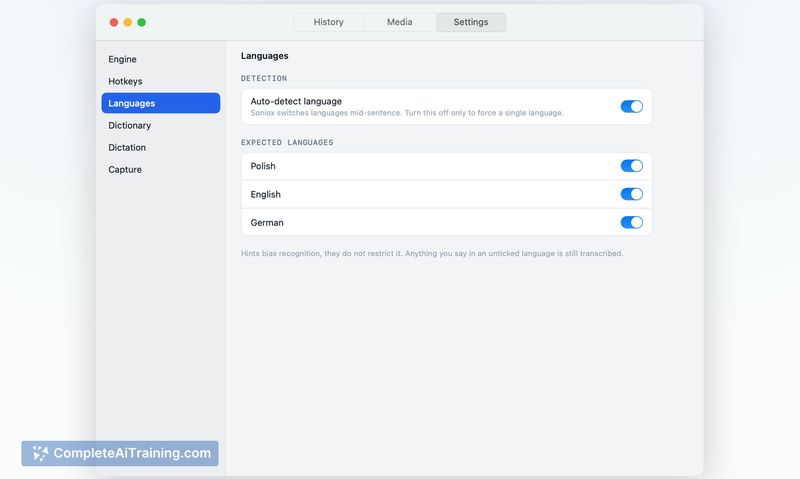
Szept tackles a specific workflow gap: dictation that works outside the confines of apps like ChatGPT or Cursor. The maker built it to speak Polish mixed with English technical terms while coding, and the tool reflects that practical origin. It's a lightweight utility that stays running in the background, streaming audio to Soniox's cloud service for transcription.
Key Features
- Dictation in 60+ languages with streaming transcription via Soniox (user-supplied API key required)
- Screen capture triggered by holding the Fn key, which pastes a file path and spoken sentence directly into the originating terminal
- AI cleanup step that processes raw transcription before pasting, with a 3-second deadline fallback
- App context awareness via macOS Accessibility - the cleanup step knows which application text is headed to, including the URL of the active browser tab
- Full Swift source code included with the purchase
Pricing and Value
Szept requires a one-time payment. A 50% launch discount is currently active. Users must also bring their own Soniox API key, which means ongoing transcription costs are separate and depend on individual usage volume. Exact pricing figures beyond the launch discount are not publicly listed on the tool's page.
Pros
- Works across any macOS app, not locked to a single AI tool's interface
- Screen-plus-voice handoff to Claude Code via the Fn key shortcut
- Source code ships with the app, including a CLAUDE.md file documenting development pitfalls
- Transcription latency improved to roughly 180 ms after a streaming fix
- App-aware cleanup adapts text formatting based on destination (e.g., treats Gmail in Brave as mail)
Cons
- No offline mode - all audio is sent to Soniox's cloud service for processing
- macOS only, with no indication of Windows or Linux support on the roadmap
- The tool is not well suited for users who need fully local, on-device transcription due to privacy or connectivity constraints
Szept fits developers who regularly dictate to coding agents and want a single tool that works across terminals, email, and browsers. The included source code and documented pitfalls make it relevant for those who might modify or inspect how it works. Users who require offline dictation or work outside macOS won't find what they need here.
Jobs Szept suits
We checked Szept against 500+ jobs; these get the most out of it.
Alternatives to Szept
Other tools that do the same main job. Our AI compared Szept with similar tools and kept the ones you could use instead.