AI tool
Ito
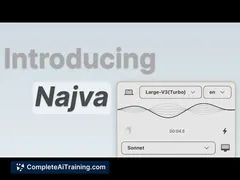
Ito is a free, open-source Mac app that converts your voice into polished text across any application. Capture ideas, transcribe meetings, or write hands-free with accurate speech recognition and instant formatting, boosting productivity and creat...
About Ito
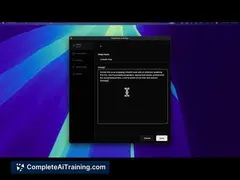
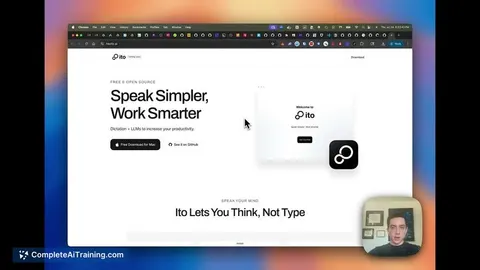
Ito is an AI-powered voice-to-text application developed for Mac users. It allows you to dictate naturally while converting your speech into polished, formatted text that can be used across any app on your device.
This tool focuses on making the process of capturing ideas, transcribing meetings, or writing messages more seamless and distraction-free.
Review
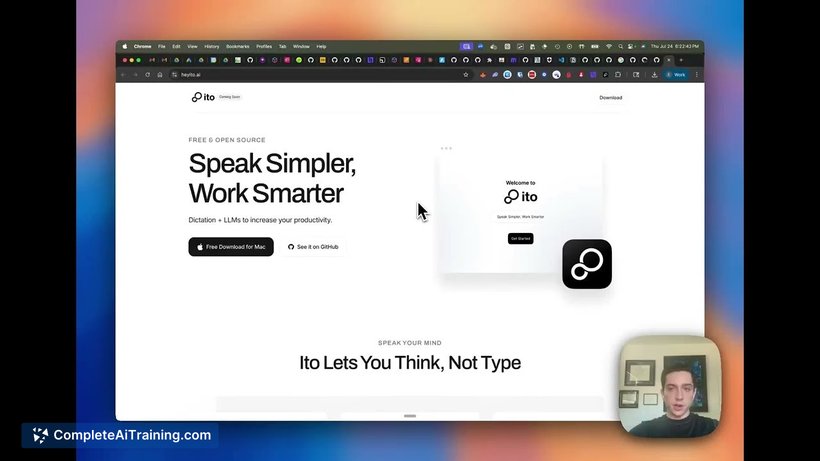
Ito offers a straightforward solution for those looking to reduce typing and speed up content creation by speaking directly into their Mac. Its emphasis on delivering refined text rather than raw transcriptions makes it suitable for various writing needs including emails, documents, and social media posts.
As an open-source and lightweight app, it invites users to try it freely and provide feedback, which is valuable for ongoing improvements during its early stages.
Key Features
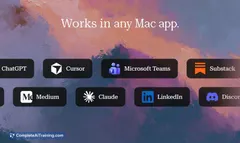
- Dictate directly into any application on Mac without switching tools.
- AI-generated polished text output that goes beyond basic transcription.
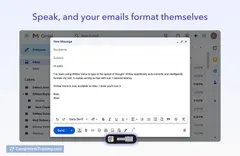
- Instant formatting to produce ready-to-use messages and documents.
- Lightweight and open-source, making it accessible and easy to install.
- Suitable for a wide range of uses including brainstorming, emails, and meeting notes.
Pricing and Value
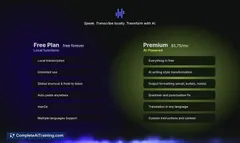
Ito is offered completely free of charge, making it an attractive choice for users who want to experiment with voice-to-text technology without financial commitment. Being open-source also means there is potential for community-driven enhancements and transparency in its development.
Its value lies in simplifying the writing process and supporting productivity without requiring expensive subscriptions or licenses.
Pros
- Free and open-source, encouraging broad accessibility and customization.
- Produces polished, formatted text rather than just raw transcription.
- Easy to use with any app on Mac, supporting seamless workflow integration.
- Lightweight software that does not burden system resources.
- Facilitates creativity and productivity by reducing the need to type.
Cons
- Currently only available for Mac, limiting cross-platform use.
- As a new product, it may have occasional bugs and limited advanced features.
- Relies on user feedback for improvement, so some functionalities may still be developing.
Overall, Ito is well-suited for individuals who frequently write or take notes on Mac devices and prefer speaking to typing. It is ideal for professionals, students, and creatives looking to increase productivity and reduce typing fatigue. Users who value open-source software and want a simple, no-cost voice-to-text solution will find this tool particularly useful.
Jobs Ito suits
Useful in almost any job. We checked Ito against 500+ jobs; these get the most out of it.
Alternatives to Ito
Other tools that do the same main job. Our AI compared Ito with similar tools and kept the ones you could use instead.